

GPU Comparison Tool
GPU Comparison Tool Powered by GeekaWhat
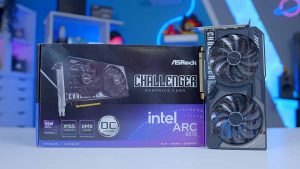 Intel ARC B570
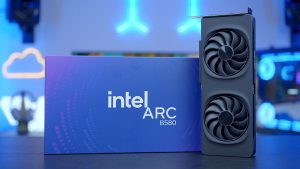 Intel ARC B580
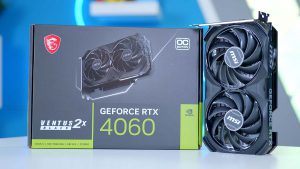 NVIDIA GeForce RTX 4060
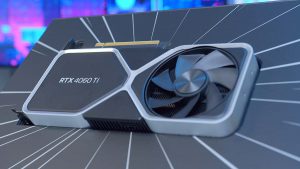 NVIDIA GeForce RTX 4060 Ti
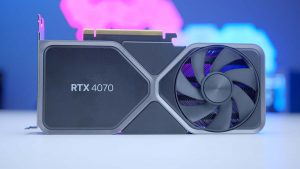 NVIDIA GeForce RTX 4070
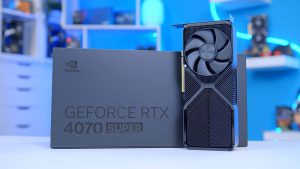 NVIDIA GeForce RTX 4070 SUPER
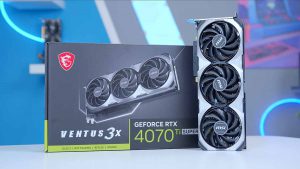 NVIDIA GeForce RTX 4070 Ti SUPER
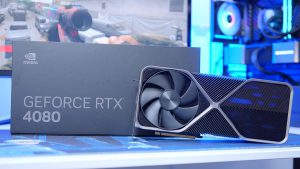 NVIDIA GeForce RTX 4080
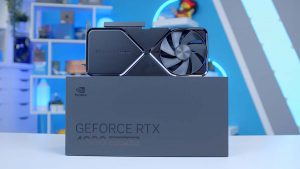 NVIDIA GeForce RTX 4080 SUPER
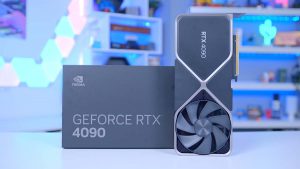 NVIDIA GeForce RTX 4090
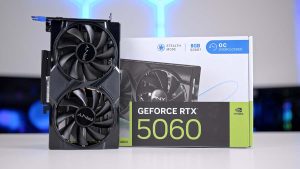 NVIDIA GeForce RTX 5060
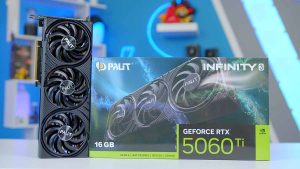 NVIDIA GeForce RTX 5060 Ti 16GB
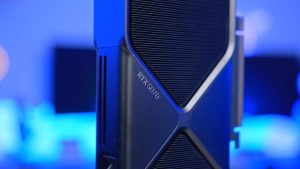 NVIDIA GeForce RTX 5070
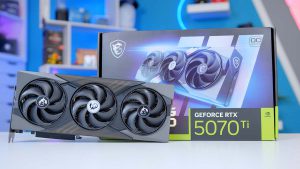 NVIDIA GeForce RTX 5070 Ti
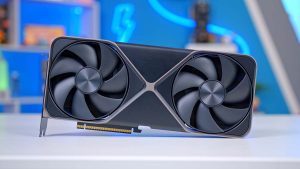 NVIDIA GeForce RTX 5080
 NVIDIA GeForce RTX 5090
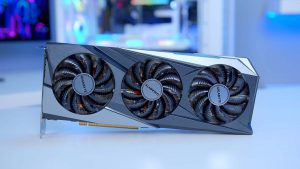 AMD Radeon RX 7600
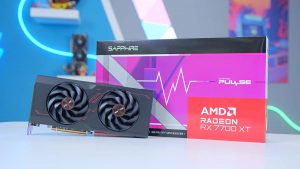 AMD Radeon RX 7700 XT
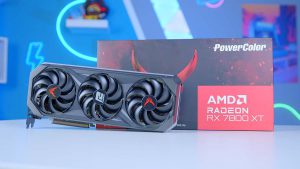 AMD Radeon RX 7800 XT
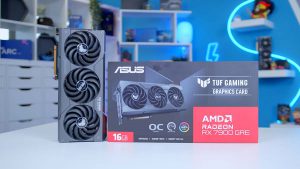 AMD Radeon RX 7900 GRE
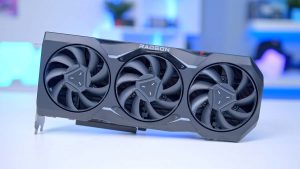 AMD Radeon RX 7900 XTX
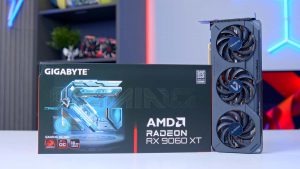 AMD Radeon RX 9060 XT 16GB
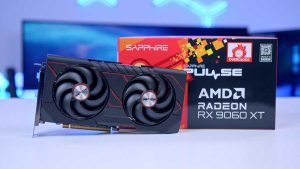 AMD Radeon RX 9060 XT 8GB
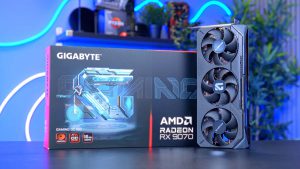 AMD Radeon RX 9070
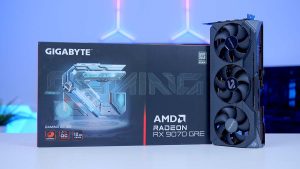 AMD Radeon RX 9070 GRE
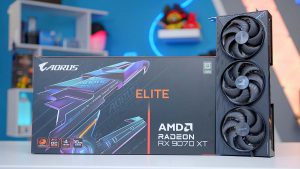 AMD Radeon RX 9070 XT
Popular Comparisons
No GPUs Selected
Search above to add GPUs, or browse the Graphics Cards page and use the compare bar.


Average Performance Across All Games
About the GPU Comparison Tool
The GeekaWhat GPU comparison tool is built to enable you to compare up to four graphics cards from NVIDIA, AMD and Intel in your favourite titles. Unlike other tools, the GeekaWhat GPU Comparison tool is built using our own 1st party performance data. This means the results you see come from FPS testing we've done in our office, using our inventory of the latest GPUs.
The tool allows you to select your favourite game, desired resolution and even settings like Upscaling and Ray Tracing. This allows you to make informed buying decision on the best card to buy, and you can even compare pricing on a range of cards to ensure you choose the best value option for your next system.
- Up to 4 GPUs
- NVIDIA, AMD & Intel
- 1st Party FPS Data
- Resolution & Settings
- Upscaling & Ray Tracing
- Pricing Comparison
What makes the GeekaWhat tool different from other GPU comparison tools?
Unlike most comparison tools, ours runs on our own 1st party performance data. Every figure you see comes from FPS testing we've carried out in our office, using our own inventory of the latest GPUs, rather than numbers pulled from manufacturer claims or third-party databases.
How many graphics cards can I compare at once?
You can line up to four graphics cards side by side, drawn from NVIDIA, AMD and Intel, so you can weigh up the options across different brands in one place.
Can I change the resolution and graphics settings?
Yes. You can pick your favourite game and desired resolution, and toggle settings like Upscaling and Ray Tracing, so the numbers reflect how you'd actually play rather than a single fixed preset.
What if there's data missing or my game isn't on there?
When a new GPU or game lands we work hard to do as much testing as possible. We try to test every combination, but that isn't always possible. Adjust the filters to get more results and different resolutions and fidelity settings.
Does the tool help me find the best value card?
It does. Alongside performance, you can compare pricing across a range of cards, which makes it easier to spot the best value option for your next system rather than just the fastest one on paper.
Can I use the tool to plan a new PC build?
Absolutely. By matching up real-world FPS in the games you play with the resolution and settings you'll use, the tool is built to help you make an informed buying decision on the right card for the system you're putting together.