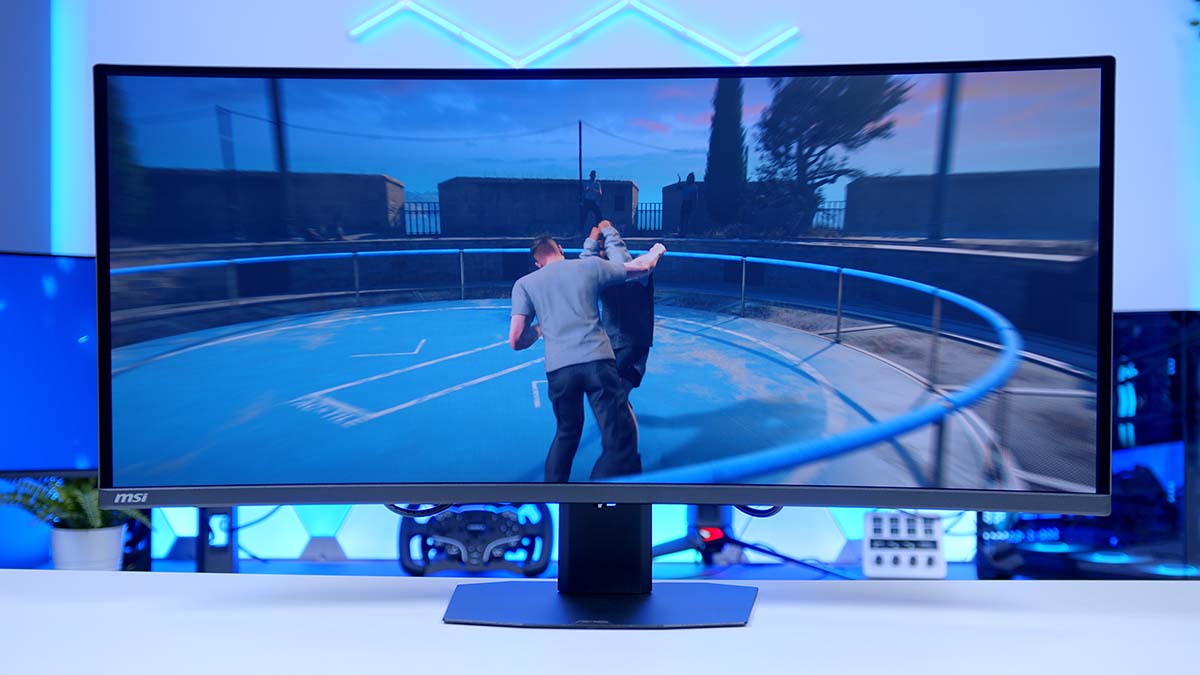
When we reviewed MSI’s MPG 341CQR X36 back in April, it set a new bar for 34-inch ultrawides, pairing fifth-generation QD-OLED with a 360Hz refresh rate and just about every extra you could ask for. The MAG 341CQP QD-OLED X28 takes much of that recipe down into MSI’s mainstream MAG range. You still get the RGB stripe subpixel layout, the DarkArmor coating and the brighter tandem panel, but the refresh rate drops to 280Hz and a handful of the X36’s creature comforts have been quietly left in the parts bin.
It shares its name with the original MAG 341CQP QD-OLED, which topped out at 175Hz, so this is a big step forward for MSI’s more affordable ultrawide. What I wanted to find out is whether those cuts land anywhere you’ll notice, and whether this is the smarter buy of the two.
Specifications
Let’s start with what hasn’t changed, because it’s the important stuff. The X28 is built on MSI’s fifth-gen QD-OLED panel with a vertical RGB stripe subpixel layout, the same arrangement that earned the X36 so much praise. Older QD-OLEDs used a triangular pattern that suited games and films nicely but left coloured fringes clinging to text, and MSI says the new layout minimises that fringing while sharpening text clarity. For an ultrawide that’s likely to double as your work screen, I’d call it the most meaningful upgrade QD-OLED has had in years.
Refresh rate is where MAG and MPG part ways, with the X28 giving up some of the flagship’s speed and its VESA ClearMR rating dropping a tier to match. On an ultrawide at this resolution, that’s still an awful lot of frames to fill. Outside of lighter esports titles on a top-end graphics card, there aren’t many games that would push you past the X28’s ceiling anyway.
Keeping things smooth when frame rates dip, the X28 supports both AMD FreeSync Premium Pro and NVIDIA G-Sync Compatible, so tearing and stutter are taken care of on both AMD and NVIDIA graphics cards. OLEDs can flicker when VRR (Variable Refresh Rate) is active and frame rates move around, though, which is where MSI’s OLED Anti-Flicker PRO comes in. It offers three adjustable levels, and MSI says it significantly reduces that distracting flicker. It’s a small setting, but one I’d recommend experimenting with if a game looks a bit unsettled with VRR switched on.
Brightness is shared with the flagship. The X28’s Penta Tandem panel stacks five light-emitting layers, which MSI says improves light efficiency by up to 30%, and the X28 carries the same VESA HDR certification as the X36. That’s a rung above the True Black 400 badge worn by the original MAG 341CQP QD-OLED, and a sign that HDR on QD-OLED is finally getting the brightness it’s been missing.
Monitor Specifications
- Model MSI MAG 341CQP QD-OLED X28
- Panel Type / Screen Size QD-OLED (5th Gen, Curved) / 34-inch (34.18″ viewable)
- Resolution / Aspect Ratio 3440 x 1440 (UWQHD) / 21:9
-
Refresh Rate / Response Time
Refresh: 280HzResponse: 0.03ms GtGMotion: VESA ClearMR 15000
- Curvature / Viewing Angle 1800R / 178° (H) x 178° (V)
-
Brightness
SDR: 300 nitsHDR Peak: 1300 nits
- Contrast Ratio / HDR 1,500,000:1 VESA DisplayHDR True Black 500
- Colour 99% DCI-P3, 97% Adobe RGB, 136% sRGB 10-bit (1.07 billion colours)
- Display Surface Anti-Reflection (DarkArmor Film)
- Video Inputs 2 x HDMI 2.1 (UWQHD @ 280Hz) 1 x DisplayPort 1.4a (HBR3) 1 x USB Type-C (DP Alt Mode, 15W PD)
- Audio 1 x Headphone out
- Adaptive Sync AMD FreeSync Premium Pro NVIDIA G-Sync Compatible 48-280Hz VRR range
-
Stand / Mounting
Height: 110mmTilt: -5° to +20°Swivel: -30° to +30°VESA: 100 x 100mm
- Dimensions / Weight (With Stand) 811.7 x 229.9 x 430.4mm (W x D x H) 9.5kg
- Power Internal power board
- Warranty 3 years (including panel burn-in)
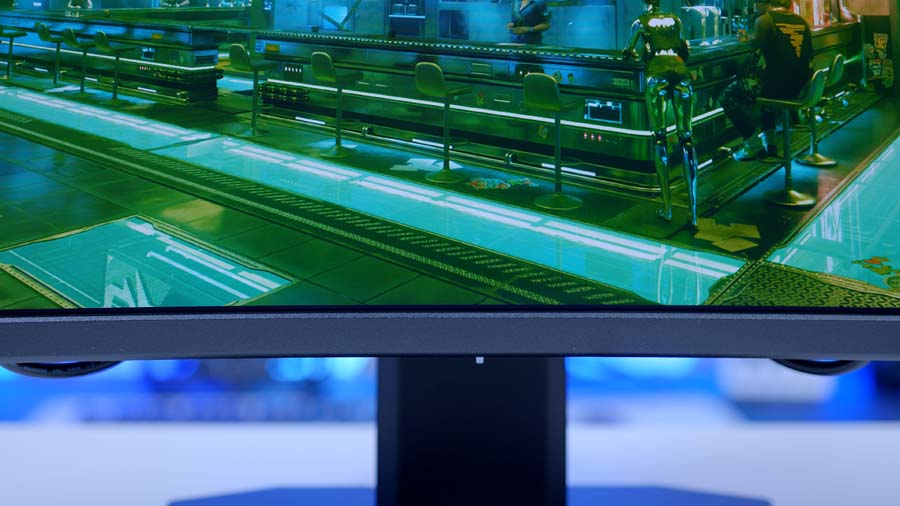
Then there’s DarkArmor Film, carried over from the X36. MSI says it gets rid of the purple tint previous QD-OLEDs picked up under room lighting and improves black levels by 40% in brighter rooms. It also raises surface hardness from 2H to 3H, which MSI quotes as 2.5 times better scratch resistance. If your desk sits beside a window, this is where you’ll feel the difference most.
MSI also quotes a Delta E of two or under out of the box, and includes a colour report in the box. If you’d like to fine-tune things yourself, the menus open up saturation, six-axis colour and gamma controls.
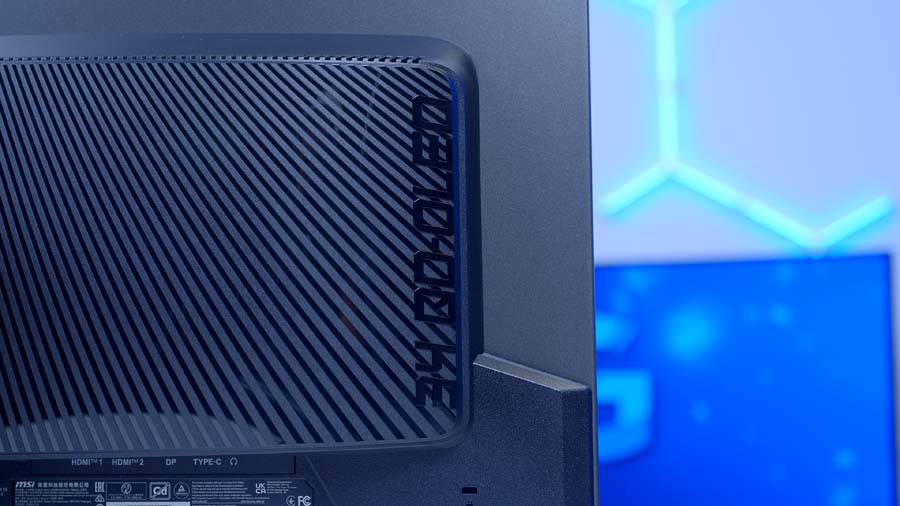
Connectivity is a mixed bag. Both HDMI ports run at the full 48Gbps HDMI 2.1 bandwidth, with VRR, ALLM (Auto Low Latency Mode) and HDMI CEC support, so a PS5 or Xbox Series X can sit alongside your PC without compromise. DisplayPort is the older 1.4a standard, though MSI rates every input, USB-C included, for the full refresh rate at native resolution. The USB-C port carries video too, but that’s about where its usefulness ends, as we’ll get to.
MSI MAG 341CQP QD-OLED X28 Design
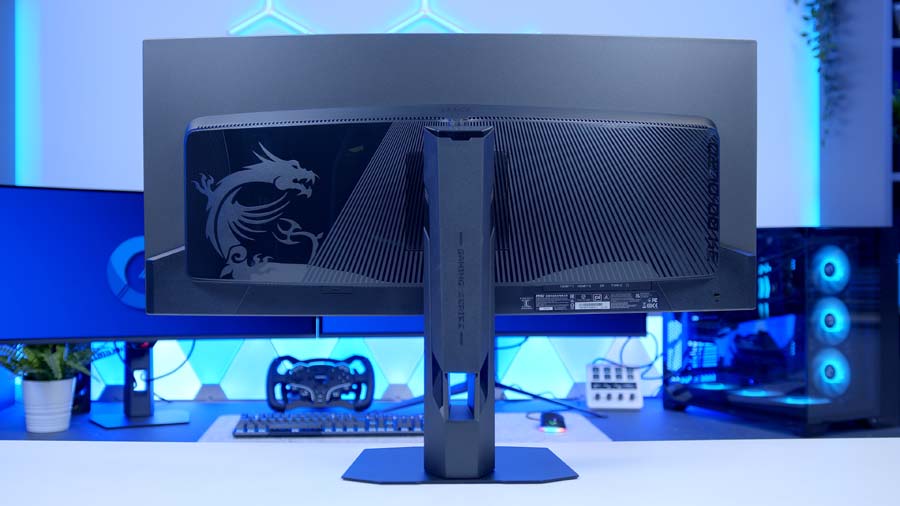
MSI lists a frameless design for the X28, and paired with its gentle curve, it should sit neatly in a work setup as well as a gaming one. There’s no RGB lighting listed on the spec sheet either, so don’t expect a light show.
MSI describes the stand as a flat design, built to adapt to your desk setup and peripherals and make the most of limited space. You get height, tilt and swivel adjustment, and the tilt range actually leans further back than the X36’s, which is welcome on a screen this wide. Prefer a monitor arm? The stand comes off to reveal a standard VESA mount.
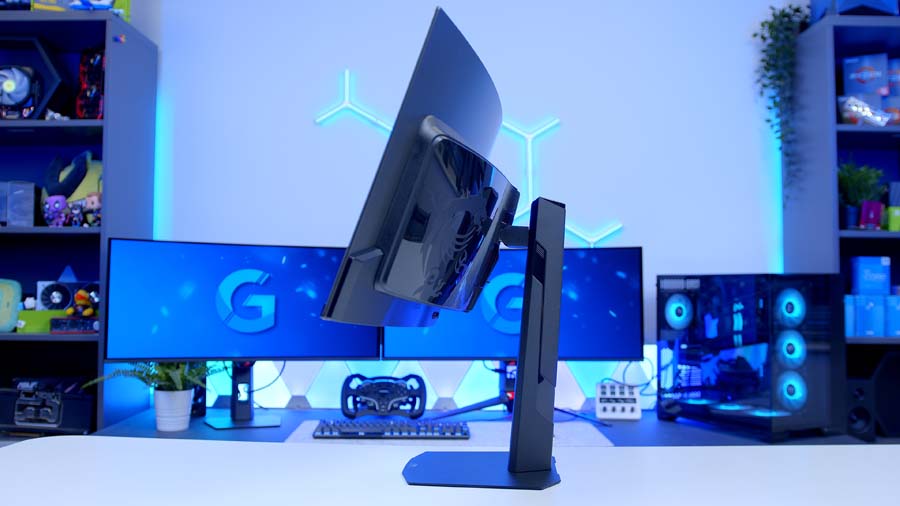
One oddity is weight. By MSI’s own figures, the X28 weighs more than the flagship X36, which is a surprise given its trimmed-back feature list.
Power comes from an internal power board, so there’s no bulky brick to hide behind your desk. Inside, MSI fits a custom heatsink and graphene film to pull heat away from the OLED layers which, by MSI’s account, helps extend the panel’s lifespan.
Settings are handled with MSI’s five-way Navi Key joystick, and there’s plenty to dig into. Optix Scope adds a multi-stage zoom for long-range sightlines, Smart Dynamic Crosshair puts an aim dot on screen that changes colour so it never blends into the background, and AI Vision lifts dark areas and boosts colour in games where enemies like to hide in shadow. Firmware updates are supported as well, so MSI can keep refining things after launch.
Picture-in-Picture and Picture-by-Picture are both supported as well, and they’re a great fit for a screen this wide. With a PC on DisplayPort and a console on HDMI, you could keep a game running in a corner window while you browse or chat, or split the panel down the middle and give each source its own half. It won’t replace a KVM switch for proper two-computer setups, but for a PC and console sharing one desk, it’s a handy extra.
In the box, you’ll find a DisplayPort cable, a power cord, VESA screws, a cleaning cloth and that colour report. There’s no HDMI cable, which is a shame given how console-friendly the rest of the package is.
MAG vs MPG: What Does the X28 Give Up?
If you read our X36 review, you’ll know how highly we rated it. So here’s exactly where MSI has trimmed the X28 to slot it in underneath.
The most obvious cut is refresh rate, down from 360Hz to 280Hz, with motion clarity certification stepping down from ClearMR 18000 to 15000 alongside it. DisplayPort drops from 2.1a to 1.4a too, though MSI still rates it for 280Hz at native resolution, so you’re not losing any refresh rate over that connection.
Monitor Comparison
34″ Ultrawide QD-OLED Comparison
| ⠯ Monitor | ⠯ Panel Type | ⠯ Panel Generation | ⠯ Resolution | ⠯ Refresh Rate | ⠯ DisplayPort | ⠯ HDMI | ⠯ USB-C PD | ⠯ Warranty | ⠯ Stand Adjustability |
|---|---|---|---|---|---|---|---|---|---|
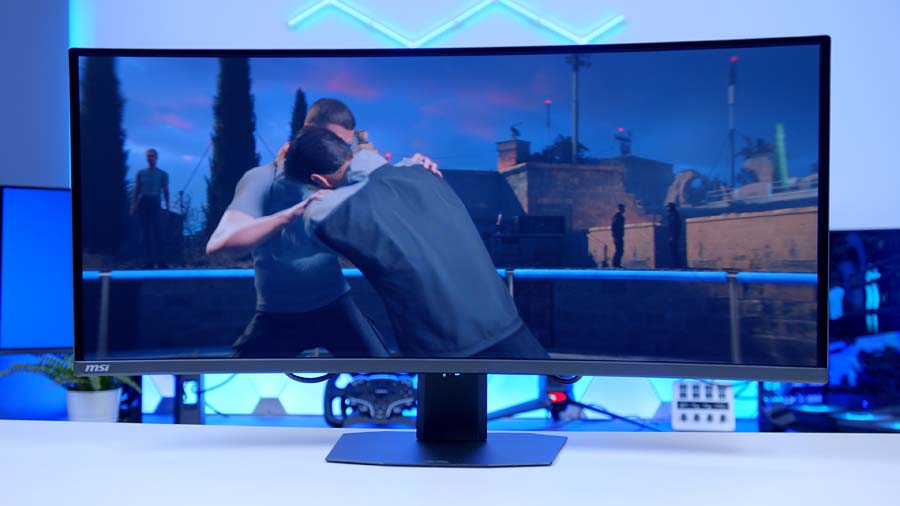
MSI MAG 341CQP QD‑OLED X28 5th‑gen QD‑OLED, 1800R |
QD‑OLED | 5th‑gen, RGB Stripe | 3440 x 1440, 21:9 | 280Hz | 1 x DP 1.4a (HBR3) | 2 x HDMI 2.1 (48Gbps) | 15W | 3 years, incl. burn‑in | Tilt, swivel & height |
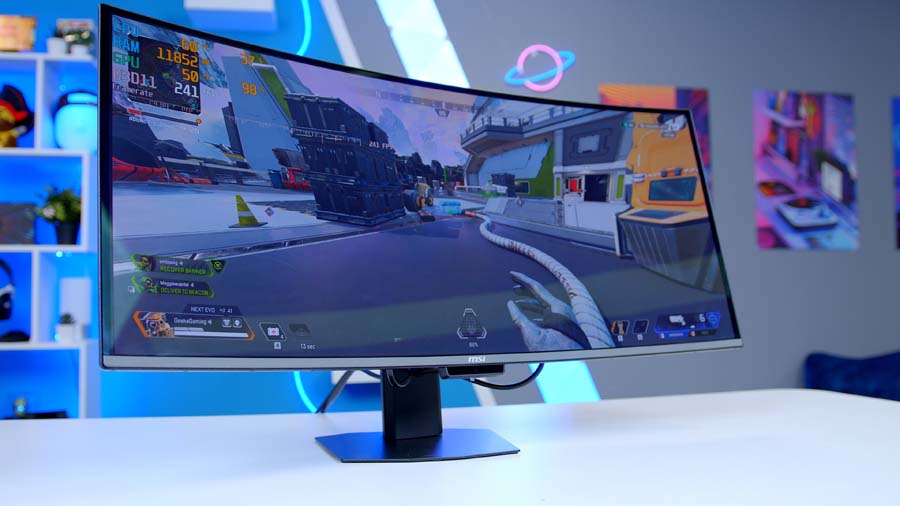
MSI MPG 341CQR QD‑OLED X36 5th‑gen QD‑OLED, 1800R |
QD‑OLED | 5th‑gen Samsung, RGB Stripe | 3440 x 1440, 21:9 | 360Hz | 1 x DP 2.1a (UHBR13.5) | 2 x HDMI 2.1 (48Gbps) | 98W | 3 years, incl. burn‑in | Tilt, swivel, pivot & height |
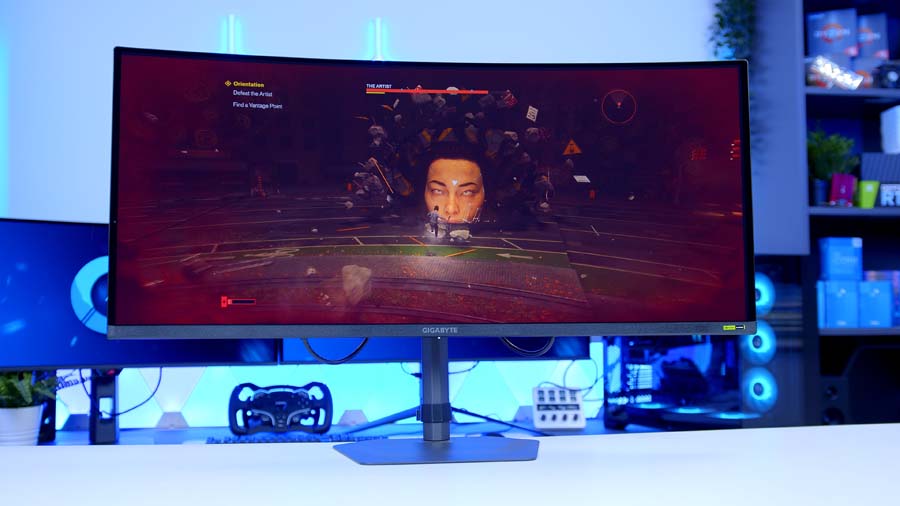
Gigabyte MO34WQC36 5th‑gen QD‑OLED |
QD‑OLED | 5th‑gen Samsung, RGB Stripe | 3440 x 1440, 21:9 | 360Hz | 1 x DP 2.1 | 2 x HDMI 2.1 (48Gbps) | 18W | 3 years, incl. burn‑in | Tilt, swivel & height |
The bigger changes are around the edges. The X36’s USB hub and KVM switch are gone entirely, and USB-C charging falls from 98W to a token amount. The X36’s AI Care Sensor, which wakes the screen as you sit down and locks your PC when you walk away, isn’t listed for the X28 either.
Even the box has been trimmed. The X36 ships with an HDMI 2.1 cable and a USB cable alongside its DisplayPort lead, while the X28 makes do with DisplayPort alone. It’s a minor point, but it’s another sign of where MSI has chosen to save money.
From Our Full Review
☆☆☆☆☆
4.6/5

Pros and Cons
Pros
- 360Hz on an ultrawide OLED
- Text fringing finally fixed
- Outstanding out-of-box colour accuracy
Cons
- Underwhelming cable management
- Higher power draw than LCD
- Premium price point
Bottom Line
The MSI MPG 341CQR QD-OLED X36 is the ultrawide upgrade enthusiasts have been waiting for. Samsung’s fifth-generation QD-OLED panel tackles the format’s biggest weaknesses, with an RGB stripe layout that puts an end to text fringing and a DarkArmor coating that keeps blacks deep under ambient light. Add a 360Hz refresh rate, 98W USB-C, a KVM switch, the AI Care Sensor and a three-year burn-in warranty, and there’s very little missing. Cable management is the one ongoing frustration and the price is steep, but for anyone after the best 34-inch ultrawide around, it’s a stellar choice.
Read The Full ReviewWhat carries over is most of what matters for picture quality. The RGB stripe layout, DarkArmor Film, tandem panel brightness, HDR certification, three-year burn-in warranty and MSI’s OLED Care tools are all here. Put simply, MSI has kept the screen and trimmed the extras around it.
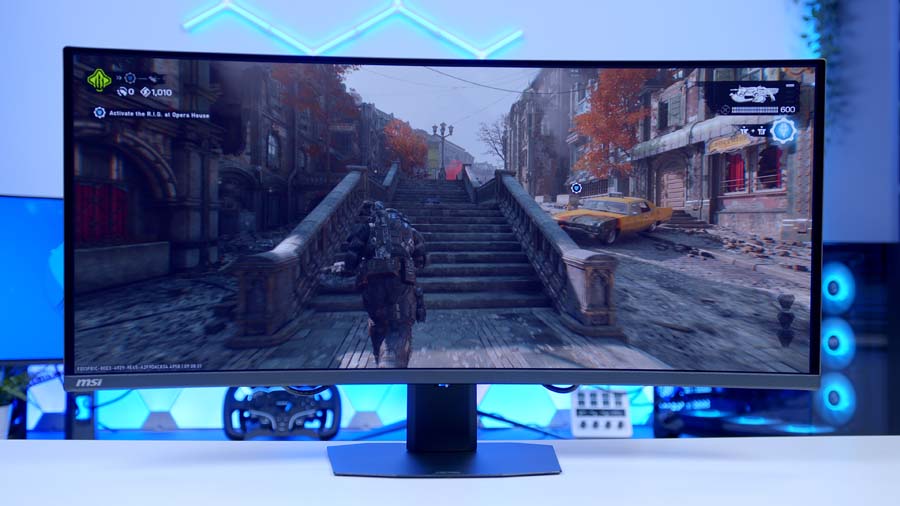
That split makes the decision fairly clear-cut. If your monitor plugs into one desktop PC and maybe a console, you’re giving up very little. If you’re juggling a work laptop and a gaming rig on the same desk, the X36’s extras start to earn their keep.
Features We Like
Console-Ready HDMI 2.1
Two full-bandwidth HDMI 2.1 ports are a big tick for anyone who games on a console as well as a PC. MSI’s Console Mode supports 4K 120Hz signals with VRR and ALLM, and MSI says HDMI CEC lets your controller wake the monitor and switch it straight into the right picture mode. With both ports at full bandwidth, a PS5 can live on one and an Xbox on the other, without either being treated as the lesser input. At this end of MSI’s range, I’m pleased that’s survived the cuts.
Uniform Luminance and OLED Care
Uniform Luminance is one of my favourite MSI features, and it’s great to see it make the jump. OLEDs tend to dim aggressively when a bright scene fills the screen, which can make HDR feel inconsistent as you move through a game. MSI lets you reshape the HDR brightness curve to smooth out those sudden drops, or flatten it for brightness that stays consistent from scene to scene. It’s the kind of control I wish more manufacturers offered.
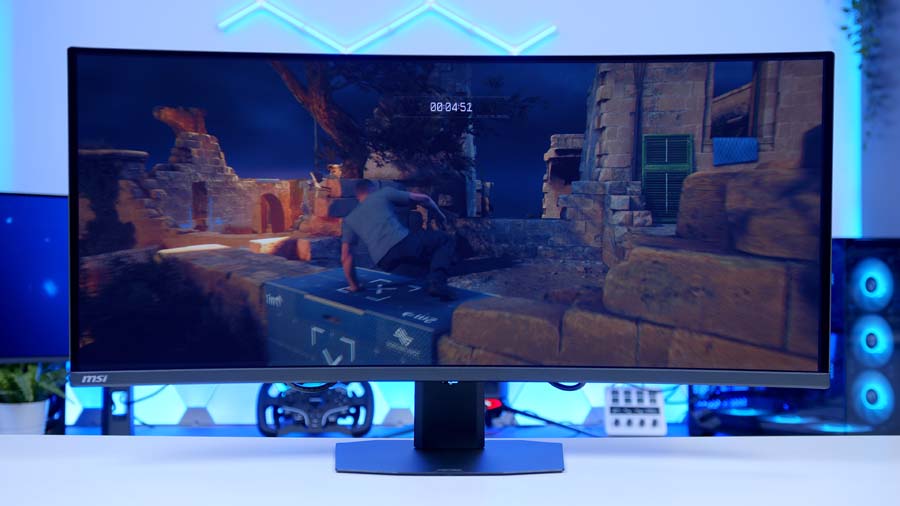
Burn-in protection is just as thorough. MSI’s OLED Care tools spot static elements like taskbars, app icons and logos and dim them, shift pixels periodically and run pixel refreshes automatically when the monitor is in standby or switched off. MSI has also stretched the mandatory panel refresh out to once every 24 hours, with a single reminder half an hour beforehand. Add a three-year warranty that explicitly covers burn-in, and you can leave Discord open all day without losing sleep over it.
Features We Don’t Like
No USB Hub or KVM Switch
This is the cut that stings most. The X28 has no USB ports beyond its USB-C input, so there’s nowhere to plug in a webcam, a headset dongle or a flash drive, and MSI’s own spec page states plainly that KVM isn’t supported. Even the original MAG 341CQP QD-OLED had two USB-A ports. If you want one keyboard and mouse shared between two machines, you’ll need a separate KVM box, or the X36.
Token USB-C Charging
A USB-C port with DisplayPort Alt Mode should be ideal for laptop users. One cable for picture and power, job done. Unfortunately, the X28’s port supplies enough power for a phone, but nowhere near enough to keep a working laptop going, so the charger stays plugged in. It’s the same figure as the original MAG 341CQP QD-OLED, so MSI hasn’t moved things on here, while the X36 manages 98W.
Final Thoughts
The X28 lands in a busy corner of the market. Fifth-gen QD-OLED ultrawides from MSI, Gigabyte, Asus and others all lean on the same core panel technology, and the rivals both push the refresh rate higher and pack in more connectivity. Yet, that’s exactly where the X28 finds its opening. By dropping to 280Hz and stripping back the extras, MSI has brought the newest QD-OLED picture quality down a tier, without touching the panel features that make this generation such a step forward.
It’s also an interesting option if you’re already on an earlier QD-OLED ultrawide. Owners of the original MAG 341CQP QD-OLED get a clear upgrade in text clarity, brightness and ambient-light handling, alongside a big jump in refresh rate, and anyone on an older triangular-subpixel QD-OLED stands to gain the first three. If text fringing has always bugged you, this is the generation that addresses it.
It suits a specific buyer well. If you game on a single desktop PC, maybe with a console alongside it, the RGB stripe layout, DarkArmor and two full-bandwidth HDMI 2.1 ports cover what matters. If you need a USB hub or a KVM switch, the X36 and MO34WQC36 both have them, and the X36 adds proper laptop charging on top. Where the X28 lands on price against those two will decide just how strong a case it makes.