Over the last twelve months or so, a frankly ridiculous number of OLED gaming monitors have passed through the GeekaWhat studio. We’ve had everything from wallet-friendly 1440p panels right up to 5K super ultrawides that cost about as much as a decent second-hand hatchback (well, nearly). Some were brilliant. Some were fine. A couple left us scratching our heads.
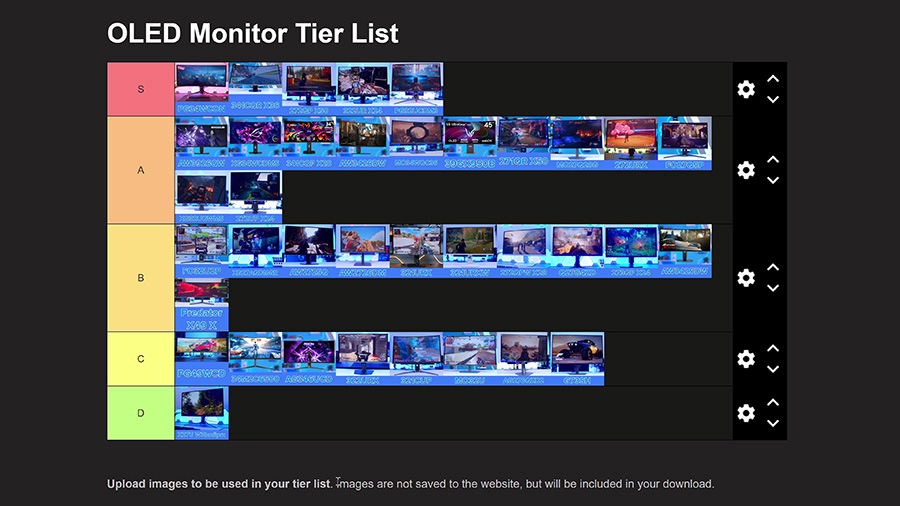
So we set ourselves a challenge: rank every single one of them against each other, weighing up features, image quality and price, and slot each into a tier from S all the way down to D. James did exactly that in our latest video, and this is the written version, so fair warning, a few of these placements are going to ruffle some feathers.
A quick word on how this works. Almost everything here has been through a full review in our studio, and the handful that haven’t share their panel with one we have tested. I’ve split things by format: 1440p first, then 4K, then ultrawides, and finally the 5K and 49-inch monsters. Within each section, I’m starting at the bottom and working up to the very best.
How Our Tiers Work
-
S
S Tier The best of the best. If you’re shopping in this category, start here.5 monitors
-
A
A Tier Brilliant monitors with a small catch, usually price or a rival that edges them out.12 monitors
-
B
B Tier Solid, sensible buys that don’t stand out from the crowd.10 monitors
-
C
C Tier Perfectly decent, but outclassed by something else on this list.8 monitors
-
D
D Tier Only worth a look if the price drops a long way.1 monitor
1440p OLED Gaming Monitors
Acer Predator X27U W3 (D Tier)
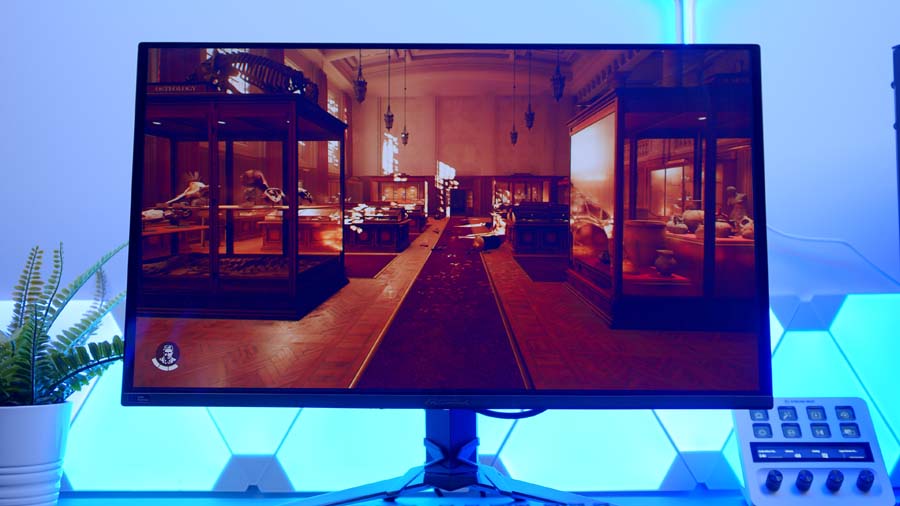
Kicking things off from the bottom is Acer’s X27U W3 series, a 1440p QD-OLED running at 240Hz. On its own, it’s a solid, middle-of-the-road monitor that’ll serve you well, and it started life in C tier.
The trouble is the company it keeps. Once the cheaper ASUS, Alienware and MSI options further up were in the mix, it slipped down to D, albeit a strong D. Nothing is wrong with it as such. It just sits at a price where several rivals offer more for similar money.
AOC AGON PRO AG276QZD2 (C Tier)
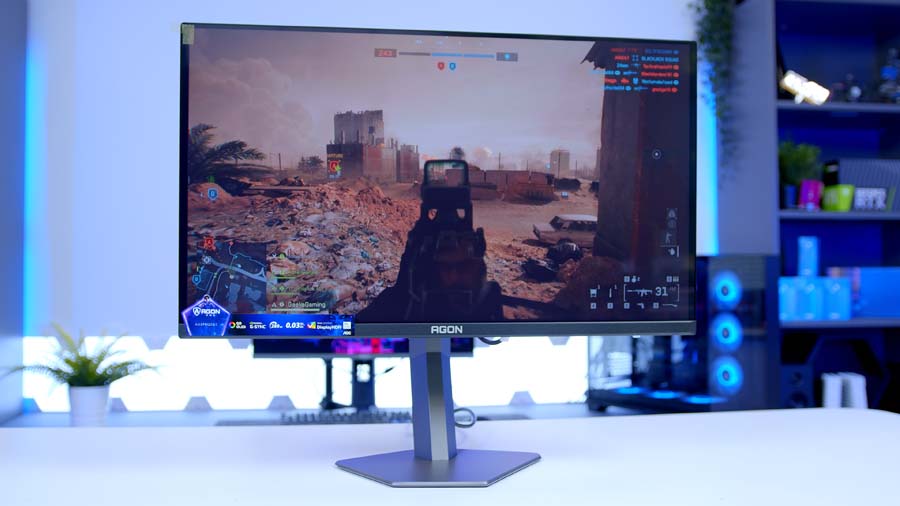
A tricky one to place. It uses an older panel, and while pricing is competitive, it isn’t as competitive as the ASUS and MSI options coming up. It’ll get you into 280Hz 1440p OLED, but it isn’t brilliant.
It very nearly christened the D tier, before a change of heart in the video bumped it up to C and sent the Acer down instead. Worth a look if you catch it on a good deal.
MSI MAG 273QP QD-OLED X24 (B Tier)
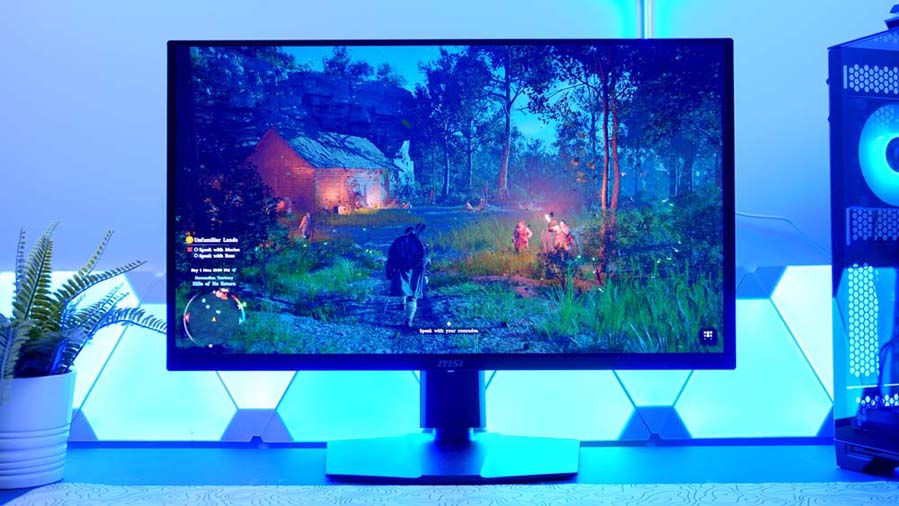
Into B tier, and into budget territory. The 273QP X24 lines up squarely against the AW2726DM and XG27AQDMG, both coming up shortly. Similar spec on paper: around 250 nits SDR and 1,000 nits HDR.
Features elsewhere are thin on the ground, though. There’s no USB-C to speak of, and you miss out on the newer subpixel layout and its sharper text. This is a price-led purchase. Good enough that it’s no lower than B, but if the gap isn’t too big, I’d take the ASUS.
AOC Q27G4ZD (B Tier)
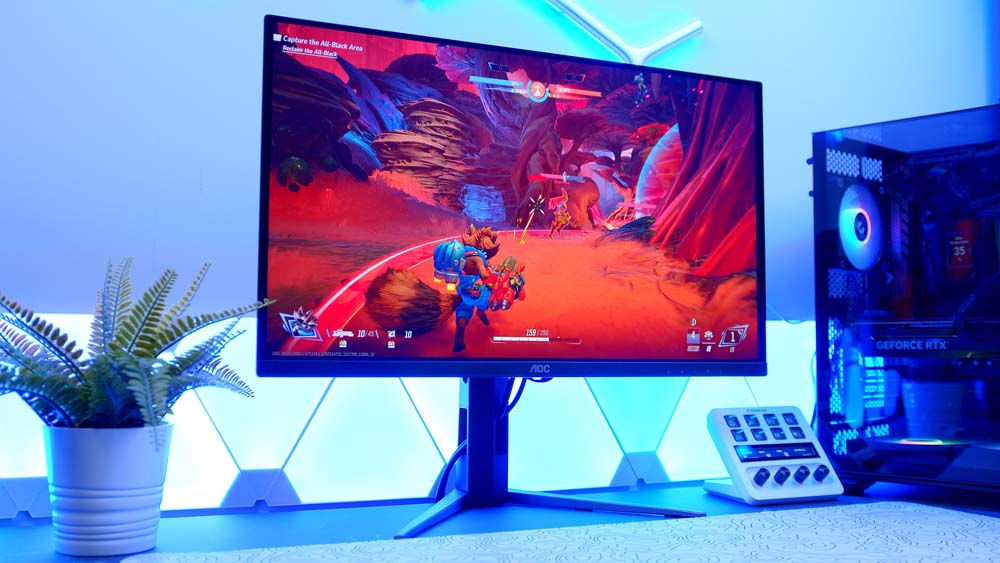
AOC’s Q27G4ZD is a 1440p Samsung QD-OLED with around 1,000 nits of HDR peak brightness, though SDR brightness is lower.
It’s a great option, but there are rivals coming up that squeeze out a bit more brightness for the money. B tier.
MSI MAG 272QPW QD-OLED X28 (B Tier)
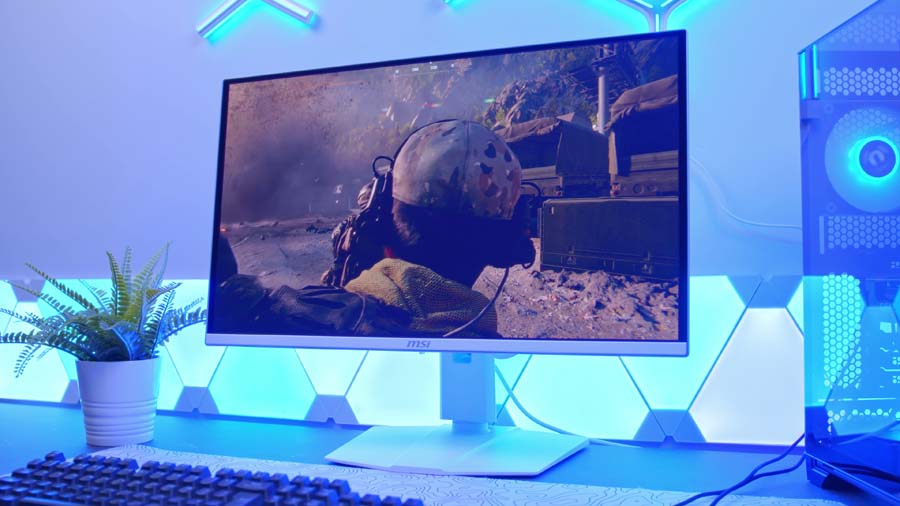
Onto MSI, and no, this isn’t going to be an MSI-only list, even if it feels that way by the end. The 272QP X28 is the more affordable alternative to the S-tier X50 at the top of this section, dropping the refresh rate to 280Hz. This is the white QPW model, but the W makes no difference to the screen itself.
You get around 1,000 nits in HDR and 250 nits in SDR, a more basic feature set overall, but it’s a lot cheaper than the X50. It works nicely as an entry-level OLED that avoids some of the sacrifices the cheapest panels make. That said, plenty of you will probably just spend the extra on something better, so it lands in B.
Alienware AW2726DM (B Tier)
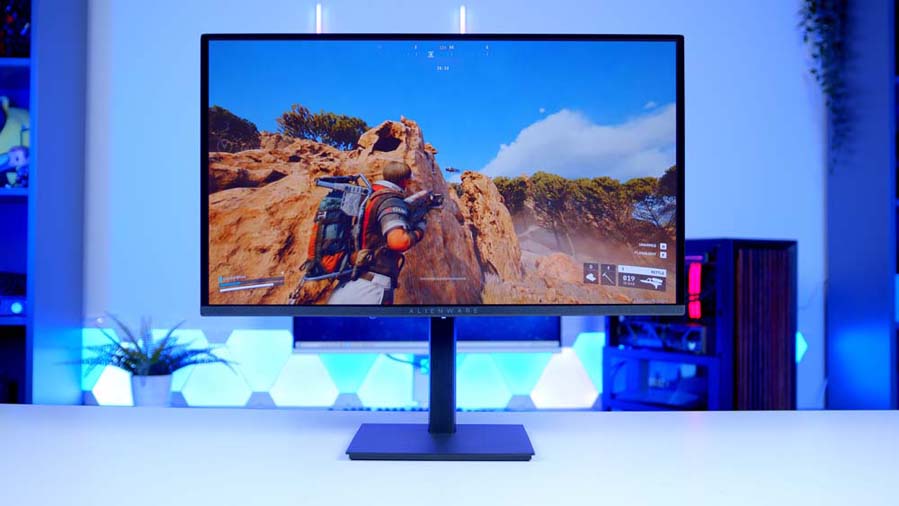
Next up, Alienware’s AW2726DM. If you’ve followed us for a while, you’ll know we rate Alienware’s OLED monitors highly. Its prebuilt gaming PCs? Less so, but we’ll leave that one there.
It’s often even cheaper than the XG27AQDMG coming up next and keeps the same 1440p, 240Hz formula, but brightness is where you pay for it. HDR peak is low, and SDR is lower still at around 200 nits advertised, with some measurements putting it nearer 189. As one of the cheapest routes into OLED going, it still earns a B, just behind the ASUS. That’s probably the upgrade worth stretching to.
ASUS ROG Strix OLED XG27AQDMG (B Tier)
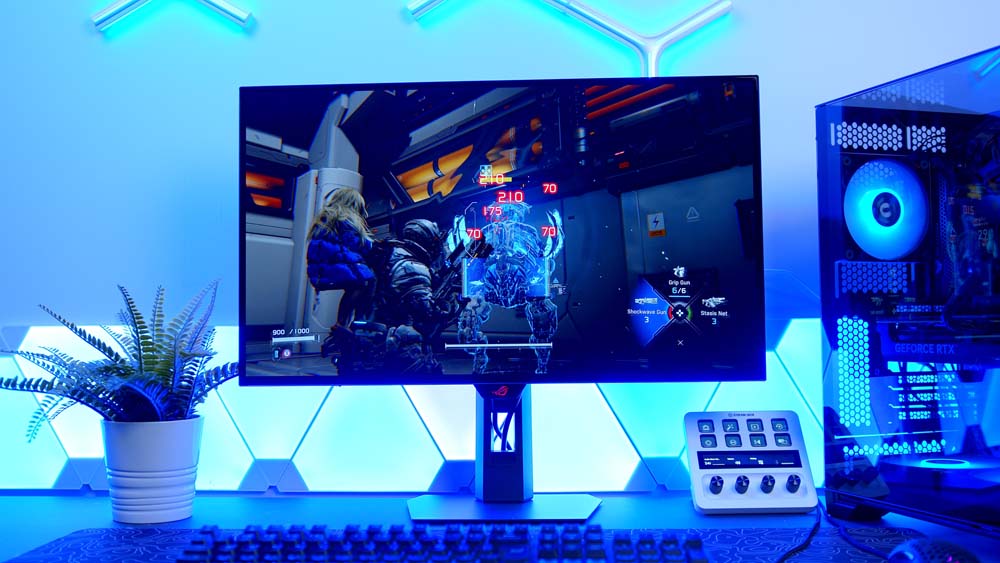
Which brings us to that ASUS. It impressed us in review for all the right reasons. It’s built around a third-gen LG WOLED panel rather than a Samsung QD-OLED, and the headline is brightness: around 1,300 nits peak in HDR. That’s a superb number for a monitor at this end of the market.
Pair that with 240Hz and a surprisingly friendly price for something wearing the ROG badge (you’d assume expensive, right?) and it sits at the top of the B tier.
Gigabyte AORUS FO27Q5P (A Tier)
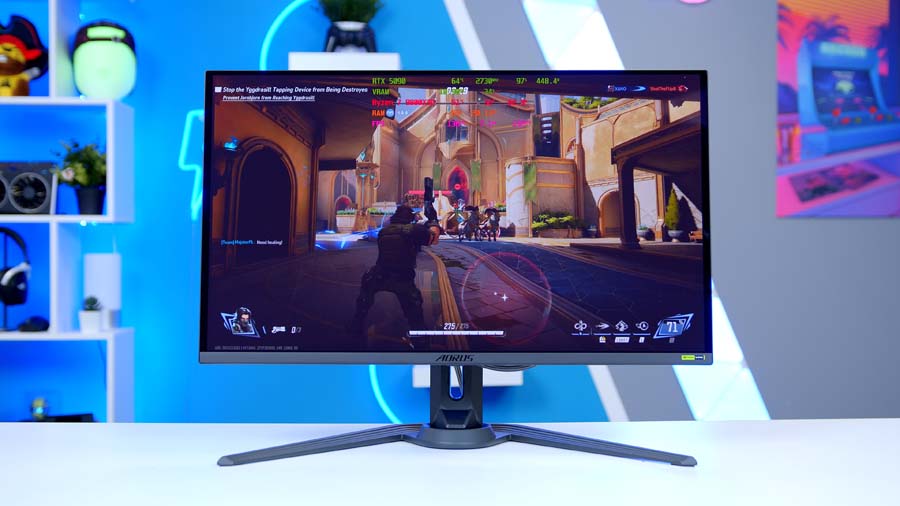
Into A tier, and into 500Hz territory. Gigabyte’s FO27Q5P is built around a Samsung QD-OLED panel. You get 1440p, 500Hz, around 1,000 nits in HDR and roughly 300 nits in SDR.
Its closest rival is MSI’s 271QR X50, up next, and honestly there’s very little to separate them. We’ve seen the MSI on better pricing, and its build quality and overall design are a touch nicer, so if I had to pick, it’d be the MSI. Still, A tier is a glowing endorsement in anyone’s book.
MSI MPG 271QR QD-OLED X50 (A Tier)
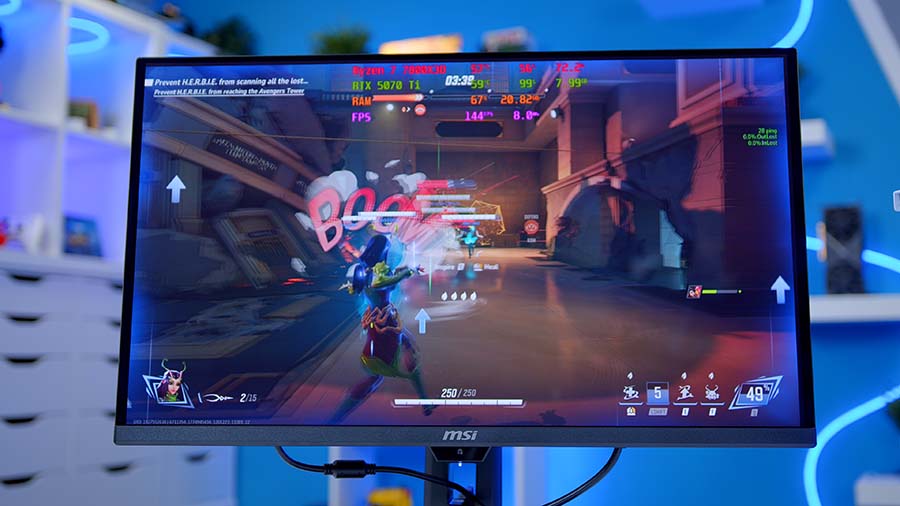
Here’s that MSI. The 271QR X50 pairs its 500Hz refresh rate with a third-gen Samsung QD-OLED panel and around 1,000 nits of HDR peak brightness, plus a stack of OLED care features, including a presence sensor that switches the display off when you walk away.
It’s firmly at the premium end of the 1440p market, and on performance alone I’d happily argue for S. I mean, what more could you want at 1440p? Well, a lower price, as it turns out. Its cheaper sibling at the top of this section does almost everything it does, and that keeps the QR in A on value alone.
Gigabyte MO27Q28G (A Tier)
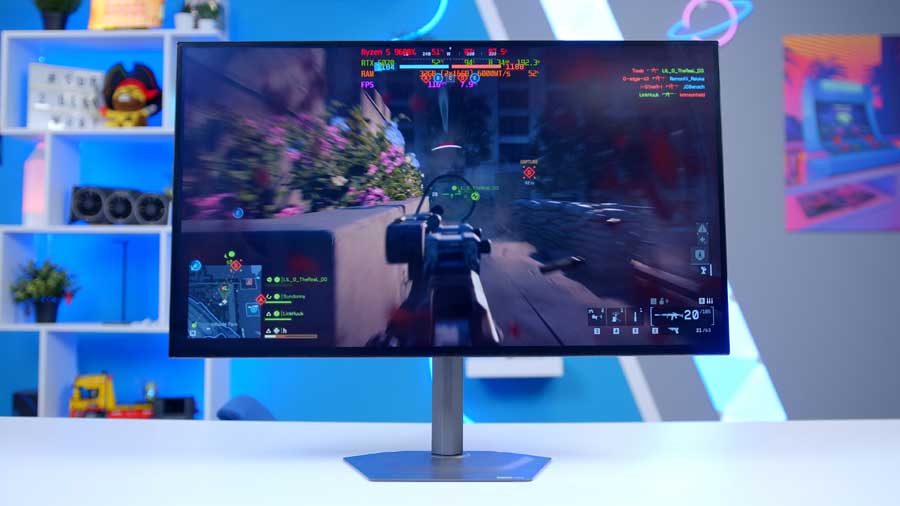
Leading the A tier is Gigabyte’s MO27Q28G, and this time it’s an LG panel. LG’s panels tend to run brighter (not always, mind) and this one proves the point, with around 1,500 nits of HDR peak brightness and SDR clearing 300 nits.
The stand and bezels are lovely, super thin and crisp, and Gigabyte really does nail monitor design. The bit some of you will love is the matte anti-glare finish rather than full gloss. Combine that with all that brightness and you’ve got a brilliant pick for a bright room. Not quite S, but I prefer it to the FO27Q5P.
MSI MAG 272QP QD-OLED X50 (S Tier)
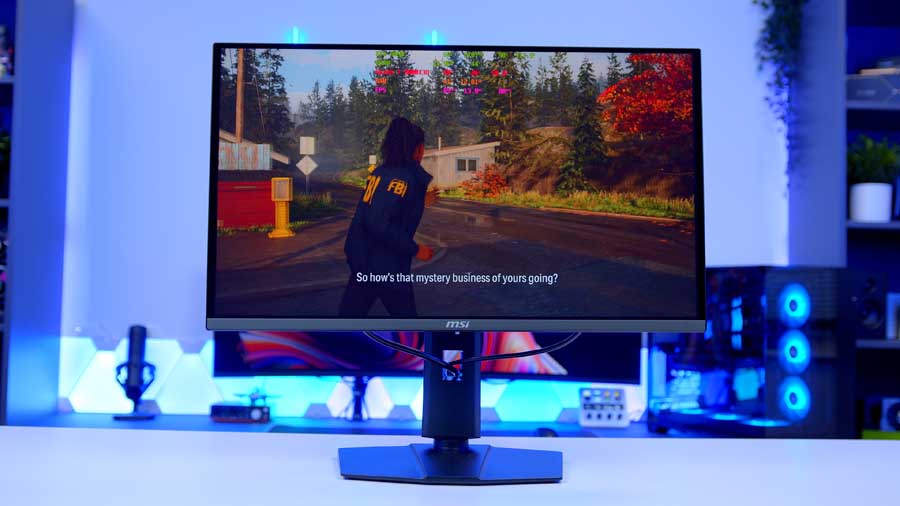
And here it is, the best 1440p OLED we’ve tested. The 272QP X50 keeps the 271QR’s 500Hz refresh rate and around 1,000 nits of HDR peak brightness, but it’s the model down (hence QP and QR) and priced to match.
We came away from our review thinking it was simply fantastic, and on value for money there’s no contest. S tier.
4K OLED Gaming Monitors
Gigabyte MO32U (C Tier)
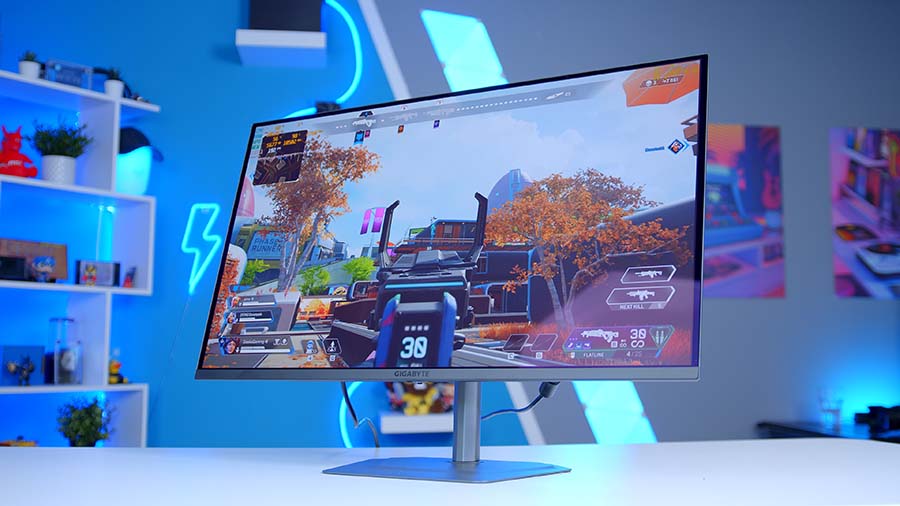
Onto 4K, starting again from the bottom. The MO32U has a soft spot in the studio: James has three of them running in surround on his racing sim, thanks to those ultra-thin bezels. It does a lot right and pricing is good.
The catch? It was one of the first OLEDs we reviewed in this window, and its third-gen Samsung panel is starting to look long in the tooth. At 165Hz, you can do better for the money, and the newer MO32U2 (on its way to us as I write) will probably be one of those better options. C tier.
MSI MAG 321CUP QD-OLED (C Tier)
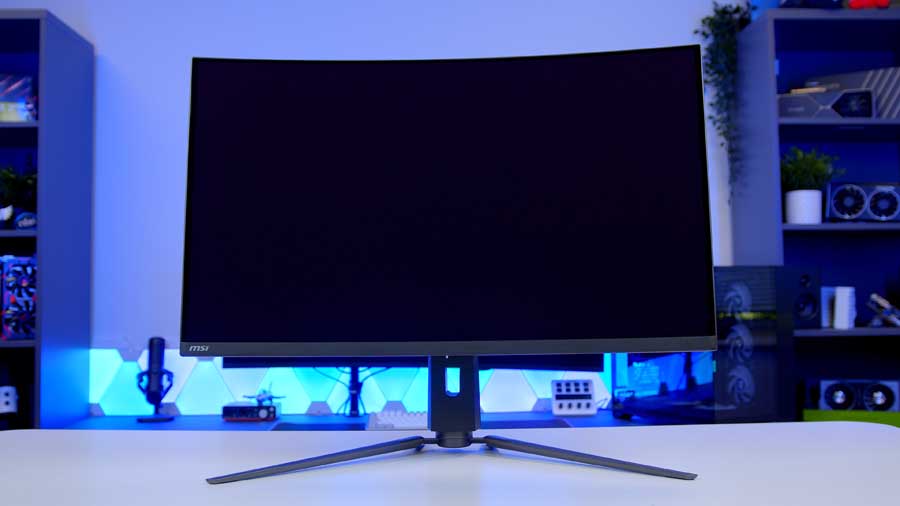
Another third-gen panel, but this one brings something nothing else here does: a curve. The on-paper specs are good, with decent SDR brightness and around 1,000 nits of peak brightness.
It’s capped at 165Hz, though, and when good 240Hz options are this easy to find, that’s hard to overlook for gaming. As an entry-level 4K monitor it’s not a bad shout, and it edges just above the MO32U, though not by much.
Samsung Odyssey OLED G7 (G73SH) (C Tier)
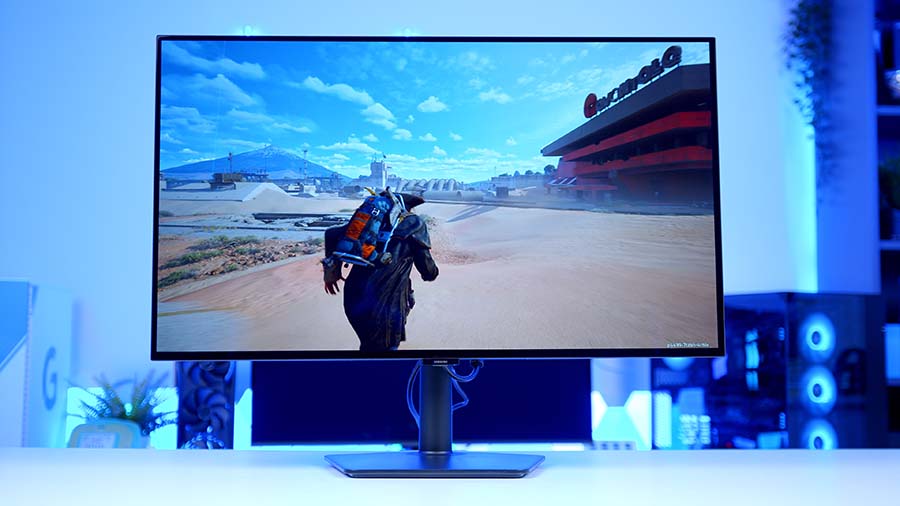
Samsung’s Odyssey OLED G7 has the shortest model name on the whole list, and it still managed to trip James up on camera. It’s a dual-mode monitor: 165Hz at 4K, or 330Hz at 1080p. Brightness is good, with SDR around 275 nits.
The panel looks great. The problem is refresh rate. 165Hz at 4K feels a little low these days, and that drags it to the boundary between C and D. I’ll give it the benefit of the doubt with a C.
MSI MPG 322URX QD-OLED (B Tier)

Into B, and a quick naming detour, because MSI haven’t made this easy. There’s a 322URX and a 322UR X24, and confusingly, the 322UR X24 (which we’ll get to at the very top of this section) is the newer of the two.
The 322URX is still a sensible buy, but on an older panel generation, its pricing just isn’t competitive right now. Catch it in a Prime Day-style sale and it’s worth considering. Otherwise it’s B, and arguably lower, purely because MSI’s own line-up hems it in. Spend more and the 322UR X24 is better. Spend less and the 321URX makes more sense. Not rubbish, just stuck in no man’s land.
Alienware AW2725Q (B Tier)
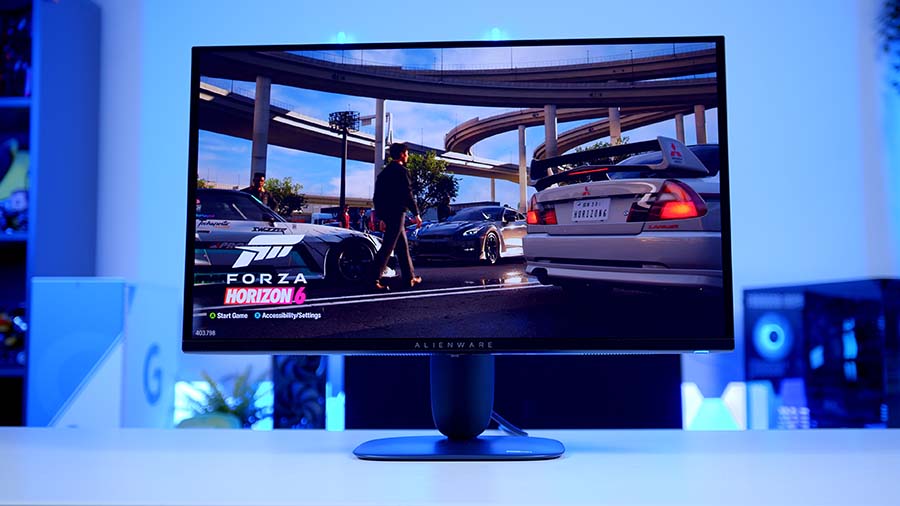
One of our more recent arrivals. The AW2725Q pairs a latest-generation fourth-gen QD-OLED panel with brilliant brightness at a tempting price.
Image quality was great, but out of the box the build quality didn’t feel as premium as I’d hoped, and the package as a whole felt a little lacking. At 27 inches it also runs into my preference for 32 inches at 4K. Definitely no worse than B, but not much better either.
MSI MPG 321URX / 321URXW QD-OLED (B Tier)
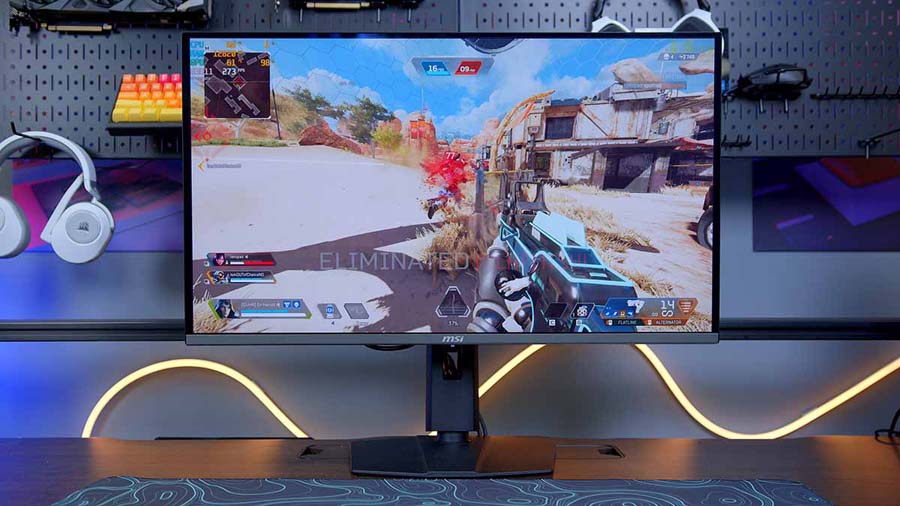
Speaking of the 321URX. It’s the oldest of MSI’s 4K trio, so surely it gets a rubbish rating? Not necessarily. It’s a third-gen panel with 240Hz and around 1,000 nits of peak brightness, but we’ve seen it drop really low in UK sales, and at those prices it’s pretty special.
B tier, comfortably ahead of the 322URX. The 321URXW is exactly the same monitor in white, so it sits right alongside.
Gigabyte AORUS FO32U2P (B Tier)

I remember liking this one a lot. The stand is big and a bit cumbersome, but if you’re putting it on an arm anyway, that hardly matters.
Beyond that, you get DisplayPort 2.1, excellent I/O for a third-gen panel and good HDR and SDR brightness, and we’ve seen it go surprisingly cheap. It sits right on the line between the top of B and the bottom of A, so treat it as the best of the B tier.
ASUS ROG Strix OLED XG32UCWMG (A Tier)
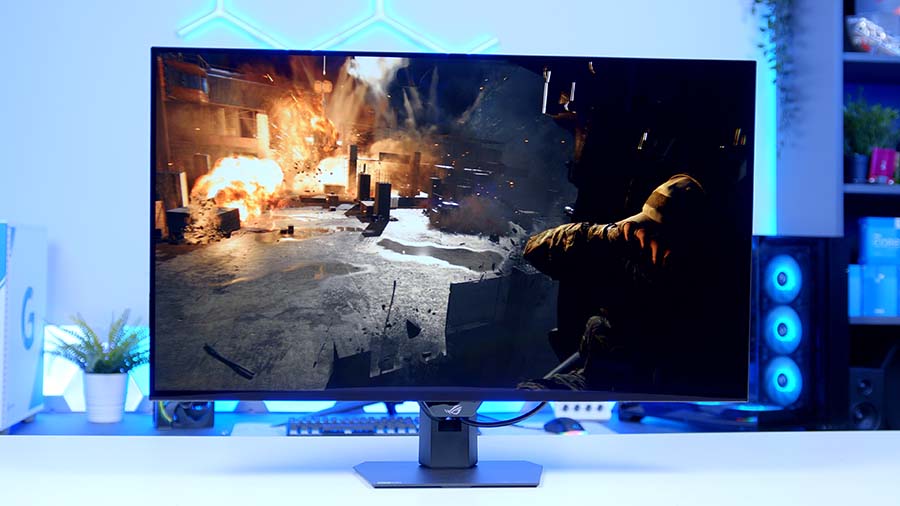
Into A tier. The XG32UCWMG uses a 4K LG WOLED panel running at 240Hz, with a dual-mode trick that takes it to 480Hz at 1080p. HDR peak brightness sits around 1,300 nits.
Definitely not D, definitely not C. It’s a B-or-A call, and I’m going A, at the lower end. If you’re a competitive gamer, that dual mode is a properly useful bit of kit: 240Hz at 4K for everything else, 480Hz at 1080p when the reflexes matter.
MSI MAG 272UP QD-OLED X24 (A Tier)
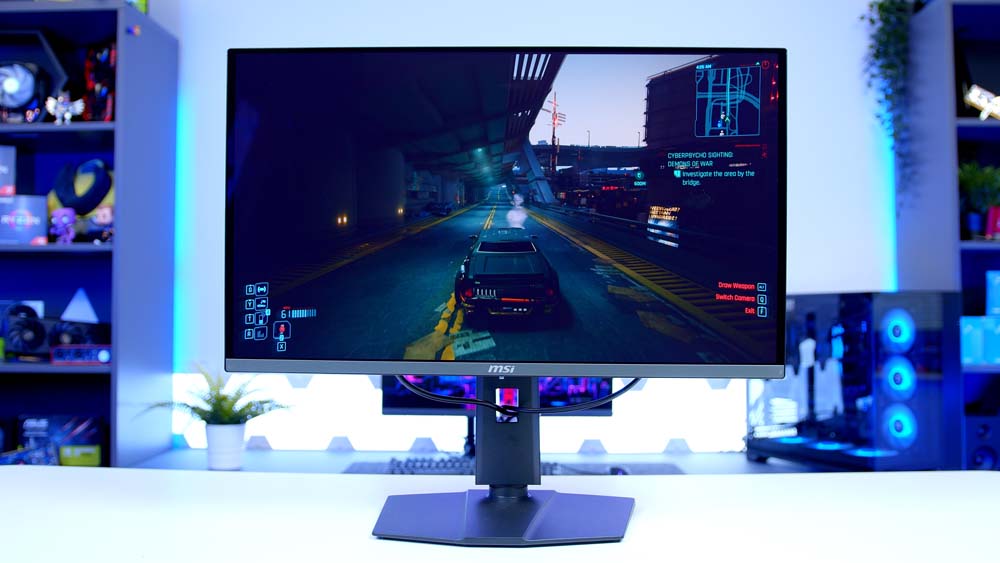
Want 4K in a smaller footprint? The 272UP X24 is one of the more affordable 4K OLEDs around, yet still gives you USB-C connectivity and a 240Hz refresh rate.
At 27 inches, the pixel density is crazy high, and the smaller the space you cram those pixels into, the sharper the image. Brightness is pretty good too. It hovers somewhere between high B and low A, and I’m settling on A.
MSI MPG 272URX QD-OLED (A Tier)
Sticking at 27 inches, the 272URX uses a newer QD-OLED panel than the 322URX, with 240Hz, around 250 nits in SDR and 1,000 nits in HDR, 100W of USB-C power delivery and very competitive pricing.
That’s good enough for the middle of A tier. For what it’s worth, I’d always go 32 inches for 4K and keep 27 inches for 1440p, but I know plenty of you will disagree.
ASUS ROG Swift OLED PG32UCDM3 (S Tier)
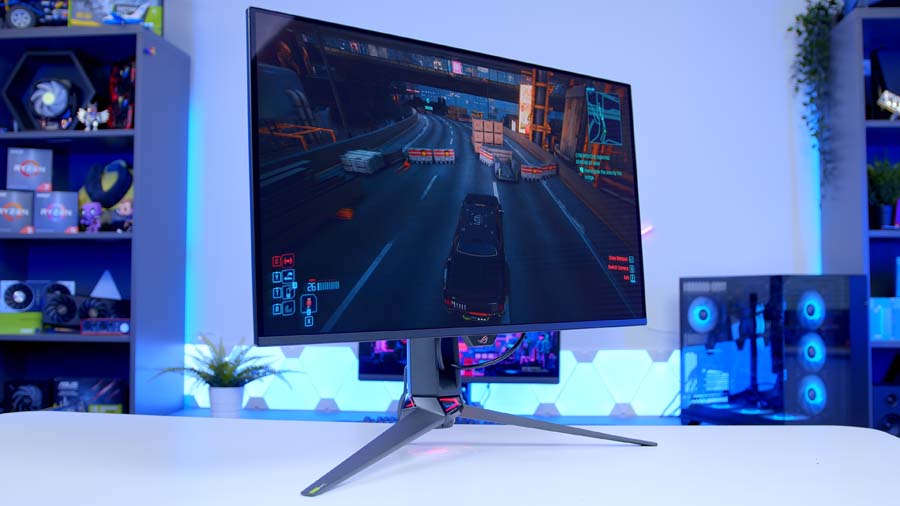
Now the S tier, and two monitors that are almost impossible to split. ASUS’s PG32UCDM3 left us incredibly impressed in review: 32 inches, 4K, 240Hz and a fourth-gen QD-OLED panel.
ASUS’s coatings, software and on-screen menus are all excellent too. There isn’t much more this could do to impress.
MSI MPG 322UR QD-OLED X24 (S Tier)
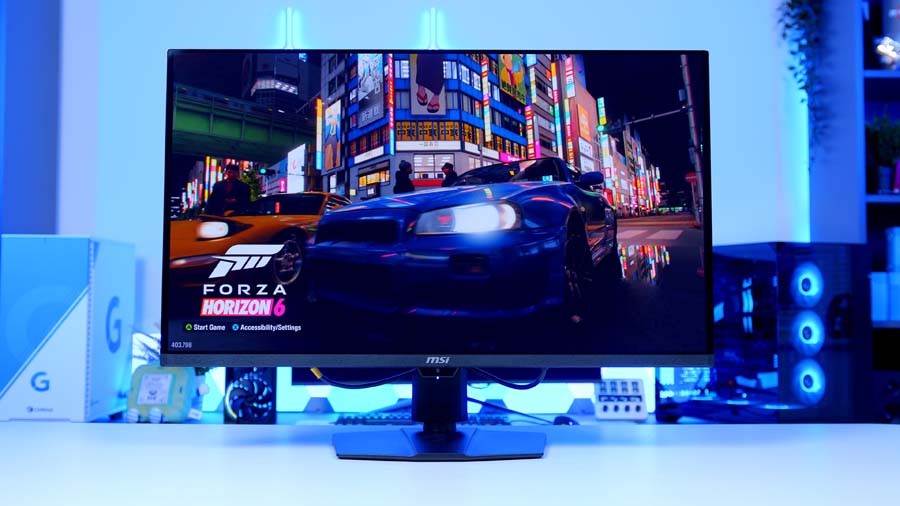
Its rival is MSI’s 322UR X24, the newer of those two confusingly named 322s. It’s built on Samsung’s latest fourth-gen Penta Tandem QD-OLED panel, which stacks multiple OLED layers to boost brightness and panel longevity. And it looks amazing.
In a 32-inch 4K frame you get around 1,000 nits of HDR peak brightness, roughly 300 nits in SDR, close to 100W of USB-C power delivery and DisplayPort 2.1 at UHBR20, which is about the best you can ask for at this size, resolution and refresh rate. It also comes in well below flagship pricing. ASUS versus MSI, then, and both deserve their S.
Ultrawide OLED Gaming Monitors
Philips Evnia 34M2C6500 & AOC AGON PRO AG346UCD (C Tier)
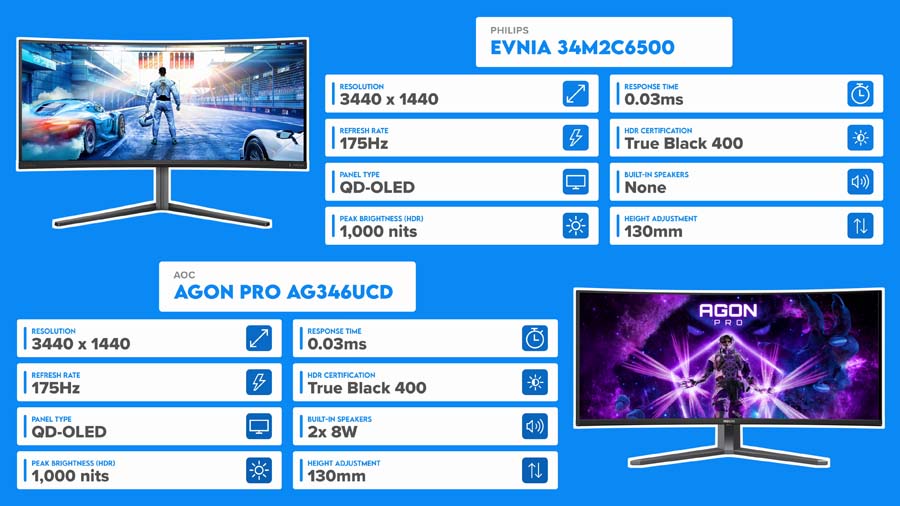
Into the ultrawides, starting with the cheapest way in. These two are near-identical: an older QD-OLED panel, 175Hz, brightness that’s better than you’d expect and a much lower price than anything else here.
Top of C for now. We’ve got a dedicated ultrawide video on the way with more hands-on time with both, so keep an eye out for a fuller verdict there.
Alienware AW3425DW (B Tier) & Alienware AW3426DW (A Tier)
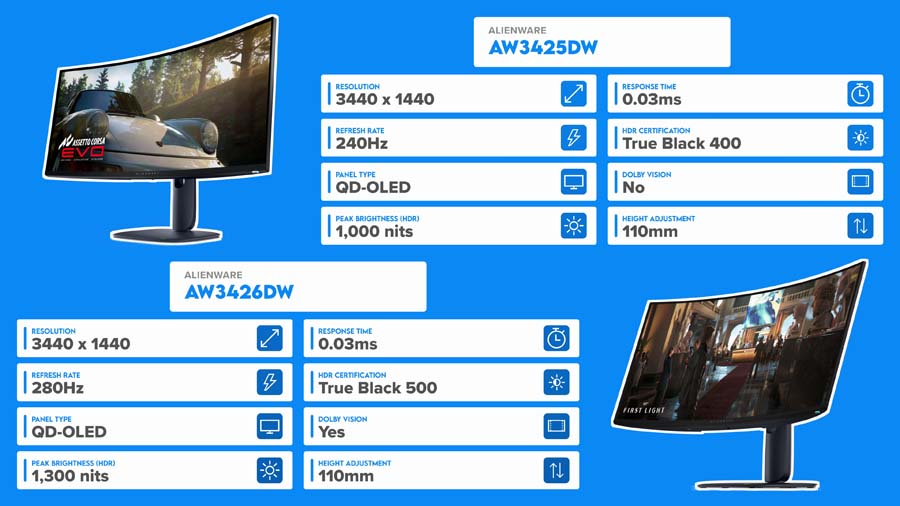
Alienware’s AW3425DW also uses an older panel. It was probably best in class last year and still beats the Philips and AOC, which earns it a B.
If you’ve got the money, the newer fifth-gen panels coming up make a big difference. Otherwise, keep an eye on end-of-season sales for this one.
Its successor, the AW3426DW, is where things get interesting. It uses Samsung’s fifth-gen Penta Tandem panel, the same one in the ASUS and MSI options coming up, which lands it squarely in A.
ASUS ROG Strix OLED XG34WCDMS (A Tier)
ASUS’s XG34WCDMS uses that same panel with basically the same spec as MSI’s 341CQP X28, up next, so this one boils down to ASUS versus MSI. Pick whichever’s cheaper when you’re ready to buy.
MSI MAG 341CQP QD-OLED X28 (A Tier)
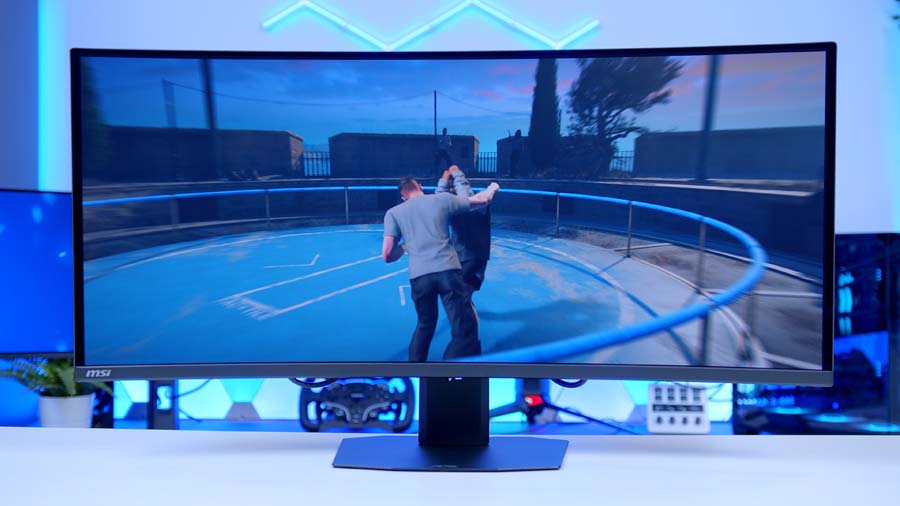
Here’s that MSI. The 341CQP X28 keeps the fifth-gen Samsung panel, with its improved subpixel layout and brightness, but tops out at 280Hz rather than the 360Hz of the flagships at the top. Let’s be honest, 280Hz is plenty.
It doesn’t have quite the wow factor of the 341CQR, but it’s not far off, and it’s cheaper. High A.
Gigabyte MO34WQC36 (A Tier)
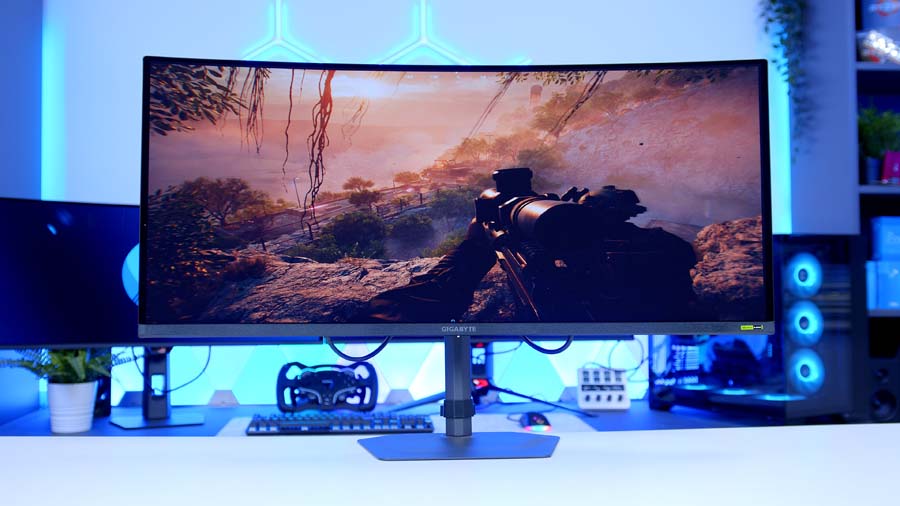
Gigabyte’s MO34WQC36 uses the exact same panel as our two S-tier ultrawides, just in a slightly less well-rounded package. Still brilliant, mind, so it sits right at the top of A.
We’ve got a full comparison of all three, with far more detail on that fifth-gen panel, in a dedicated video. Editor Dan would very much like you to watch that rather than sit through another monologue.
MSI MPG 341CQR QD-OLED X36 (S Tier)
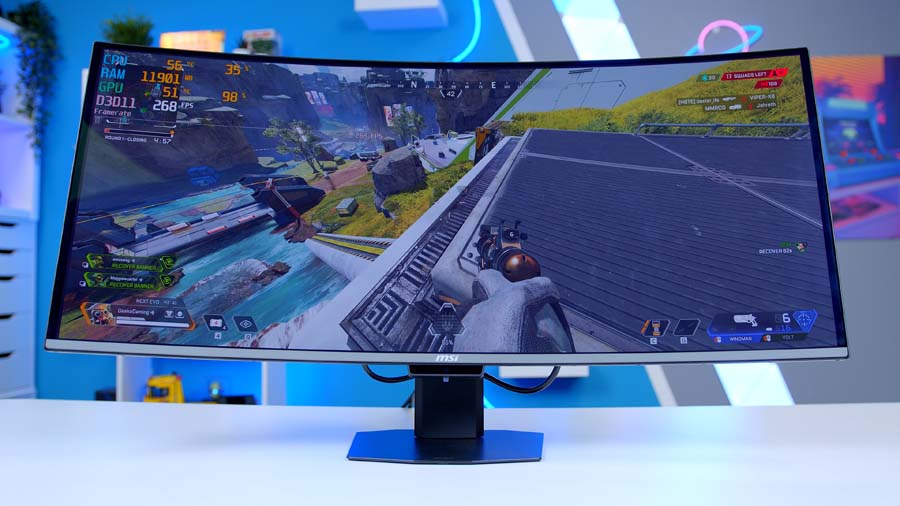
Into S tier. MSI’s 341CQR X36 shares its panel with the PG34WCDN below, and it’s right up there with the ASUS.
Depending on pricing, it can even edge ahead if it’s the cheaper of the two on the day, so check both before you buy.
ASUS ROG Swift OLED PG34WCDN (S Tier)
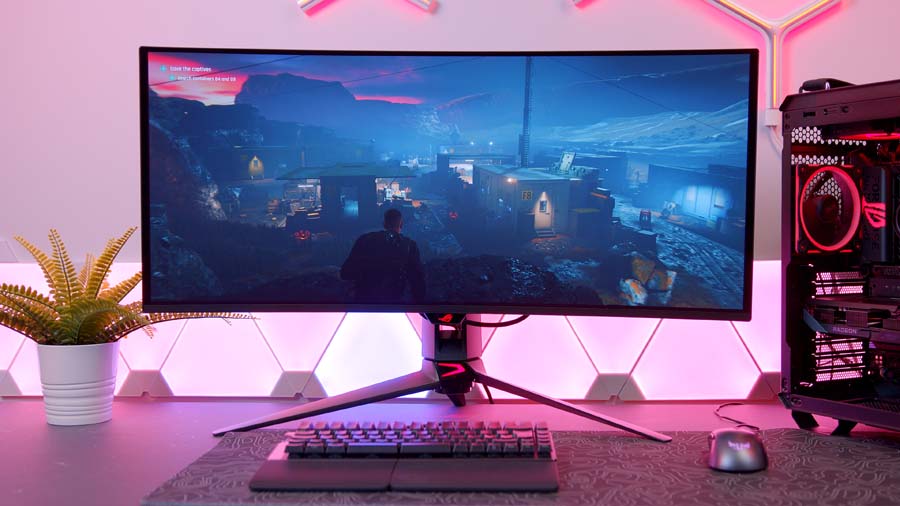
And the best ultrawide we’ve tested. The PG34WCDN might just be our favourite monitor of the past year.
It’s a 3440×1440 QD-OLED on Samsung’s latest fifth-generation panel, with an RGB stripe subpixel layout for much cleaner text and a 360Hz refresh rate. That resolution is a sweet spot between 1440p and 4K, and with USB-C you can plug your laptop straight in and use it for work as happily as play. Straight into S. (And no, ASUS didn’t pay for that sentence.)
5K & 49-inch Super Ultrawides
Acer Predator X49 X & ASUS ROG Swift OLED PG49WCD (C Tier)

Last section, and we’re starting with the 49-inch giants. Both are frankly mental designs, and both use much older OLED panels. The Predator is the better of the pair thanks to a 240Hz refresh rate against the Swift’s 144Hz. Brightness is basically identical, and both throw in 90W of USB-C power delivery.
That gives the Acer a shout at B, but both sit high in C for now. Then again, if you want the most immersive racing or flight sim setup possible and 49 inches is the only way to get it, there aren’t many other options, and no tier list is going to change your mind.
LG UltraGear evo 39GX950B (A Tier)
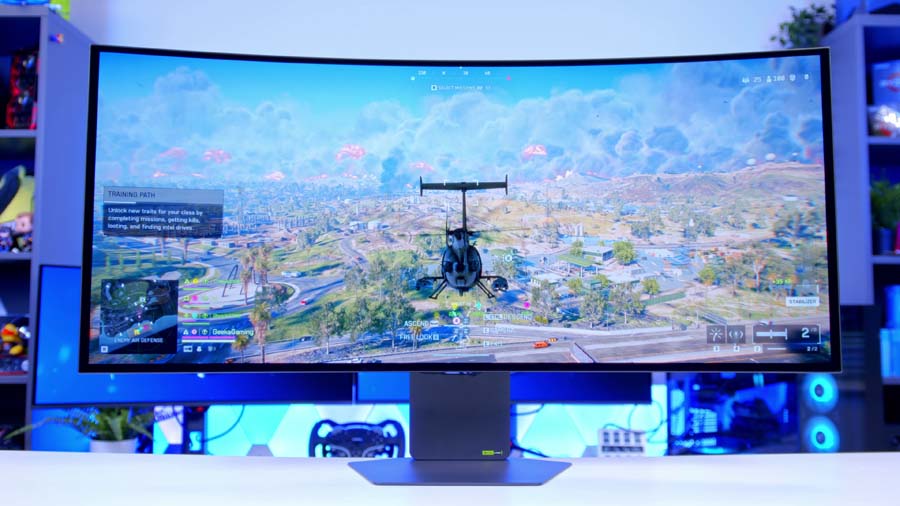
Now for the exciting stuff. LG’s UltraGear evo 39GX950B is a 5K panel using a fourth-gen RGB tandem OLED with dual mode: 165Hz at 5K, or 330Hz at a lower resolution. You also get around 1,500 nits of peak brightness and a two-year warranty that covers burn-in.
It’s expensive and super niche. To make the most of 5K you’ll realistically want something like an RTX 5090. But it’s powerful, brilliant and hugely exciting, so it lands mid A.
Alienware AW3926QW (A Tier)
And to finish, the more sensible alternative. The AW3926QW uses the same fourth-gen LG tandem OLED technology as the 39GX950B, but with an RGB stripe subpixel layout, a glossy finish instead of LG’s matte coating and slightly lower peak brightness, and the saving is substantial. Like, seriously substantial.
That puts it a few places above the LG, and we’ll pit the two directly against each other in our upcoming OLED buyer’s guide.
The Final OLED Tier List
Here’s how everything shook out once the shuffling was done. As with the rest of the guide, it runs from the bottom up, with the strongest monitor in each tier listed last.