OLED monitors used to be the stuff of wishlists and “maybe next year” promises. Not anymore. Prices have tumbled, the panel tech has matured, and the gap between “aspirational” and “affordable” has shrunk to the point where a genuinely brilliant OLED gaming display is within reach of a fairly ordinary budget. So in this guide, I’ve rounded up the best affordable OLEDs you can actually buy right now — and crucially, me and the team have put them through their paces head to head, so I can tell you exactly what’s worth your money and what to swerve.
Before we dive into the recommendations, though, a bit of groundwork. Because if this is your first OLED, there are a few things worth understanding first.
Monitor Comparison
Best Budget OLED Gaming Monitors Compared
Hover rows for highlight. Tap/click a header title to sort.
| ⣿ Monitor | ⣿ Panel Type | ⣿ Panel Generation | ⣿ Resolution | ⣿ Refresh Rate | ⣿ Response Time | ⣿ Adaptive Sync | ⣿ SDR Brightness | ⣿ HDR Peak | ⣿ HDR Certification | ⣿ Screen Coating | Where to Buy |
|---|---|---|---|---|---|---|---|---|---|---|---|
Alienware AW2726DM |
QD-OLED | 3rd Gen | QHD (2560 x 1440) | 240Hz | 0.03ms GtG | FreeSync Premium | 200 nits | ~400 nits | HDR10 (no cert) | Glossy | Links Coming Soon |
MSI MAG 271QP QD-OLED X28 |
QD-OLED | 3rd Gen | QHD (2560 x 1440) | 280Hz | 0.03ms GtG | G-Sync / FreeSync Premium Pro | 250 nits | 1000 nits | DisplayHDR True Black 400 | Anti-Reflection | Links Coming Soon |
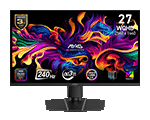
MSI MAG 273QP QD-OLED X24 |
QD-OLED | 3rd Gen | QHD (2560 x 1440) | 240Hz | 0.03ms GtG | G-Sync / FreeSync | 250 nits | 1000 nits | DisplayHDR True Black 400 | Anti-Reflection | Links Coming Soon |
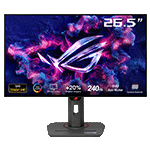
Asus ROG Strix XG27AQDMG Gen 2 |
WOLED | 3rd Gen WOLED | QHD (2560 x 1440) | 240Hz | 0.03ms GtG | G-Sync / FreeSync Premium Pro | 275 nits | 1300 nits | DisplayHDR True Black 400 | TrueBlack Glossy | Links Coming Soon |
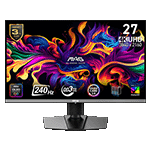
MSI MAG 272UP QD-OLED X24 |
QD-OLED | 4th Gen | 4K UHD (3840 x 2160) | 240Hz | 0.03ms GtG | G-Sync / FreeSync | 250 nits | 1000 nits | DisplayHDR True Black 400 | Anti-Reflection | Links Coming Soon |
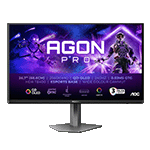
AOC AGON PRO AG276QZD2 |
QD-OLED | 3rd Gen | QHD (2560 x 1440) | 280Hz | 0.03ms GtG | G-Sync / FreeSync | 250 nits | 1000 nits | DisplayHDR True Black 400 | Glossy | Links Coming Soon |
AOC Q27G4ZD |
QD-OLED | 3rd Gen | QHD (2560 x 1440) | 280Hz | 0.03ms GtG | G-Sync / FreeSync | 200 nits | 1000 nits | DisplayHDR True Black 400 | Anti-glare (matte) | Links Coming Soon |
Acer Predator X27U W3 |
QD-OLED | 3rd Gen | QHD (2560 x 1440) | 240Hz | 0.03ms GtG | G-Sync / FreeSync Premium | TBC | TBC | TBC | Anti-glare (matte) | Links Coming Soon |
What Counts as a “Budget” OLED?
We should start by being honest about the word “budget,” because a couple of years ago a cheap OLED simply didn’t exist. Things have changed. The panels in this guide start at around £350/$350 and top out between roughly $500 and $600 depending on where pricing lands on the day — and I’ve tried to keep as many as possible under that $500 mark.
Are all of these “cheap”? To plenty of people, no — and that’s fair. But they’re genuinely attainable displays for anyone who isn’t sitting behind a top-end rig with a bottomless wallet.
What is OLED?
With OLED panels, every pixel is its own light source and there’s no backlight. That’s the whole trick. When the screen needs to show something dark — or properly black — it simply dims or switches off the individual pixels involved, which is why blacks on an OLED look utterly fantastic and dark scenes have a depth that LCD panels simply cannot match.
That self-emissive design also makes OLEDs quick to respond, reduce in the input lag introduced by the panel. Changing a pixel’s brightness is an electronic process, whereas an LCD pixel is essentially a tiny mechanical shutter twisting to let light through. The bottleneck on an LCD is physical; on an OLED it’s electrical — and that’s why response times have plummeted from around 1-2ms on a fast LCD to roughly 0.03ms on every panel featured here. The upside here is superb motion clarity and ghosting that’s improved enormously over LCD designs.
The only real caveat with OLED is burn-in — defined as permanent, uneven wear caused by displaying the same static image for too long. It’s a particular concern on cheaper panels, partly because the usual countermeasures (better cooling, dialled-back brightness) can chip away at perceived image quality. The good news is that every manufacturer here ships burn-in mitigation as standard, and most back it with a three-year warranty that explicitly covers it. You will see reduced brightness on budget OLEDs in particular, and it’s important to note not only the peak brightness figures, but also the SDR brightness figures.
The Best 1440p Budget OLED Monitors
Alienware AW2726DM
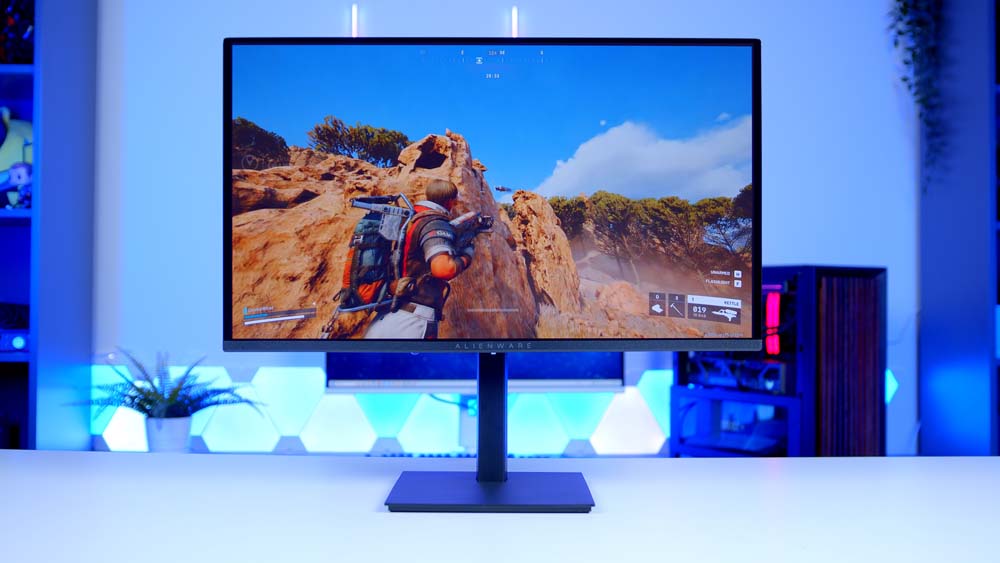
We’re starting with the cheapest monitor on the list, and honestly it’s the one that kicked this whole price war into gear. At around £350/$350, the Alienware AW2726DM brings a 26.7-inch QD-OLED panel, a 1440p resolution, a 240Hz refresh rate and that lightning 0.03ms response time to a properly entry-level price.
That 27-inch (technically 26.7-inch) form factor is going to crop up again and again here, largely because so many of these displays lean on the same third-gen Samsung QD-OLED panel — a quirk of there being only two panel makers in town. Where the Alienware earns its place is by delivering true OLED quality at a genuinely accessible price: deep, punchy blacks, lovely colour, and a glossy panel that looks gorgeous, with reflections far less troublesome than you might fear.
The catch? Brightness. This is the dimmest panel on the list, which I noticed most in darker RPGs where you’d most want those inky blacks to sing — it wasn’t a dealbreaker in my room, but I wouldn’t sit it in front of a bright window. In brighter, faster titles like Apex Legends or Fortnite, you’ll barely think about it. At this price, that’s a small ask for everything the AW2726DM gets right.
Alienware AW2726DM Specifications
- Panel Type QD-OLED (Quantum Dot OLED)
- OLED Generation Samsung 3rd-Gen QD-OLED
- Screen Size & Aspect Ratio 26.5″ (27″ class), 16:9
- Resolution 2560 × 1440 (QHD)
- Refresh Rate 240Hz (via DisplayPort)
- Peak Brightness 200 cd/m² typical (SDR), HDR10 supported
- Key Ports 1 × DisplayPort 1.4, 2 × HDMI (1440p @ 120Hz max), 3.5mm audio
- HDR & OLED Care HDR10, AMD FreeSync Premium, VESA AdaptiveSync, Pixel Refresh, 3-year burn-in warranty
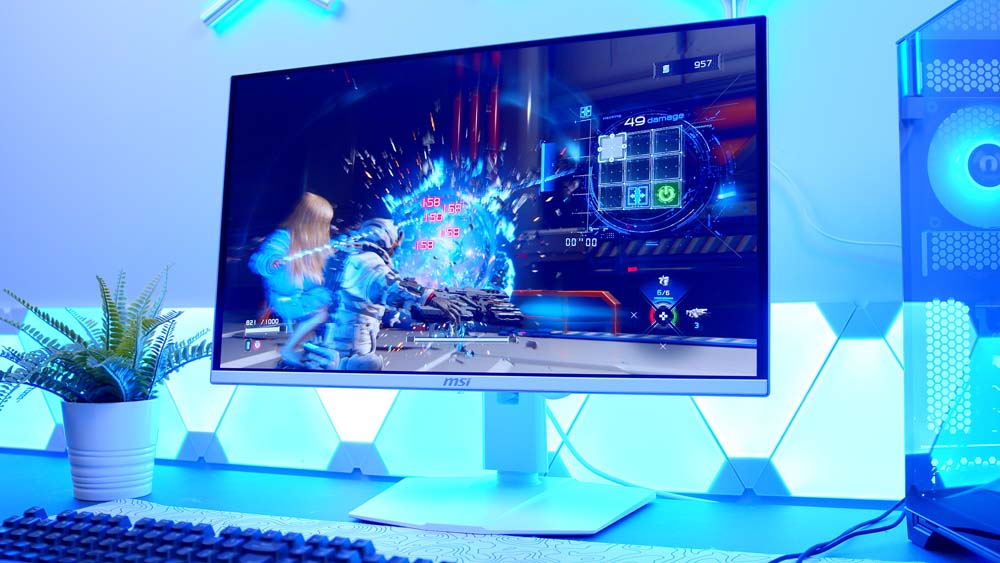
MSI MAG 273QP QD-OLED X24
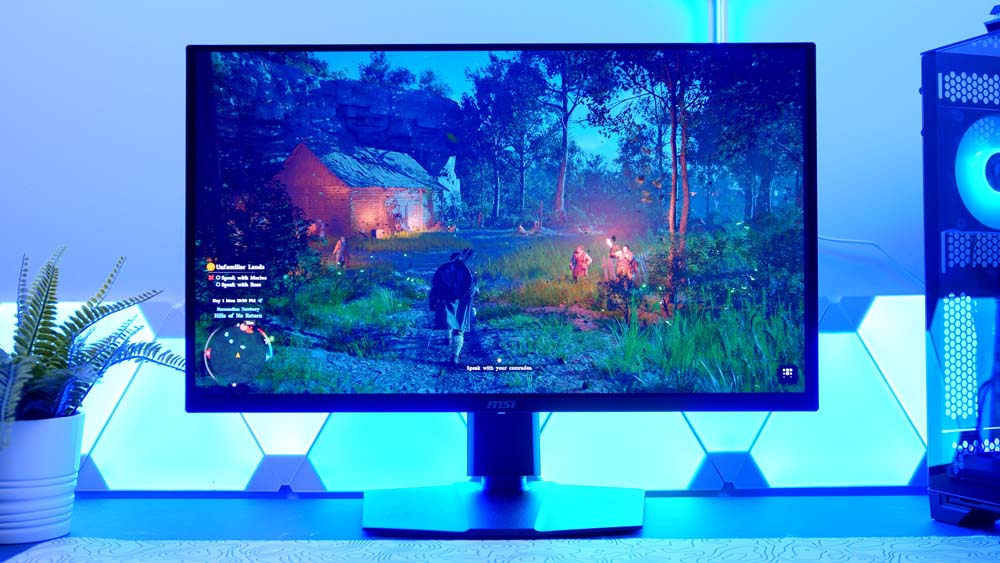
MSI’s MAG 273QP QD-OLED X24 is one of the most well-rounded picks at this price. It’s a 26.5-inch, 1440p, third-gen Samsung QD-OLED running at 240Hz with the now-familiar 0.03ms response time, 250-nit SDR brightness peaking at around 1,000 nits, DisplayHDR True Black 400 and VESA ClearMR 13000 certification for motion clarity.
It’s also kitted out with MSI’s OLED Care 2.0, which shuffles pixels and intelligently dims static, repeated on-screen elements — think a Windows taskbar — to extend panel life and keep burn-in at bay. At 1440p, 240Hz is a lovely sweet spot for the money, and even modest hardware will hold a high frame rate in esports titles. If you fancy a bit more — higher refresh and USB-C — its near-identical sibling makes a tempting step up.
MSI MAG 273QP QD-OLED X24 Specifications
- Panel Type QD-OLED (Quantum Dot OLED)
- OLED Generation Samsung 3rd-Gen QD-OLED
- Screen Size & Aspect Ratio 26.5″ (27″ class), 16:9
- Resolution 2560 × 1440 (QHD)
- Refresh Rate 240Hz
- Peak Brightness 1,000 cd/m² peak HDR (3% APL), 250 cd/m² typical (SDR)
- Key Ports 1 × DisplayPort 1.4a (HBR3), 2 × HDMI 2.1 (48 Gbps), 3.5mm headphone out (no USB)
- HDR & OLED Care VESA DisplayHDR True Black 400, ClearMR 13000, Adaptive-Sync, MSI OLED Care 2.0, 3-year burn-in warranty
Step-Up Alternative
MSI MAG 271QP QD-OLED X28
Effectively the 273QP X24 with the dials turned up. You get 280Hz instead of 240Hz (the X28/X24 suffixes spell out the refresh rate), VESA’s class-leading ClearMR 15000 motion rating, and the addition of USB-C with 15W power delivery and DisplayPort Alt Mode for single-cable laptop docking — on the same third-gen Samsung QD-OLED panel, with the same True Black 400 and OLED Care 2.0.
AOC Q27G4ZD
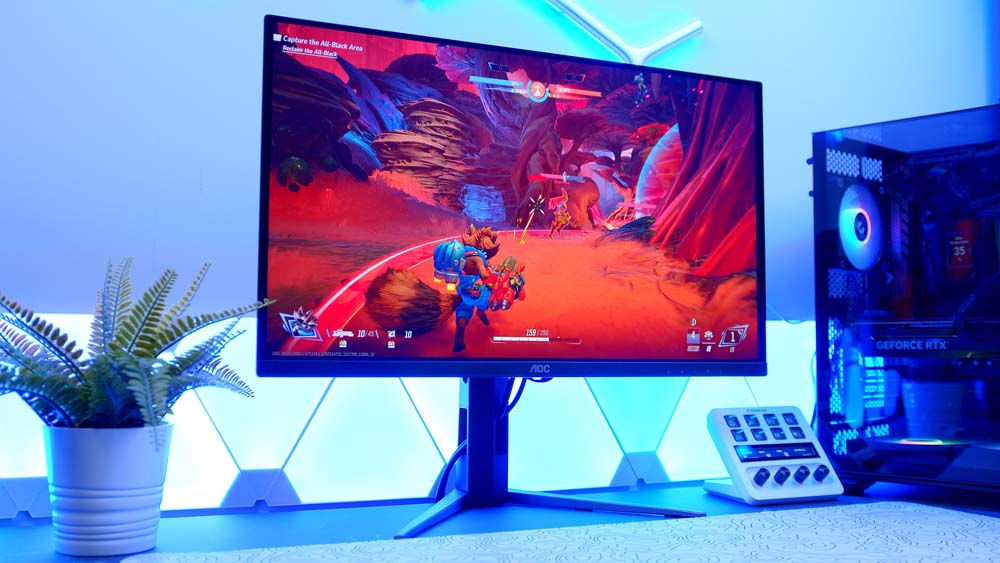
The AOC Q27G4ZD is the one I’d point most people towards, especially here in the UK. It’s a 27-inch, 1440p, third-gen Samsung QD-OLED running at 280Hz with the same 0.03ms response as everything else here, DisplayHDR True Black 400 and up to 1,000 nits of peak brightness — proper QD-OLED goodness with none of the fat. AOC has kept costs down with a pared-back stand and a no-nonsense aesthetic that skips the premium AGON branding, and the panel even uses a matte anti-glare coating, so it copes better with a bright room than most of the glossy competition.
It’s commonly found for under £350, and for a 280Hz QD-OLED that makes it one of the easiest recommendations in the whole guide. One thing worth flagging: like a few panels here, the Q27G4ZD has shipped in more than one revision — earlier units ran at 240Hz over HDMI 2.0, while current stock is the 280Hz/HDMI 2.1 version — so it’s worth a quick check on exactly which one you’re buying.
AOC Q27G4ZD Specifications
- Panel Type QD-OLED (Quantum Dot OLED)
- OLED Generation Samsung 3rd-Gen QD-OLED
- Screen Size & Aspect Ratio 26.5″ (27″ class), 16:9
- Resolution 2560 × 1440 (QHD)
- Refresh Rate 280Hz (current revision; early units 240Hz)
- Peak Brightness 1,000 cd/m² peak HDR (3% APL), 450 @10% APL, 250 cd/m² typical (SDR)
- Key Ports 1 × DisplayPort 1.4, 2 × HDMI 2.1, 4 × USB-A 3.2 hub + USB-B upstream, 3.5mm headphone out (early units HDMI 2.0)
- HDR & OLED Care VESA DisplayHDR True Black 400, G-SYNC Compatible / Adaptive-Sync, anti-glare (matte) coating, graphene cooling, 3-year zero-dead-pixel warranty
Brighter Alternative
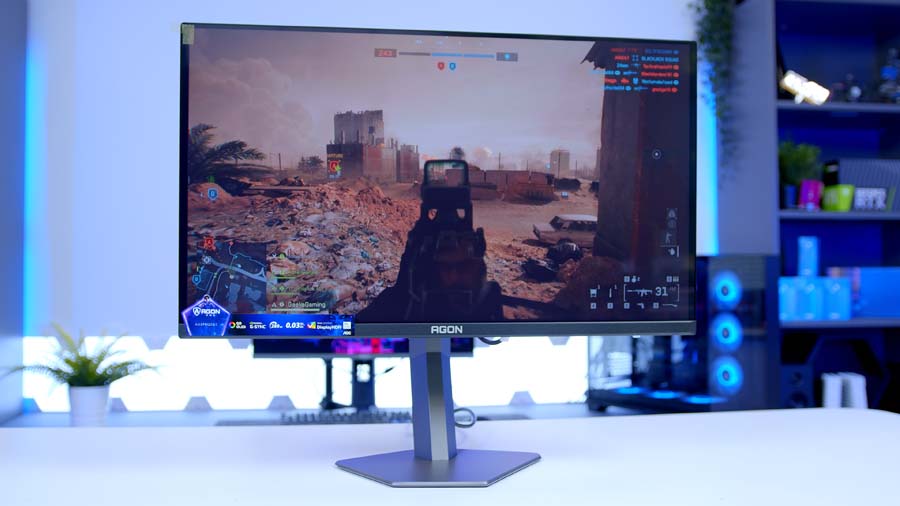
AOC AGON PRO AG276QZD2
The same essential third-gen QD-OLED as the Q27G4ZD, dressed up in AOC’s premium AGON kit — a more substantial stand, fuller RGB and gaming features, and the same step up to 280Hz with up to 1,000 nits peak. It’s the panel I flagged as an Alienware alternative in my last roundup. (Like the Q27G4ZD it’s shipped in more than one revision — earlier units ran 240Hz over HDMI 2.0, current ones 280Hz over HDMI 2.1 — so check which you’re buying.)
Acer Predator X27U W3
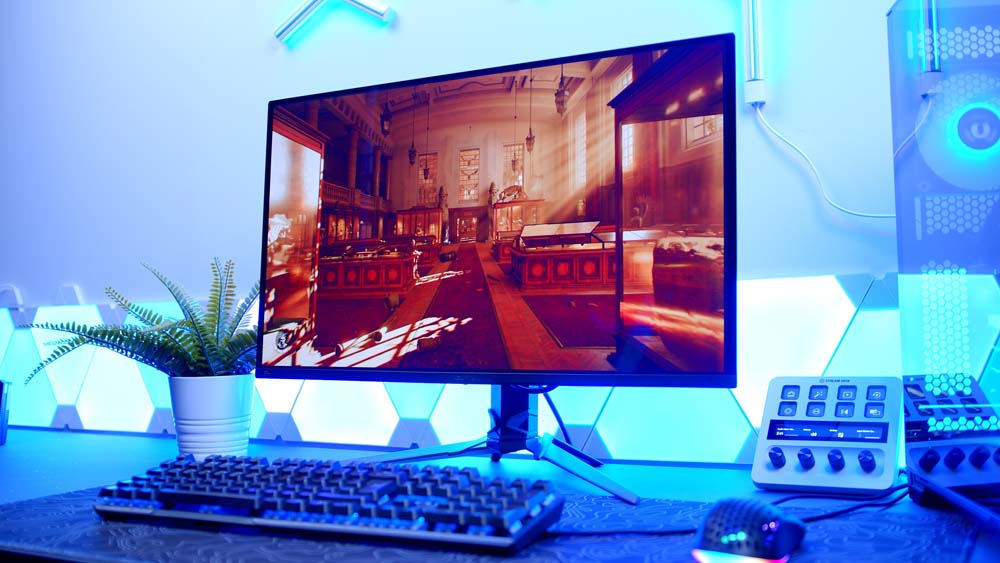
If your budget creeps towards the £400/$400-plus mark, the Acer Predator X27U W3 (mercifully shortened from its full name) is a solid all-rounder. It’s a 1440p Samsung QD-OLED at 240Hz with a 0.03ms response, and it brings a slightly different flavour to proceedings — a super-thin panel, a stand with a genuinely generous range of adjustment, and strong out-of-the-box colour.
The blacks aren’t quite up there with pricier panels that use a dedicated true-black coating, but for gaming the visuals are strong — crisp, colourful and full of that QD-OLED depth. The mix of fast response, high refresh and an affordable price makes it a dependable all-rounder, and it’s nice to have a Predator option in the mix. Do note it’s not the brightest panel here — independent testing puts it among the dimmer OLEDs going — so the same bright-room caveats as the Alienware apply.
Acer Predator X27U W3 Specifications
- Panel Type QD-OLED (Quantum Dot OLED)
- OLED Generation Samsung 3rd-Gen QD-OLED
- Screen Size & Aspect Ratio 26.5″ (27″ class), 16:9
- Resolution 2560 × 1440 (QHD)
- Refresh Rate 240Hz
- Peak Brightness 1,000 cd/m² peak HDR (3% APL) rated; measures dim (~190 cd/m²) in independent testing
- Key Ports 1 × DisplayPort 1.4, 2 × HDMI 2.1, USB hub, 3.5mm headphone out
- HDR & OLED Care VESA DisplayHDR True Black 400, HDR10, AMD FreeSync Premium Pro, G-SYNC Compatible, Acer OLED Care (Image Retention Refresh, Pixel Centering), 3-year burn-in warranty
Asus ROG Strix XG27AQDMG Gen 2
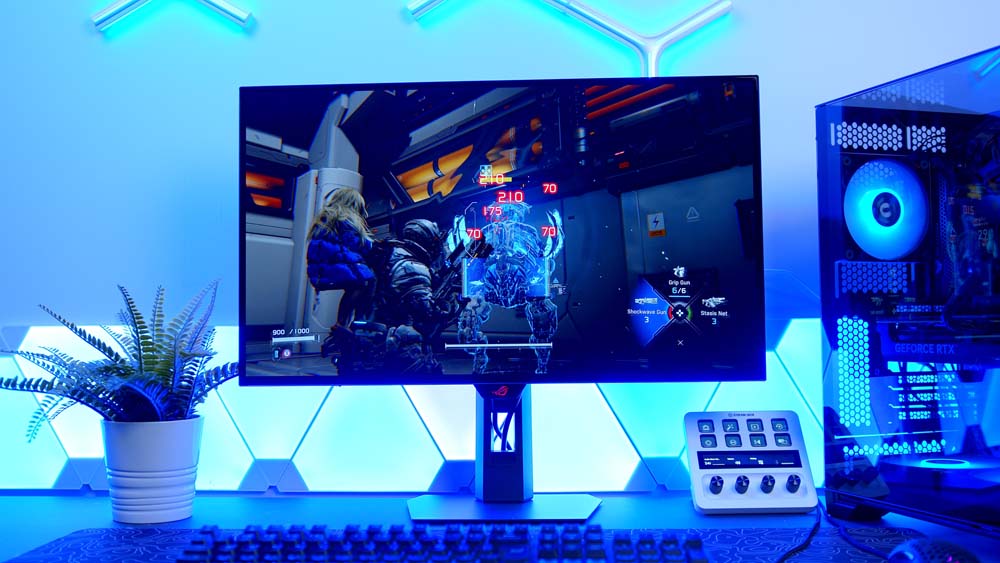
The Asus ROG Strix XG27AQDMG Gen 2 does things in classic Asus fashion. The design dials up the gamer-y attitude, and crucially it switches from Samsung QD-OLED to an LG WOLED panel — and that brings real advantages. Brightness jumps to around 1,300 nits peak, and you get DisplayHDR 400 True Black certification, true 10-bit colour and 99% DCI-P3 coverage.
The WOLED sub-pixel layout also helps text clarity — a long-standing OLED gripe that’s improving fast — and the glossy coating makes the blacks feel even deeper. The headline upgrade on this Gen 2 model is a revised TrueBlack Glossy coating that drops to a 0% haze rating, giving a noticeably cleaner, sharper, grain-free image than the original; so if you want that glossy pop and pristine clarity, this is the one to look at. The trade-off, as ever with Asus, is that the nicer panel and build let them ask for a little more cash (and glossy means reflections if you’ve got windows or lights facing the screen).
Asus ROG Strix XG27AQDMG Gen 2 Specifications
- Panel Type WOLED (TrueBlack Glossy)
- OLED Generation LG Display 3rd-Gen WOLED (MLA+, TrueBlack Glossy)
- Screen Size & Aspect Ratio 26.5″ (27″ class), 16:9
- Resolution 2560 × 1440 (QHD)
- Refresh Rate 240Hz
- Peak Brightness 1,300 cd/m² peak HDR (<3% APL), ~275 cd/m² typical (SDR)
- Key Ports 1 × DisplayPort 1.4 (DSC), 2 × HDMI 2.1, USB hub, 3.5mm headphone out
- HDR & OLED Care VESA DisplayHDR 400 True Black, 99% DCI-P3, true 10-bit, ASUS OLED Care Pro with Neo Proximity Sensor, ELMB, Anti-Flicker, 3-year burn-in warranty
The Best Budget 4K OLED Monitor
MSI MAG 272UP QD-OLED X24
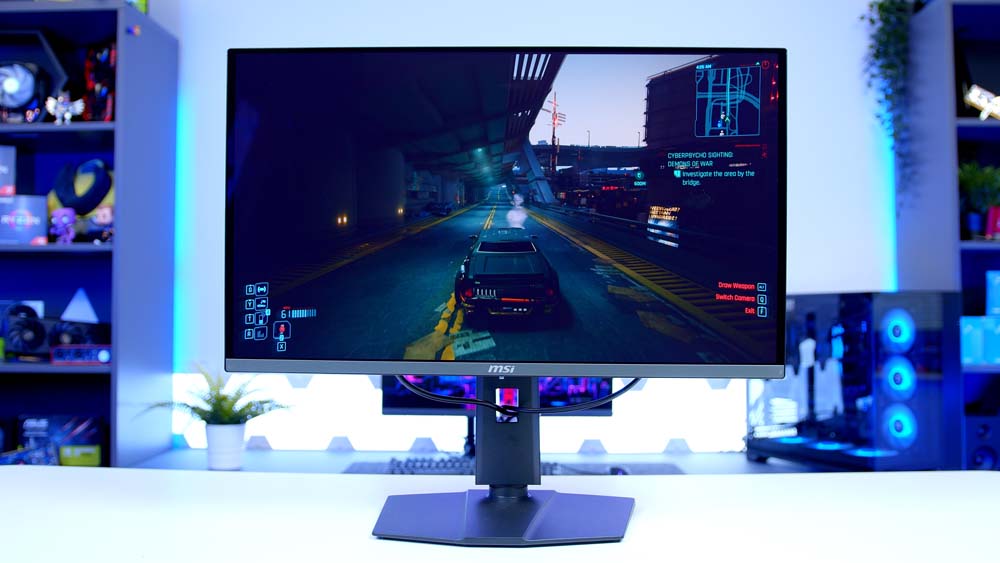
Finally, a glimpse at where the very top of this budget can take you: the MSI MAG 272UP QD-OLED X24, which may well be the cheapest 4K 240Hz monitor on the market right now. US pricing wobbles enough to arguably nudge it out of scope, but it’s a fascinating step up from everything else here.
It keeps the 240Hz refresh rate of the pack but jumps to 4K resolution on Samsung’s fourth-gen QD-OLED panel — the only display in this guide to use it — with strong ~1,000-nit peak brightness. Connectivity is a DisplayPort 1.4a and two HDMI 2.1 ports, which matter more here given 4K’s heftier bandwidth demands. The real question is whether you want that 4K future-proofing baked in now, or whether 1440p is plenty for where you are today.
MSI MAG 272UP QD-OLED X24 Specifications
- Panel Type QD-OLED (Quantum Dot OLED)
- OLED Generation Samsung 4th-Gen QD-OLED
- Screen Size & Aspect Ratio 26.5″ (27″ class), 16:9
- Resolution 3840 × 2160 (4K UHD)
- Refresh Rate 240Hz
- Peak Brightness 1,000 cd/m² peak HDR (3% APL), 250 cd/m² typical (SDR)
- Key Ports 1 × DisplayPort 1.4a (HBR3), 2 × HDMI 2.1 (48 Gbps), 1 × USB-C (15W PD with DP Alt Mode), 3.5mm headphone out (no USB data ports)
- HDR & OLED Care VESA DisplayHDR True Black 400, ClearMR 13000, G-SYNC Compatible, FreeSync Premium Pro, MSI OLED Care 2.0, 3-year burn-in warranty
Closing Thoughts
I love the Alienware (AW2726DM) because it genuinely drags OLED into the mainstream — when a panel this good lands at around $350, how on earth do the cheaper non-OLED displays justify themselves? My one real gripe is brightness, and it’s a meaningful one.
Beyond that, it comes down to price and the features you care about. If you need USB-C power delivery for a laptop, MSI’s X28 is your monitor. If reflections are your bugbear, the Asus ROG Strix XG27AQDMG Gen 2 and its bright, glossy WOLED panel is the one to beat. And if you simply want the most QD-OLED for the least money, the AOC Q27G4ZD is hard to argue with.