The gaming monitor market is a confusing place right now. OLED panels are cheaper than they’ve ever been, and just as it looked like traditional LCD had been left for dead, Mini LED turned up at an affordable price point and dragged the fight straight back to OLED’s door.
So which one should you actually buy? In this guide I’m breaking down what separates the two panel technologies, then putting four monitors head to head. Two Mini LED, two OLED, across two very different price points, looking at visuals, ghosting, brightness and motion clarity.
What Is an OLED Monitor?
The thing that makes OLED different is that every single pixel controls its own brightness. Think of the pixels on an OLED panel, all 3.6 million of them on a standard 1440p display, as tiny individual light bulbs. Each one can be turned up, dimmed, or switched off entirely, independently of its neighbours.
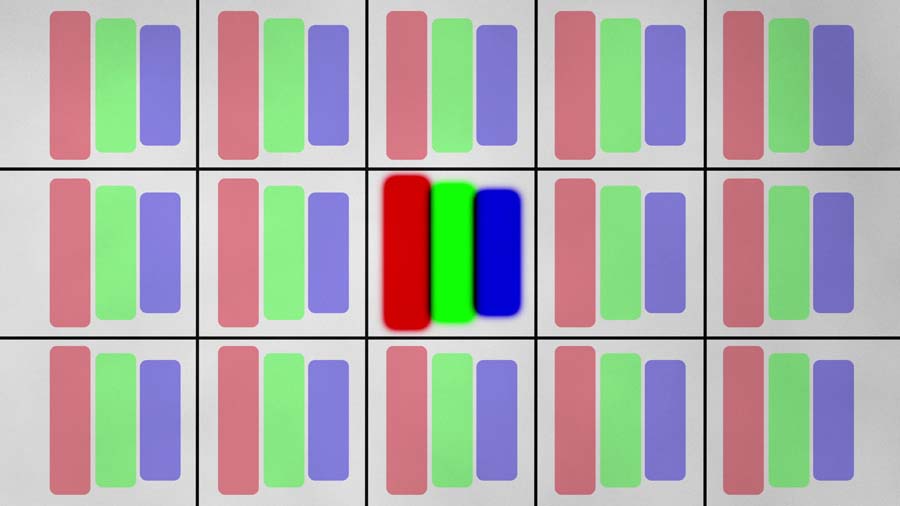
That gives you completely granular control over brightness and, more importantly, blacks. There’s no universal backlight sitting behind the panel bleeding light and turning blacks into greys, which is why OLED spec sheets quote contrast ratios of a million to one and beyond. Nothing is blacker than no light at all.
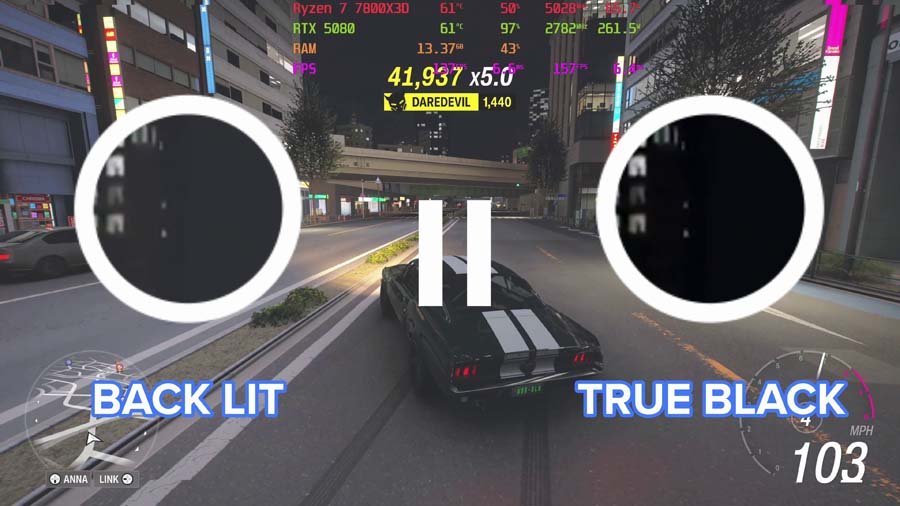
This shift in design brings a few other advantages along for the ride. Because each pixel is a small LED being switched on and off electronically, response times are near-instant, at 0.03ms on most of the panels we’ve tested. That translates into less ghosting and better motion clarity, which matters enormously if you play anything competitive.
What Is a Mini LED Monitor?
A quick clarification before we go any further. Mini LED isn’t a panel type at all. It’s a backlighting technology, and most Mini LED monitors are built around an IPS panel underneath. We can live with the shorthand for the purposes of this guide, but it’s worth knowing.
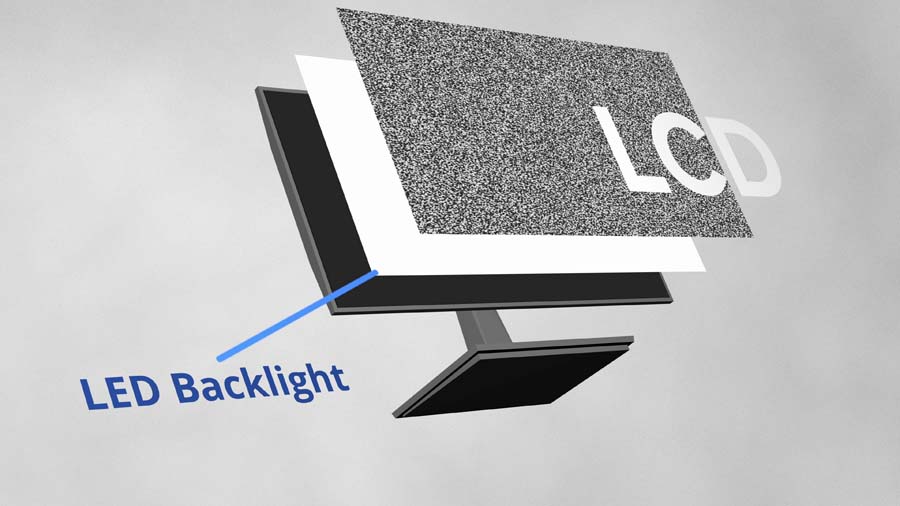
Historically, the backlight on an LCD monitor was one big universal light source, which is why blacks looked washed out and grey. There’s a large white light sitting directly behind them. Most LCD displays are also edge-lit, which is where that familiar bleed around the edges of the screen comes from.
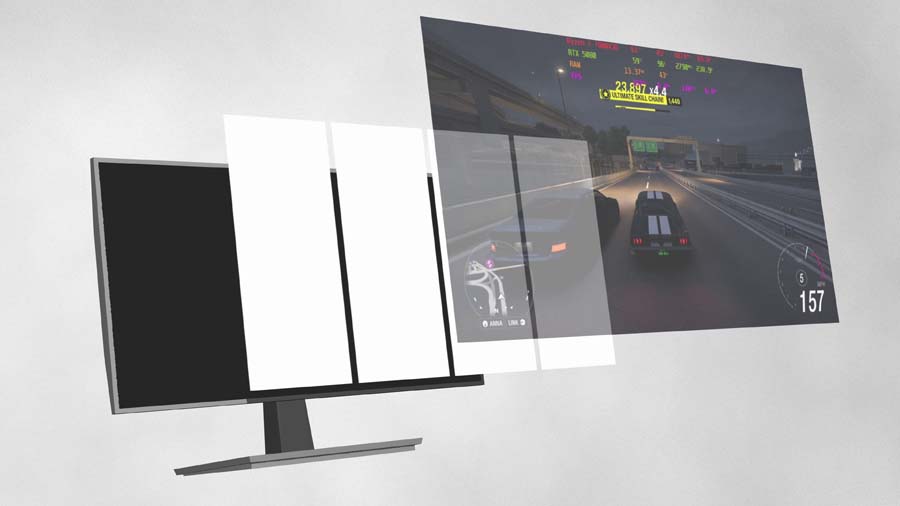
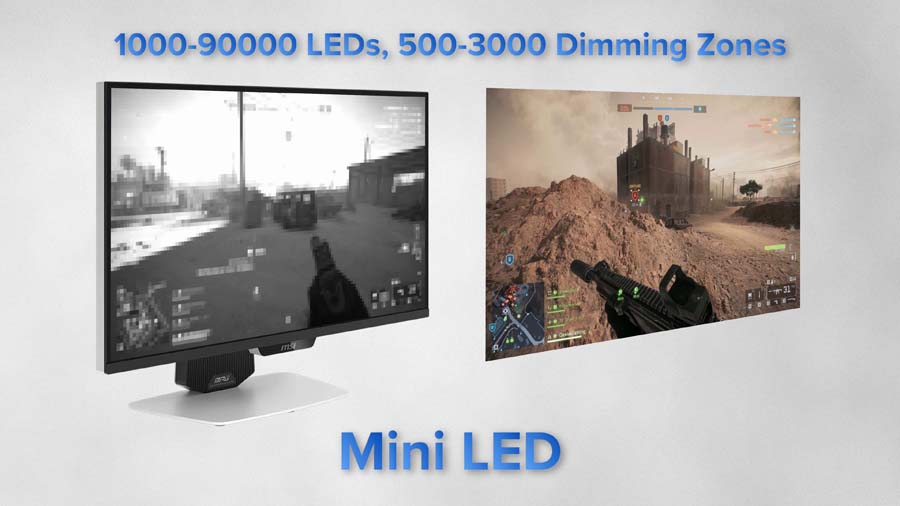
Mini LED keeps the backlight, but shrinks the LEDs right down and packs thousands of them behind the panel. Those are then split into zones, 1,152 of them on both of the Mini LED monitors in this guide, so dark areas of the image can dim independently rather than being held hostage by a single overall backlight.
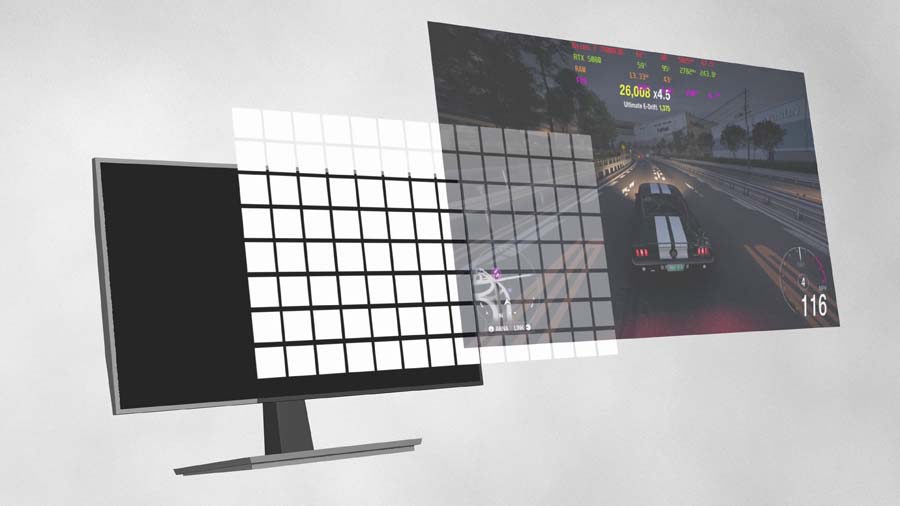
Now, you might be thinking that an OLED effectively has 3.6 million dimming zones at 1440p, so a thousand-odd zones is never going to compete. The answer is yes and no. More granular control is always going to be better. But you don’t need a 27 or 32-inch panel carved into 3.6 million zones to produce convincing blacks. That number is just a byproduct of how OLED panels are built, albeit a rather nice one.
Where Mini LED Beats OLED
Brightness
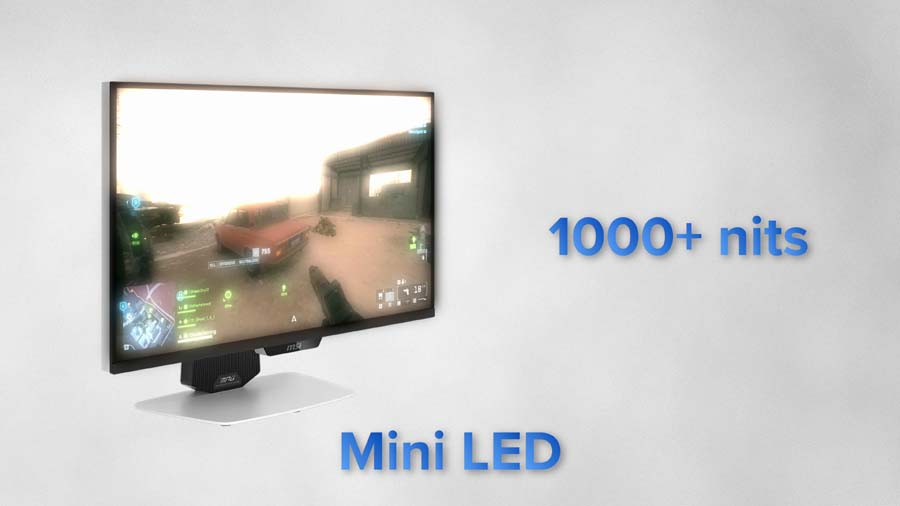
OLED panels keep getting brighter, which is great, but Mini LED still goes brighter, across more of the screen, for longer. Both of the Mini LED monitors here hit a peak of 1,000 nits and can hold that across essentially the entire screen for as long as you like.
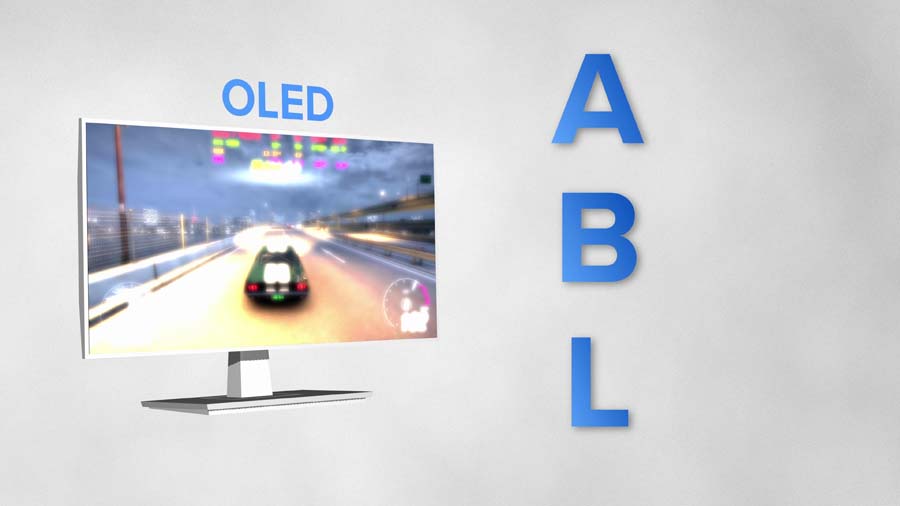
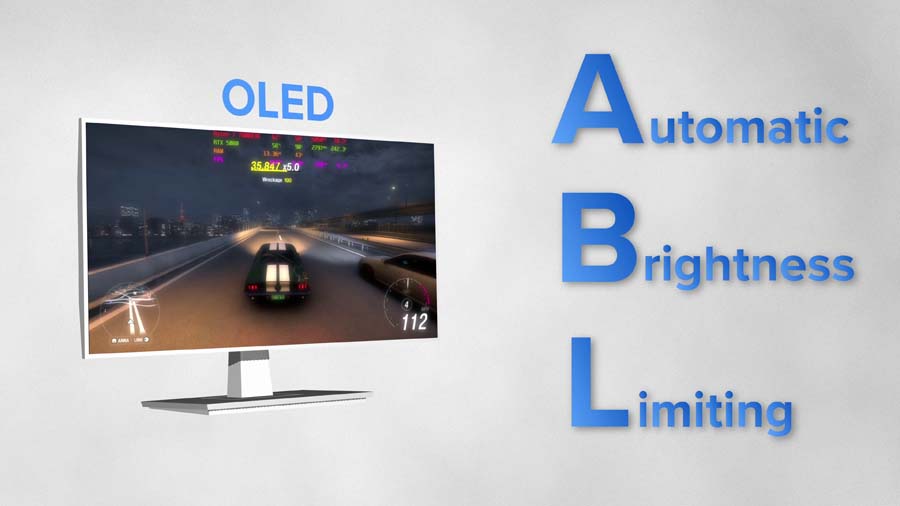
OLED struggles here, and the culprit is ABL, or automatic brightness limiting. When large areas of the screen are showing something bright or white, the panel dials overall brightness down to protect itself. It’s improved a lot in recent years, though it doesn’t change the fundamentals.
You’ll see the same story in SDR brightness figures, where Mini LED tends to post a higher number than an OLED at a comparable price.
Burn-In
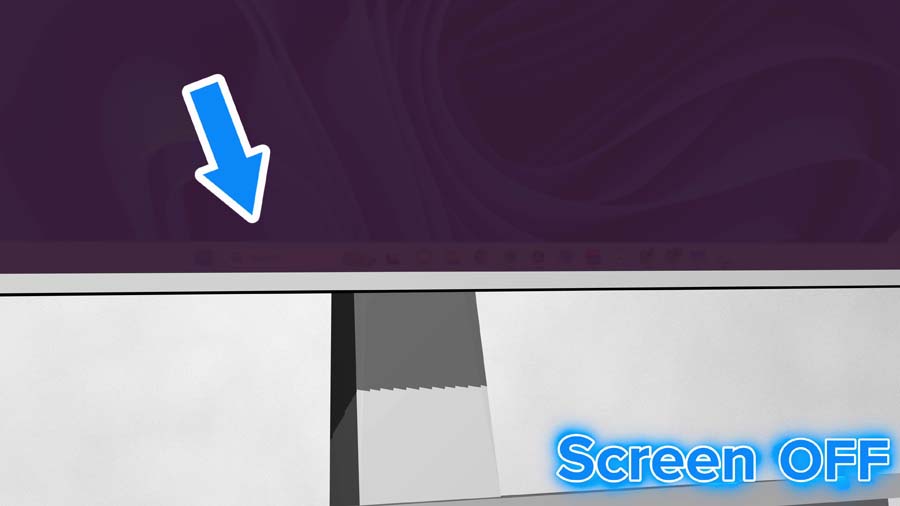
Burn-in happens when a monitor displays the same static element in the same place for a prolonged period. A Windows taskbar sitting at the bottom of the screen, for example. The outcome is permanent, and pretty grim when it happens.
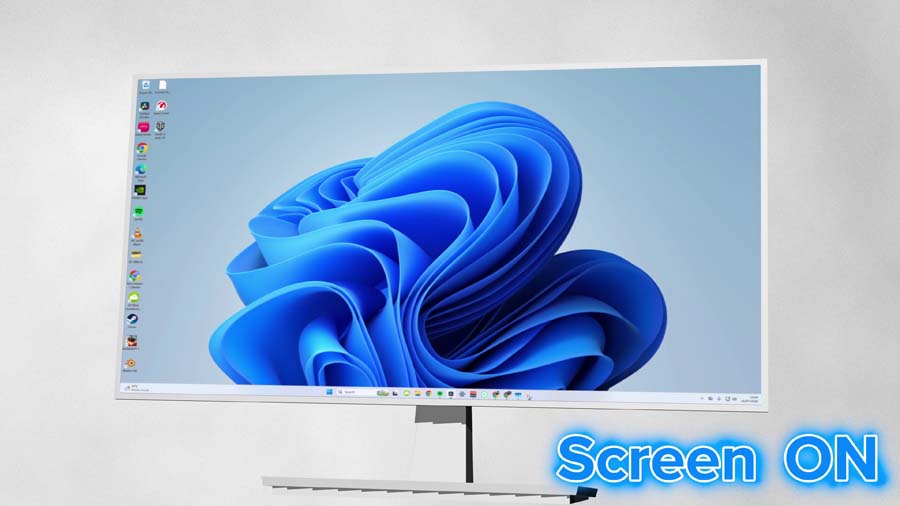
The tech to mitigate it is improving fast, with static element detection, pixel shifting and auto power-off sensors now standard across OLED panels. But it’s a set of measures you don’t need to think about on Mini LED.
Value for Money
This is the big one. The KTC M27T6S sits right at the budget end of the market for a 1440p 200Hz Mini LED display rated at 450 nits in SDR and 1,000 nits peak in HDR. There’s no OLED monitor anywhere near that money going to match or beat those numbers.
Step up to 4K and MSI’s 274URDFW E16M gets you a full 4K panel with dual mode functionality for roughly half what the comparable OLED costs. Pricing moves around constantly, so it’s always worth checking the latest before you commit.
Where OLED Still Wins
So Mini LED wins outright and OLED is overhyped? Not so fast, because there are still plenty of areas where OLED comfortably beats it.
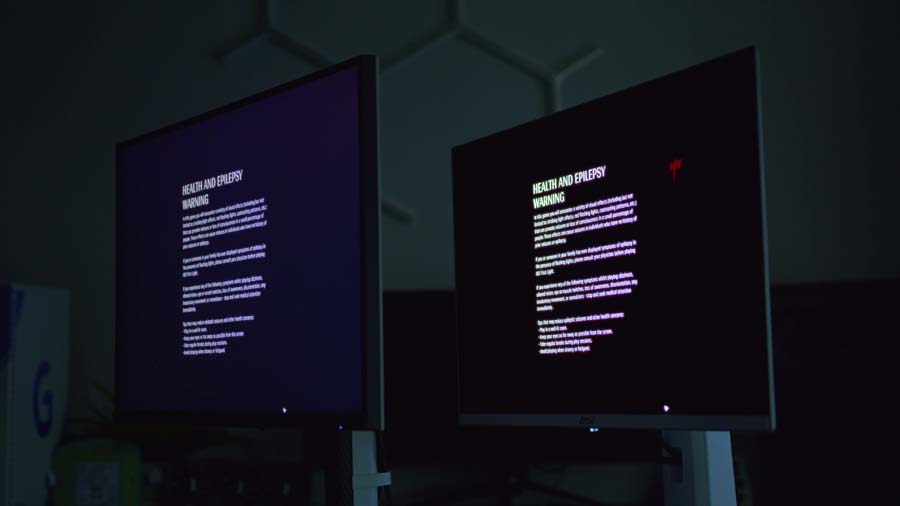
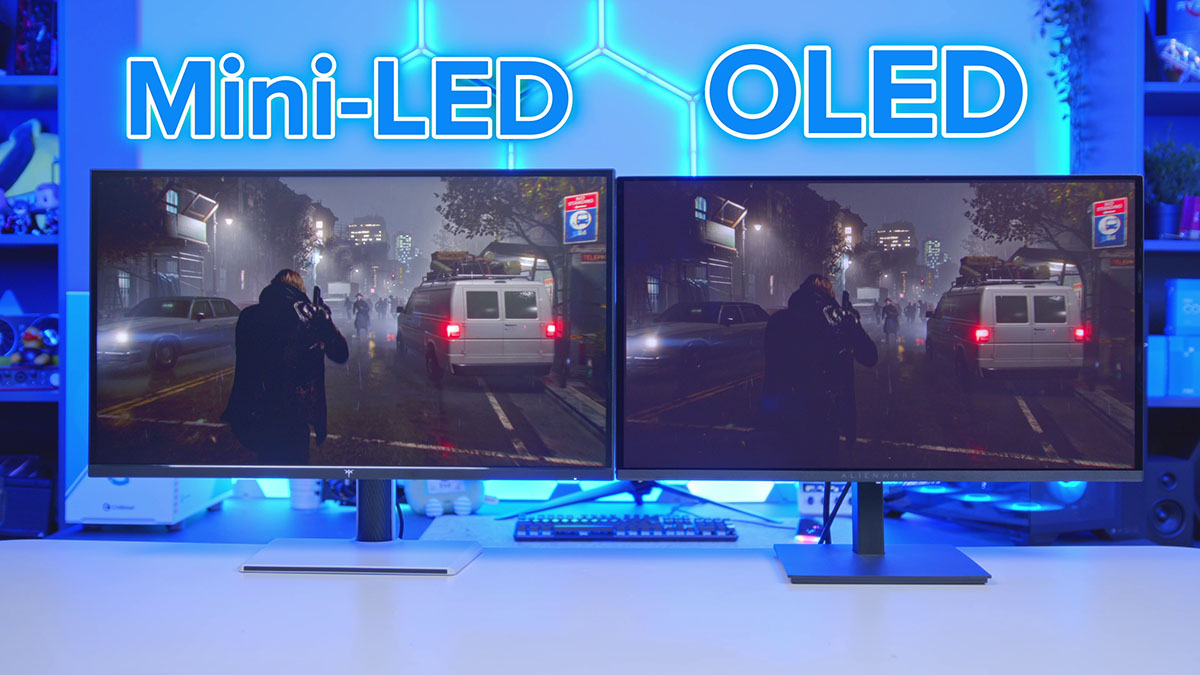
Perfect blacks and effectively infinite contrast remain unmatched. Put a Mini LED and an OLED side by side in a dark scene and it isn’t close. That’s just a fact of how the two technologies work.
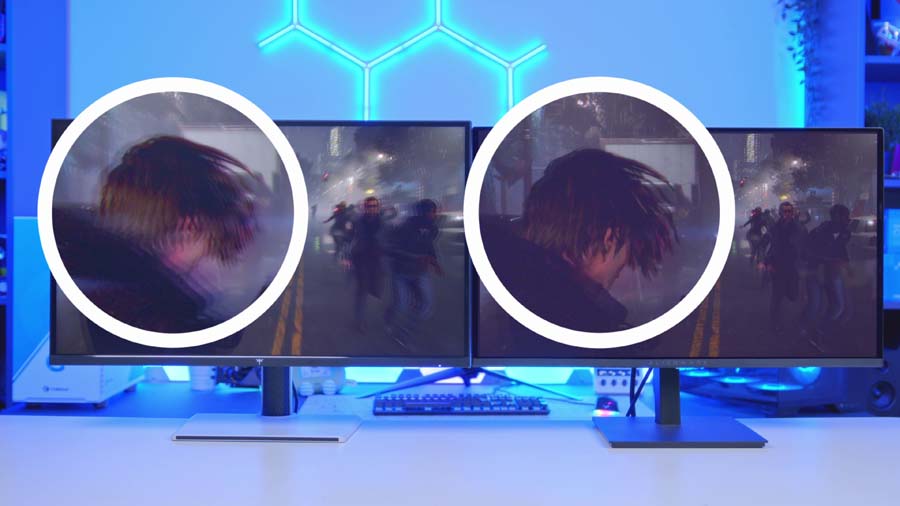
Motion clarity is the other one. OLED pixels change state almost instantly, at around 0.03ms on most of the panels we’ve tested. That’s an enormous improvement on the 1-2ms you’ll get from even a fast IPS panel, and it shows up as less ghosting and a cleaner image whenever things get moving, especially in competitive titles.
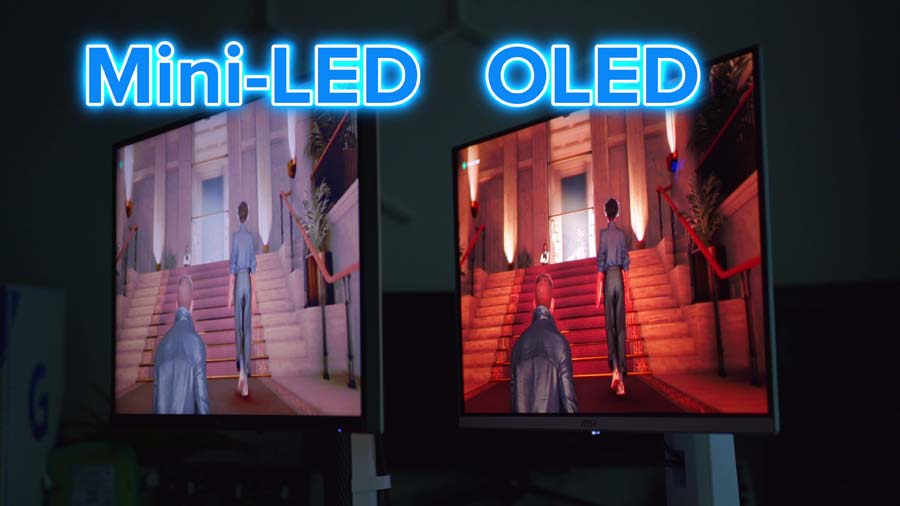
Viewing angles are typically better too, and colours on QD-OLED panels in particular hold their saturation and consistency far better as you move off-axis.
The 1440p Head-to-Head: KTC M27T6S vs Alienware AW2726DM
Specs and theory are one thing. What actually happens when you put two monitors at roughly the same price on the same desk?
At the budget end, that means the KTC M27T6S against the Alienware AW2726DM. Both land in much the same bracket depending on the day, and both are phenomenal value for what they are.
KTC M27T6S
The M27T6S is this guide’s value argument made flesh. It’s a 27-inch 1440p Fast IPS panel running at 200Hz (210Hz if you enable the overclock in the OSD), sitting behind a 1,152-zone Mini LED backlight with an HDR 1000 rating.
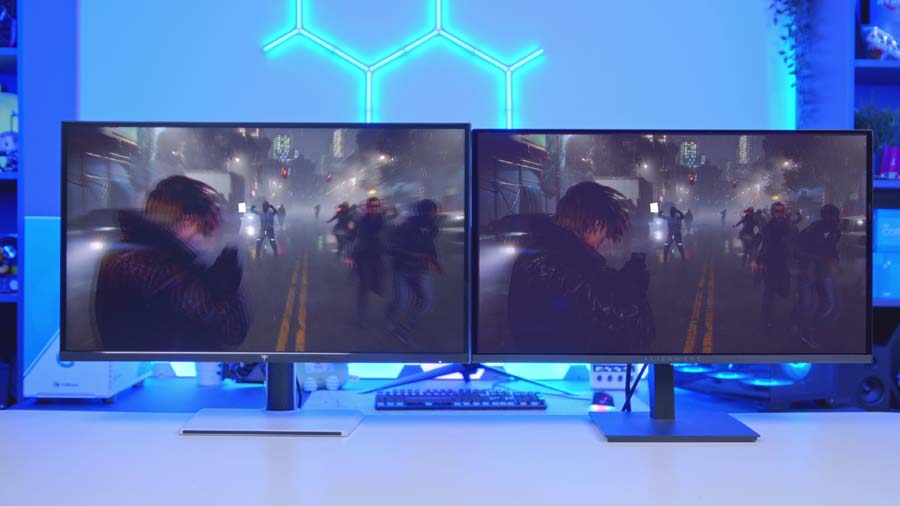
Brightness is where it separates itself. Load up a dark scene in Resident Evil next to the Alienware and the difference is stark: 1,000 nits of peak HDR brightness against the Alienware’s 400 nits. The SDR gap is arguably the more telling one, though. 450 nits here against 200 nits on the Alienware, and SDR is what you’re staring at for the vast majority of your desktop life. At this price point that’s enormous, and it makes the KTC a very compelling option if your desk sits anywhere near a window.

Where it gives ground is motion clarity and blacks, both of which go to the Alienware. But if you’re in a bright room and you need a display that can fight back against ambient light, this is the obvious choice.
KTC M27T6S Specifications
- Panel Type Fast IPS with Mini LED backlight
- Local Dimming Zones 1,152
- Screen Size & Aspect Ratio 27", 16:9
- Resolution 2560 × 1440 (QHD)
- Refresh Rate 200Hz (210Hz overclocked)
- Brightness 450 cd/m² (SDR), 1,000 cd/m² (HDR)
- Key Ports 1 × DisplayPort 1.4 (1440p @ 200Hz), 2 × HDMI 2.0 (1440p @ 144Hz), 1 × USB 2.0 (firmware upgrade only), 1 × headphone out
- HDR & Extras HDR 1000, Adaptive Sync (FreeSync / G-SYNC Compatible), 1ms MPRT, 1000:1 SDR contrast, 100% sRGB / 98% DCI-P3 / 99% Adobe RGB coverage, anti-glare, tilt / swivel / pivot / 130mm height, 3-year warranty
Alienware AW2726DM
The AW2726DM is the monitor that kicked this whole OLED price war into gear. It’s a 26.5-inch third-gen Samsung QD-OLED at 1440p and 240Hz, with the now-familiar 0.03ms response time, and it lands at a price that didn’t exist for OLED eighteen months ago.
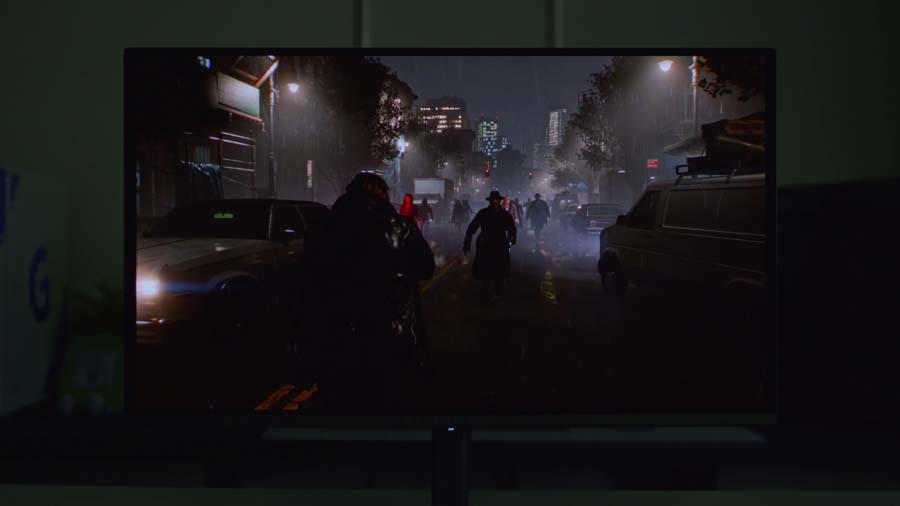
What you get for that is proper OLED quality. Deep, punchy blacks, excellent colour, and motion clarity the KTC can’t touch. What you don’t get is brightness. 200 nits of full-screen brightness and no DisplayHDR True Black certification means this is a panel that wants a controlled lighting environment.
Sit it in a darker room, though, and it’s the better-looking display of the two by some margin. Honestly, this one comes down to where your desk is more than anything else.
Alienware AW2726DM Specifications
- Panel Type QD-OLED (Quantum Dot OLED)
- OLED Generation Samsung 3rd-Gen QD-OLED
- Screen Size & Aspect Ratio 26.5" viewable (27" class), 16:9
- Resolution 2560 × 1440 (QHD)
- Refresh Rate 240Hz (via DisplayPort 1.4)
- Brightness 200 cd/m² typical (SDR), 400 cd/m² typical HDR peak at 10% APL
- Key Ports 1 × DisplayPort 1.4 (1440p @ 240Hz, HDR, DSC), 2 × HDMI (1440p @ 120Hz, HDR, VRR)
- HDR & OLED Care HDR10, no VESA DisplayHDR certification, AMD FreeSync Premium, VESA AdaptiveSync, 0.03ms GtG, 1,500,000:1 contrast, 99% DCI-P3, anti-reflective coating, 3-year warranty with Advanced Exchange and Premium Panel Exchange
The 4K Head-to-Head: MSI MPG 274URDFW E16M vs MSI MPG 322URX QD-OLED
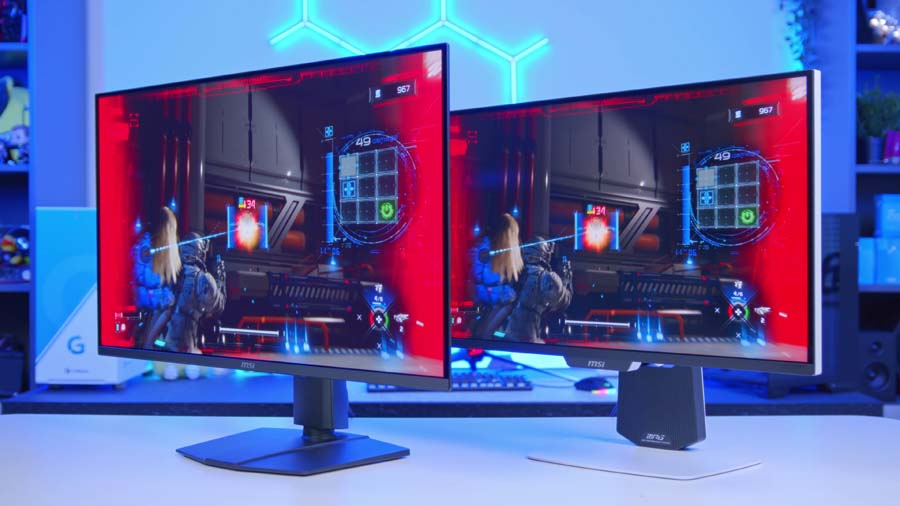
Move up to 4K and the same argument plays out, only with a much bigger gap between the price tags. The 322URX QD-OLED sits at the premium end of the market, with the Mini LED 274URDFW E16M coming in at less than half of that.
One thing worth flagging before we go further. These two aren’t quite like-for-like on size. The MSI Mini LED is a 27-inch panel and the QD-OLED a 31.5-inch one, so the cheaper display is actually the sharper of the two.
MSI MPG 274URDFW E16M
For the money, the E16M gives up remarkably little. Brightness is the headline: 1,000 nits of HDR peak with 400 nits in SDR, against the 322URX’s comparable 1,000-nit peak but a lower 250 nits in SDR. In day-to-day desktop use, that SDR figure matters more than people tend to expect.
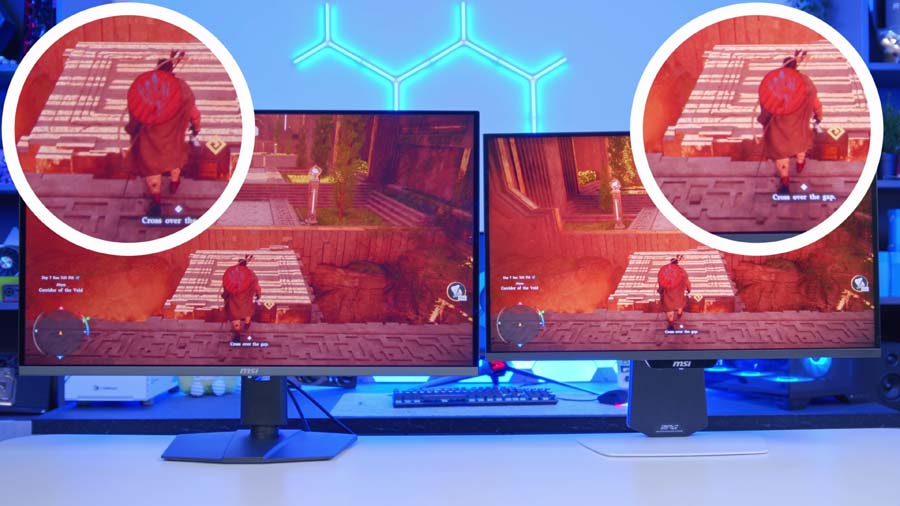
Both are 4K, but you do lose refresh rate, at 160Hz here against 240Hz on the OLED. What you gain in return is dual mode, which drops the panel to 1080p and pushes it up to 320Hz. If you split your time between cinematic single-player games and something competitive, that’s a genuinely useful trick to have in your back pocket.
MSI MPG 274URDFW E16M Specifications
- Panel Type Rapid IPS with Mini LED backlight and Quantum Dot
- Local Dimming Zones 1,152
- Screen Size & Aspect Ratio 27", 16:9
- Resolution 3840 × 2160 (UHD) / 1920 × 1080 (Dual Mode)
- Refresh Rate 160Hz at 4K / 320Hz at 1080p (Dual Mode)
- Brightness 400 cd/m² (SDR), 1,000 cd/m² peak (HDR)
- Key Ports 1 × DisplayPort 1.4a (HBR3), 2 × HDMI 2.1 (UHD @ 160Hz), 1 × USB-C (DP Alt Mode, 98W PD), USB 2.0 hub, 1 × headphone out
- HDR & Extras VESA DisplayHDR 1000, G-SYNC Compatible / AMD FreeSync Premium, 0.5ms GtG (min), 1000:1 contrast, 100% Adobe RGB / 98% DCI-P3 / 140% sRGB, KVM, Mystic Light, anti-glare, 4-way adjustable stand
MSI MPG 322URX QD-OLED
The 322URX is the ceiling. It’s a 32-inch third-gen QD-OLED running 4K at 240Hz with a 0.03ms response time, DisplayHDR True Black 400 certification, and the most future-proof connectivity in this guide. DisplayPort 2.1a with UHBR20 means native, uncompressed 4K at 240Hz without leaning on DSC.
Worth knowing how MSI actually breaks its brightness down here. 1,000 nits is the peak figure at 3% APL, while the True Black 400 number, 450 nits at 10% APL, is the one you’ll meet more often in real content. That’s the ABL story from earlier in numbers.
Motion clarity and overall colour reproduction are both a clear step above the E16M, and if pure image quality is what you’re after, this is the better panel of the two. It’s also more than twice the price, which is the entire argument summed up in a sentence.
MSI MPG 322URX QD-OLED Specifications
- Panel Type QD-OLED (Quantum Dot OLED)
- OLED Generation Samsung 3rd-Gen QD-OLED
- Screen Size & Aspect Ratio 31.5" (32" class), 16:9
- Resolution 3840 × 2160 (UHD)
- Refresh Rate 240Hz
- Brightness 250 cd/m² (SDR), 450 cd/m² typical at 10% APL, 1,000 cd/m² peak at 3% APL
- Key Ports 1 × DisplayPort 2.1a (UHBR20, 80 Gbps), 2 × HDMI 2.1 (UHD @ 240Hz, 48 Gbps), 1 × USB-C (DP Alt Mode, 98W PD), 2 × USB 5Gbps Type-A, 1 × Type-B, 1 × headphone out
- HDR & OLED Care VESA DisplayHDR True Black 400, ClearMR 13000, G-SYNC Compatible / AMD FreeSync Premium Pro, 0.03ms GtG, 1,500,000:1 contrast, 99% DCI-P3 / 98% Adobe RGB / 138% sRGB, KVM, MSI OLED Care 2.0, 3-year warranty including panel burn-in
So, Which Should You Buy?
Let’s be honest about it. More often than not, Mini LED offers up better value for money at comparable specs. Whether you’re shopping for a 1440p panel or a 4K one, you’re simply getting more monitor for your money going Mini LED.
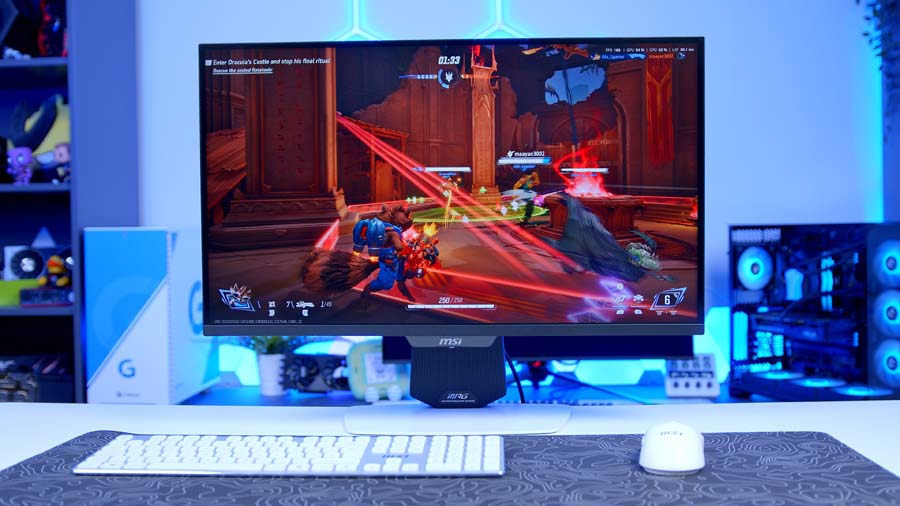
But for image quality, OLED is the ceiling. It’s as good as it gets. Mini LED is getting closer and closer, there’s no two ways about it, but it’s never going to compete with effectively infinite contrast and near-instant response times. If you want the absolute best and you can afford to pay for it, OLED is the way to go, and that probably isn’t changing any time soon.
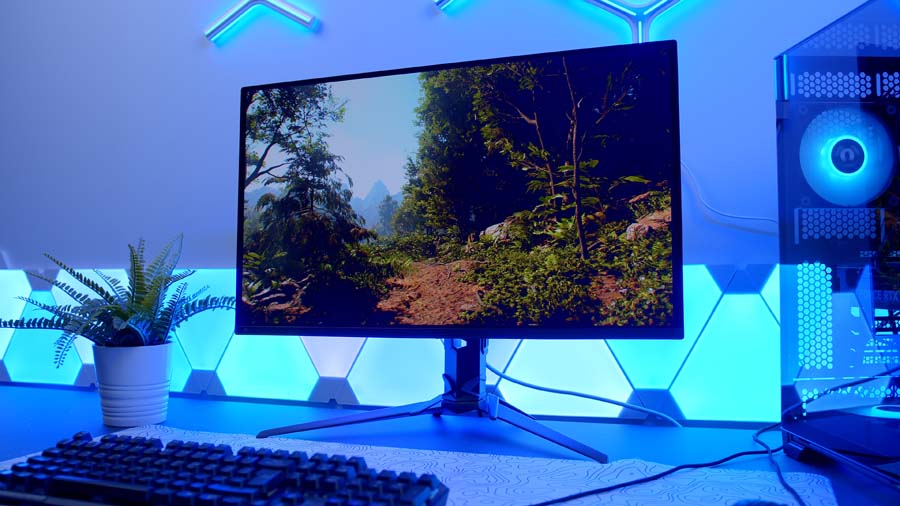
The good news is that the biggest complaints levelled at OLED are being fixed at pace. Just a few years ago burn-in was a serious problem, and uniform brightness caused a genuine headache for anyone using their monitor for something other than gaming. Both are now largely solved on modern designs.
Ultimately, it comes down to your room and your priorities. If a super-thin form factor, instant response times and unrivalled image quality are what you’re chasing, OLED still reigns supreme. But don’t discount Mini LED, especially if dual mode appeals and you’d rather keep a few hundred quid back for the rest of your setup upgrade.