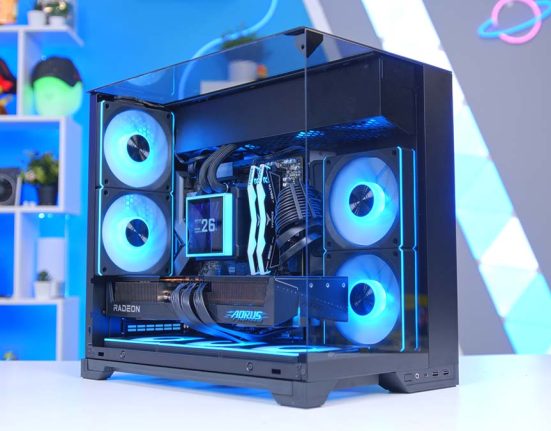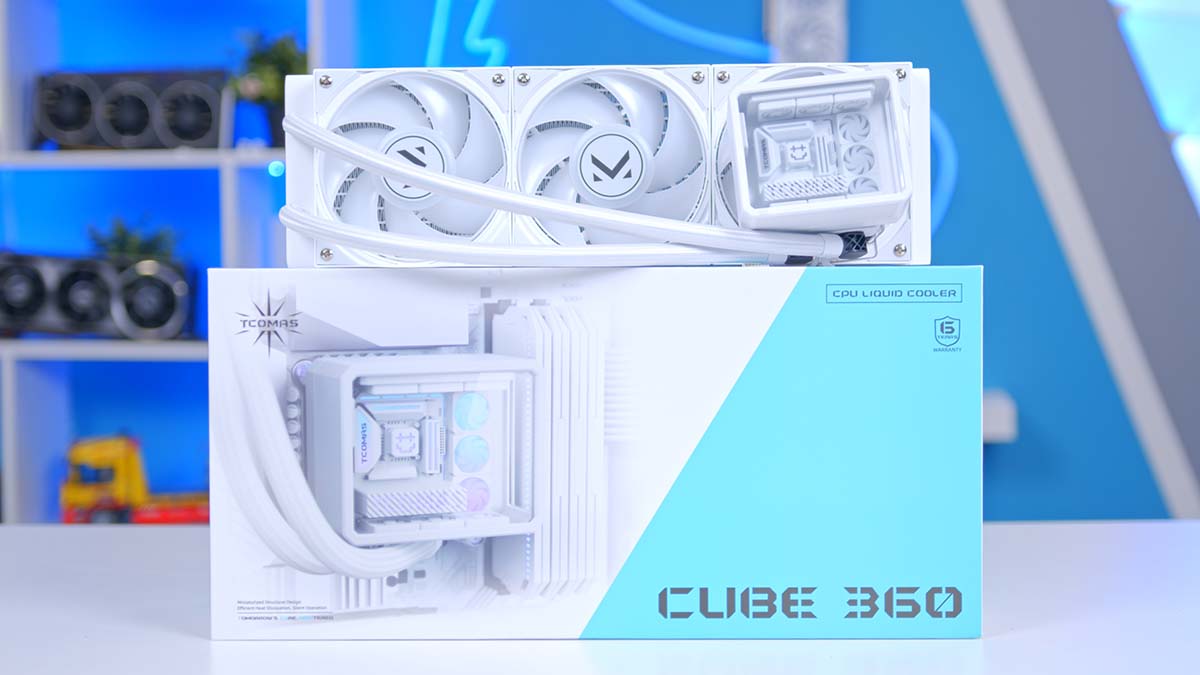
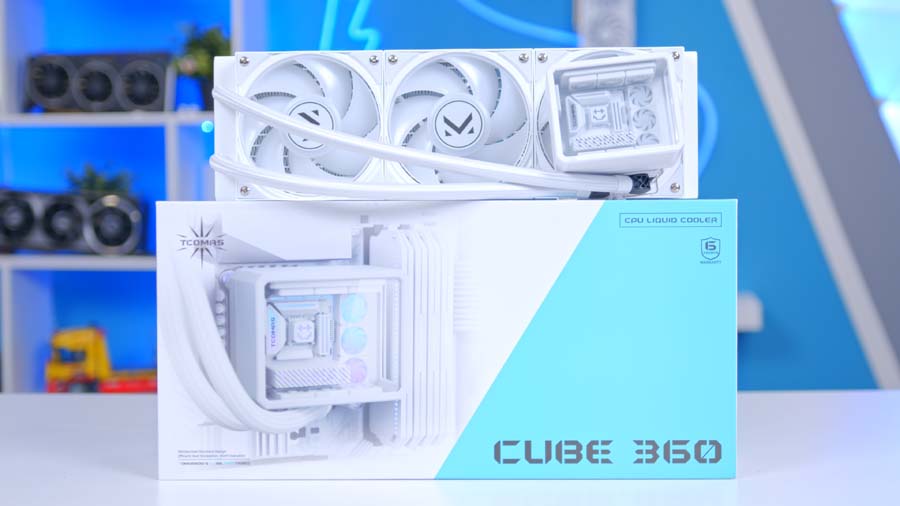
TCOMAS isn’t a name most UK builders will have bumped into yet, but the Guangdong-based cooling brand has been busy, and the CUBE 360 is one of the more unusual all-in-one (AIO) liquid coolers to cross my desk in a while. As the name suggests, the pump block is a chunky cube, finished with a glass top and lit up with Addressable RGB (ARGB) lighting, all paired with a 360mm radiator and three fans that come already fitted.
Underneath all that personality, it’s a fairly conventional 360mm package on paper. I’ve built with it, got to know its quirks and run it through our full cooler test suite, so let’s see whether the substance lives up to the style.
TCOMAS CUBE 360 Specifications
Here’s what you’re working with. The CUBE 360 comes in one size only, in a choice of black or white, and it’s aimed squarely at current platforms. On the Intel side, that covers Core Ultra desktop chips on LGA 1851 as well as 12th, 13th and 14th Gen Core, while AMD builders are looked after on both AM5 and AM4, so anything from AM4-era Ryzen through to current AM5 chips. Anyone still running an older Intel board on LGA 1200 or earlier will need to look elsewhere.
The cooling hardware itself is fairly traditional. A copper block sits on the chip and pushes coolant through sleeved ethylene propylene diene monomer (EPDM) tubing to an aluminium radiator, the same copper-and-aluminium combo you’ll find on AIOs at almost every price point. There’s a sensible amount of tubing to play with too, so front or top mounting shouldn’t leave you stretching in a typical mid-tower.
TCOMAS CUBE 360 Specifications
- Model TCOMAS CUBE 360
- Radiator Size 360mm
- Colour Options Black or White
- Socket Compatibility Intel LGA 1851 / 1700, AMD AM5 / AM4
- Water Block (L x W x H) 94.2 x 90.5 x 77.7mm
- Block Material Copper
- Radiator (L x W x H) 397 x 119.2 x 29.2mm
- Radiator Material Aluminium
- Tubing 400mm sleeved EPDM
- Thermal Paste Pre-applied
- Pump TCOMAS X6M (12V, 9.6W)
- Pump Noise 22 dBA
- Fans 3 x TCOMAS M-ONE (120 x 120 x 25mm)
- Fan Bearing Dual ball bearing
- Fan Speed 600 to 3,000 RPM (±10%)
- Max Airflow / Static Pressure 75.5 CFM / 6.05 mmAq
- Fan Noise (Max) 37.5 dBA
- Lighting ARGB (block and fans)
Driving it all is TCOMAS’ own X6M pump, which the brand rates as a quiet unit, alongside three M-ONE fans pulled from its own ARGB fan range. TCOMAS says those fans use dual ball bearings rated for up to 70,000 hours, and the speed range is a wide one. Handy, because it gives them room to tick over gently at idle and plenty in reserve when things heat up. Fair warning: going by TCOMAS’ own maximum noise rating, you’ll hear them at full tilt.
Thermal paste comes pre-applied to the cold plate, which saves a step on first install. I’d still keep a tube of your own handy, because once you’ve lifted the block for a remount or a processor swap, that factory layer is done for.
Who Are TCOMAS?
If TCOMAS is a new name to you, you’re not alone. The Chinese brand makes AIOs and ARGB fans, has started branching out into PC cases, and says its core team comes from the gaming hardware and PC modding worlds.
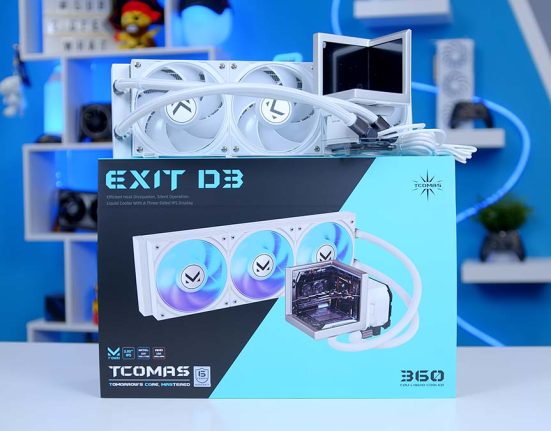
That was on full display at Computex 2026 in Taipei, where TCOMAS brought a stand full of 360mm AIOs, including the CUBE D3 and EXIT D3 with their multi-screen, three-sided blocks, and even a concept cooler with a handheld-sized display strapped to the CPU block. Now, before anyone gets their wires crossed, the CUBE D3 is a different product. The CUBE 360 I’ve been testing has no screens listed on its spec sheet at all.
If Computex showed what TCOMAS can dream up, the summer showed where it wants to sell it. The brand made its first appearance at Gamescom in Cologne last month, wheeling out a Gold Limited Edition version of its cooling platform (gold, naturally) and giving a first public airing to an AI-powered PC configurator that went live at the start of September. TCOMAS calls the show part of its effort to expand in international markets, and Cologne is about as pointed a place to say that as you’ll find in Europe.
That push is good news for us in the UK, with more choice and more design-led options to pick from. The flip side is that TCOMAS doesn’t carry the track record of the established names. Yet.
Design
Right, the fun part. I’ll be honest, I don’t think I’ve come across a cooler that looks quite like this before. The block itself is a near-cubic chunk of a thing, and TCOMAS describes the housing as modular with a snap-fit design, while a glass cover up top lets the lighting through. It’s a bold look, and I like it a lot. Bonus points for trying something different!
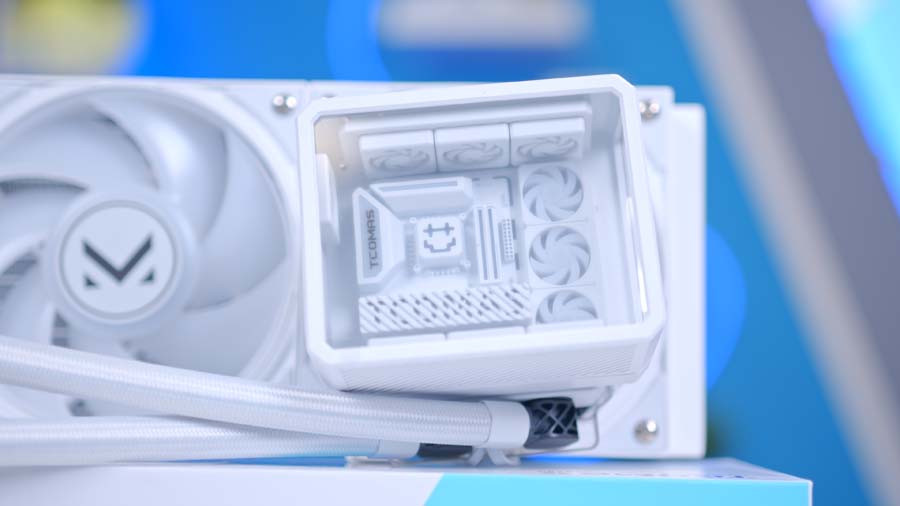
Now, I know plenty of you love a pump-block screen, and I get it. They’ve become a common sight on premium coolers lately, but the CUBE 360 skips them entirely, if TCOMAS’ spec sheet is anything to go by, and leans on shape and lighting to make its point. Personally, I don’t miss it one bit. One less screen to set up, one less thing to tinker with.
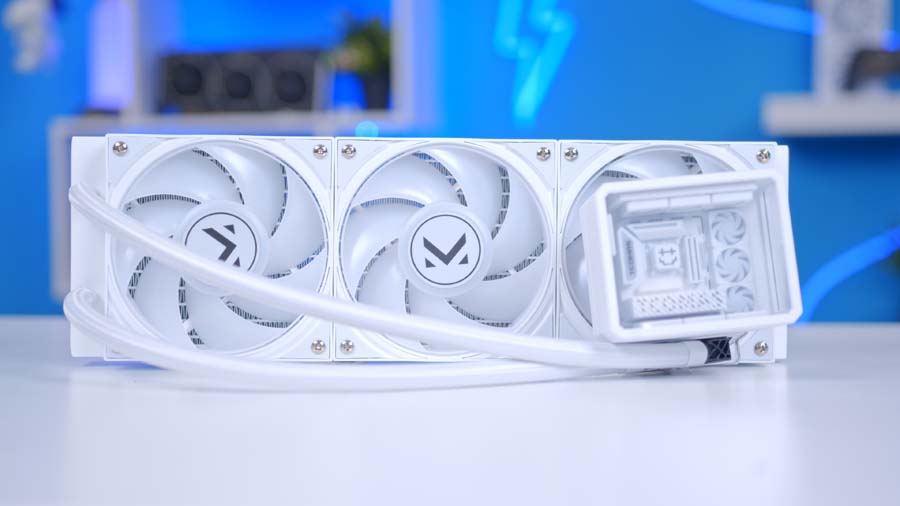
Build quality is solid across the board. Nothing on the block, radiator or fans feels flimsy in the hand, and the sleeved tubing gives it a neater finish than bare rubber lines would. The ARGB lighting is bright and vivid, easily enough to hold its own in a busy, glass-heavy build, with the block and all three fans lit up. TCOMAS pitches that glass top as a way of enhancing the lighting and… yep, it works. The block ends up every bit as eye-catching as the fans around it.
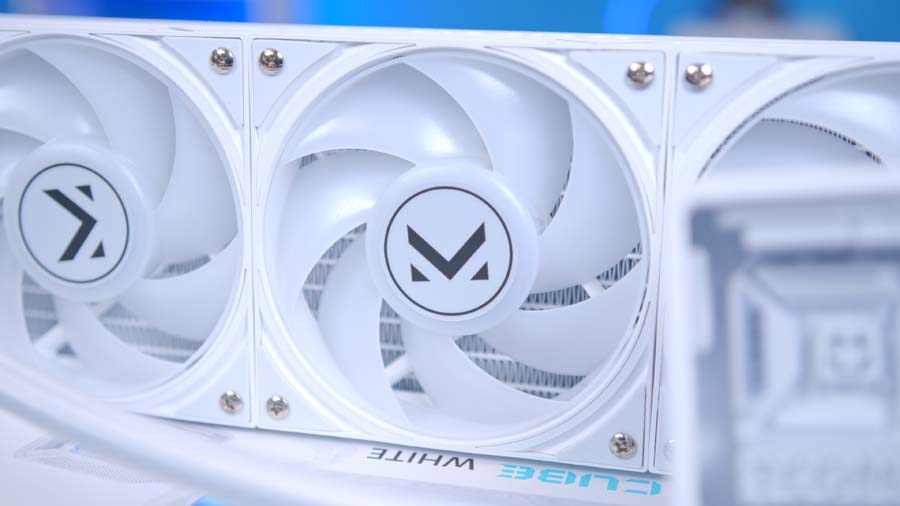
Both black and white versions are on offer. The white should slot nicely into the all-white builds, while the black is the safer pick for a darker theme. The other thing you’ll notice straight out of the box is the layout. The fans come pre-fitted to the radiator and the tubing is positioned on the left-hand side, all set in place before you’ve picked up a screwdriver. An interesting choice. A slightly bizarre one, too, and I’ll come back to why in a moment.
Features We Like
Speedy cable setup
Cable management on AIOs can be a right faff, with fan leads, lighting leads and pump cables all fighting over the same headers. Not here. Getting the CUBE 360 wired up was quick and painless, and with the fans already mounted there’s less to route by hand in the first place. For something that looks this elaborate, I was braced for a lot more fiddling.
No brackets to swap out
A small touch, but one I appreciate. The CUBE 360 ships without mounting brackets pre-installed. That might sound like extra work, but plenty of brands still pre-install Intel brackets by default, so AMD builders spend the first few minutes of every install unscrewing hardware they never needed. Leaving the block bare means everyone starts from the same place, and you only fit what your socket calls for.
Features We Don’t Like
A default, left-side layout
Back to that layout. With the left-side tubing and the fans pre-mounted on the radiator, a fair few decisions have been made for you before you’ve even opened it. If that lines up with your case and where you want the radiator to go, great. If it doesn’t, you’re stuck working around it, and that’s a curious call on something that leans this heavily on looks, where how everything sits in the case matters more than usual.
Brackets still need tools
Credit where it’s due for leaving the brackets off, but fitting the brackets is still an old-school, screwdriver-in-hand job. It’s hardly a dealbreaker. Still, tool-less bracket installation would be a welcome next step for TCOMAS, and it’d round off an install that’s otherwise very quick.
TCOMAS CUBE 360 Performance
On to the numbers. Every cooler goes through the same Intel Core i7-14700K test bench, and we log average and peak processor temperatures across three workloads: Cinebench R23 on four threads, Cinebench R23 on eight threads, and an eight-thread CPU-Z stress test.
Let’s start with the good news, and there’s plenty of it. In CPU-Z, the CUBE 360 averaged 66°C, level with the ASUS ROG RYUJIN III 360 EXTREME, Thermaltake MAGFloe 360 Ultra ARGB Sync and ASUS PRIME LC 360 ARGB LCD. Only the Valkyrie V360 LCD and Gigabyte AORUS WATERFORCE X II 360 ICE averaged lower in that run, and that’s seriously good company. Cinebench R23 on eight threads tells a similar story, with a 70°C average putting it alongside the be quiet! Pure Loop 2 360mm and Corsair Nautilus 360 RS ARGB. On four threads it averaged 62°C, dropping it back into the middle of the pack.
Now for the less rosy bit: peak temperatures. The CUBE 360 hit 76°C in the four-thread run, a 14°C jump over its own average. The same pattern shows up elsewhere: an 82°C peak on eight threads, where the Pure Loop 2 and Nautilus topped out at 76°C with identical averages, and a 76°C peak in CPU-Z, against 71°C and 69°C from the RYUJIN III and MAGFloe. That suggests that the default fan and pump behaviour is slow to react to sudden jumps in load, but that’s an educated guess from the data, not something we isolated in testing.
For long, sustained workloads, those averages are what you’ll feel day to day, and they’re strong. Just know that the CUBE 360 runs spikier than its closest rivals if short, sharp bursts of load are what your system sees most.
Should You Buy the TCOMAS CUBE 360?
The CUBE 360 is a cooler for builders who want their AIO to be a talking point. It’s unlike any cooler I’ve had on the bench, and TCOMAS has backed up the look with solid build quality, bright lighting and an install that doesn’t fight you. For a brand still finding its feet outside China, that’s an encouraging showing.
Where it gets trickier is fit. The default tubing layout means you’ll want to check how it’ll sit in your case before committing, and anyone chasing the calmest possible peak temperatures has more consistent options.
But if you want your cooler to be part of the show? I’d happily point you this way. It’s a welcome change of pace in a 360mm market where an awful lot of coolers look the same.