When you’re buying a new gaming monitor, two things tend to get decided before anything else. The size of the panel, and its resolution. And on resolution, most people land on 1440p.
There’s good reason for that. You get significantly more pixels than 1080p, so a real step up in image quality, but without the enormous performance overhead that top-end 4K brings with it. The problem is that settling on 1440p leaves you with a frankly enormous number of options to pick from.
So which one is actually best? How do they all compare? And does panel type really matter? In his latest video, James rounded up the pick of the 1440p monitors we’ve tested, covering IPS, Mini LED and OLED, working from the cheapest up to the most expensive. Here’s how they stack up.
Monitor Comparison
Best 1440p Gaming Monitors Compared
Hover rows for highlight. Tap/click a header title to sort.
| ⠿ Monitor | Where to Buy | ⠿ Panel Type | ⠿ Screen Size | ⠿ Resolution | ⠿ Refresh Rate | ⠿ Response Time | ⠿ SDR Brightness | ⠿ HDR Peak | ⠿ HDR Certification |
|---|---|---|---|---|---|---|---|---|---|
ASUS TUF Gaming VG27AQL5A Budget IPS all-rounder |
Fast IPS | 27" | QHD (2560 x 1440) | 210Hz (OC) | 0.3ms GtG (min) | 350 nits | 400 nits | DisplayHDR 400 | |
KTC H27T22C-3 Brightest budget IPS |
Fast IPS | 27" | QHD (2560 x 1440) | 200Hz (210Hz OC) | 1ms | 450 nits | 400 nits | DisplayHDR 400 | |
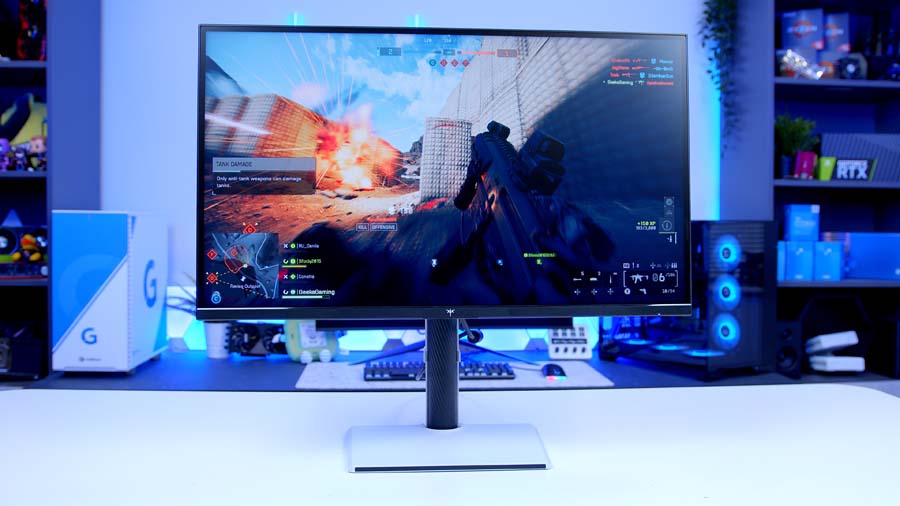
KTC M27T6S Mini LED on a budget |
Fast IPS + Mini LED (1,152 zones) | 27" | QHD (2560 x 1440) | 200Hz (210Hz OC) | 1ms MPRT | 450 nits | 1,000 nits | HDR 1000 | |
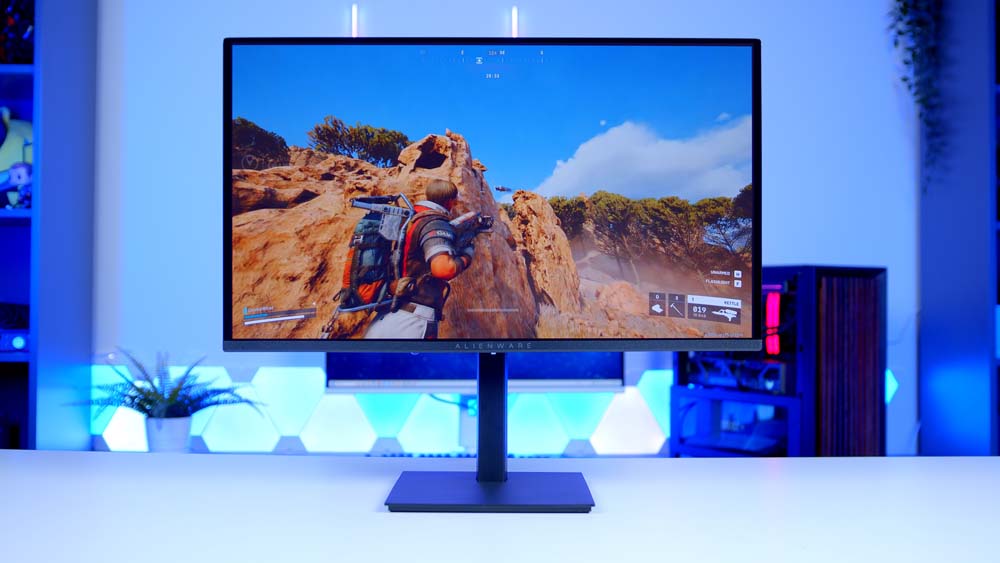
Alienware AW2726DM Cheapest big-brand OLED |
QD-OLED | 26.5" (27" class) | QHD (2560 x 1440) | 240Hz | 0.03ms GtG | 200 nits | 400 nits (10% APL) | None (HDR10 only) | |
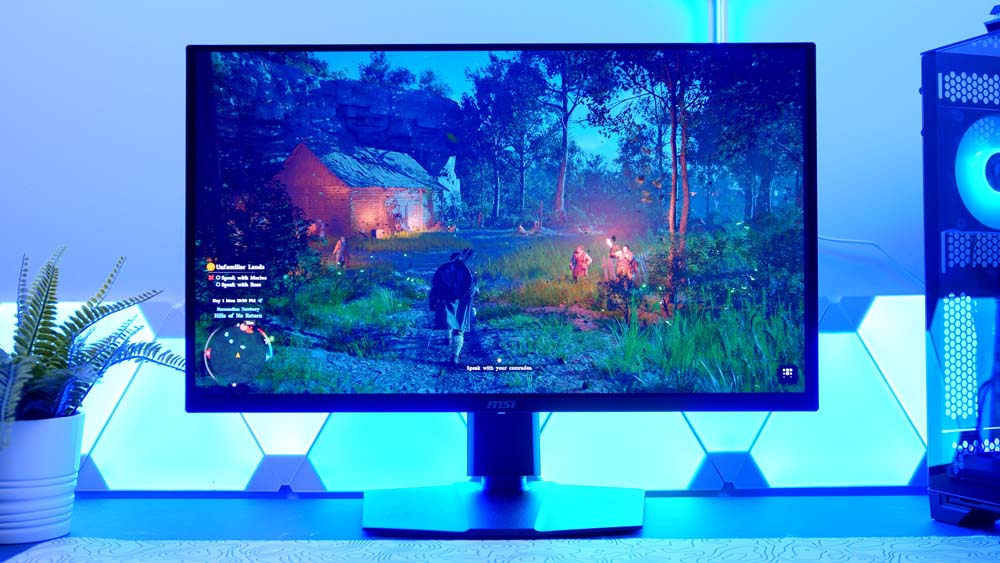
MSI MAG 273QP QD-OLED X24 More HDR headroom for similar money |
QD-OLED (3rd Gen) | 26.5" (27" class) | QHD (2560 x 1440) | 240Hz | 0.03ms GtG | 250 nits | 1,000 nits | DisplayHDR True Black 400 | |
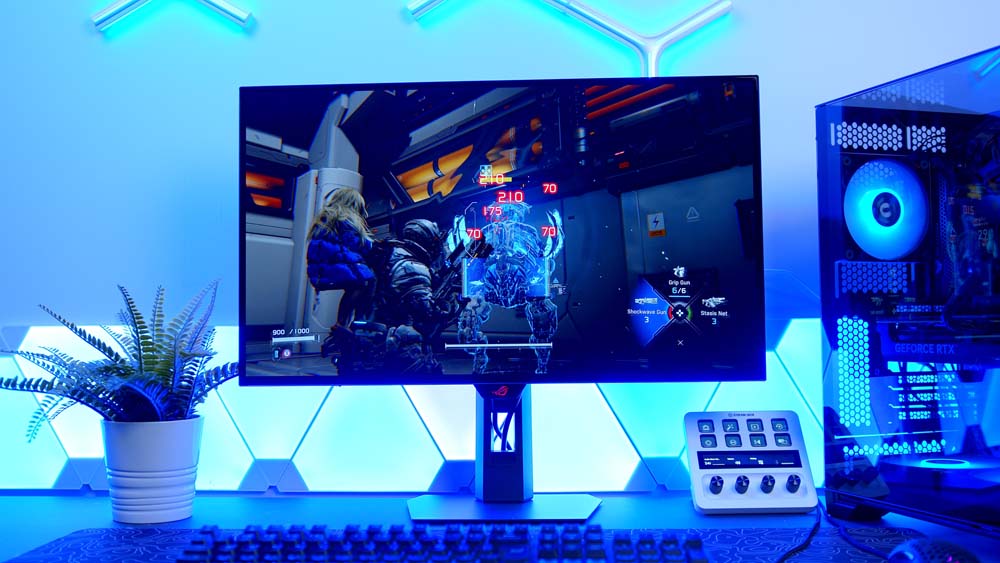
ASUS ROG Strix OLED XG27AQDMG Gen 2 WOLED with big HDR peaks |
WOLED (LG 3rd Gen) | 27" | QHD (2560 x 1440) | 240Hz | 0.03ms GtG | 275 nits | 1,300 nits | DisplayHDR 400 | |
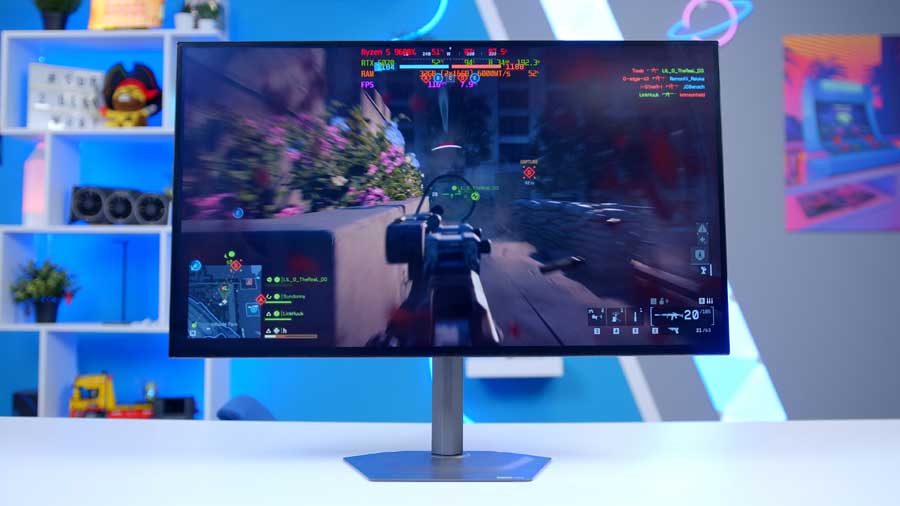
Gigabyte MO27Q28G Brightest panel in the guide |
Tandem WOLED (LG 4th Gen) | 27" | QHD (2560 x 1440) | 280Hz | 0.03ms GtG | 335 nits | 1,500 nits (1.5% APL) | DisplayHDR True Black 500 | |
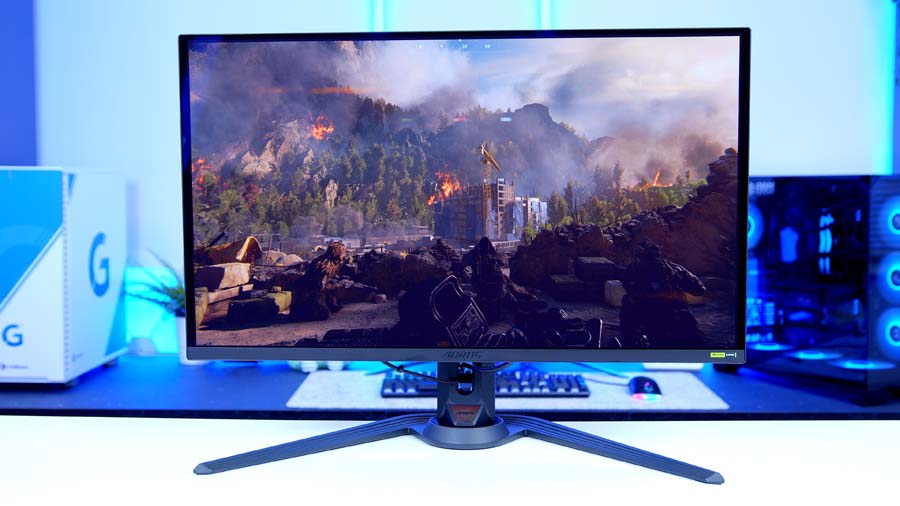
Gigabyte AORUS FO27Q5P 500Hz competitive flagship |
QD-OLED (3rd Gen) | 27" | QHD (2560 x 1440) | 500Hz | 0.03ms GtG | 300 nits | 1,000 nits (3% APL) | DisplayHDR True Black 500 |
ASUS TUF Gaming VG27AQL5A
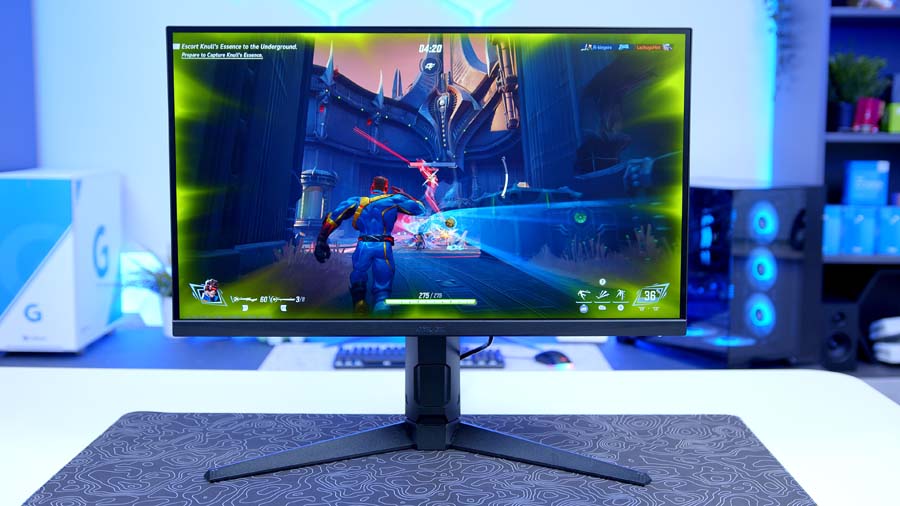
Starting at the cheapest end, the first pick comes from ASUS, a brand you wouldn’t always associate with budget. The TUF Gaming VG27AQL5A is a Fast IPS panel with a 210Hz refresh rate and the 1440p resolution that every monitor in this guide shares.
The IPS panel doesn’t compete with the Mini LED or OLED options here on colour or brightness by any stretch, but the display still looks vivid and puts out a good-looking image. Brightness isn’t terrible either, and it’s the peak HDR figure of 400 nits that’s the limiting factor rather than anything else. The matte coating is well judged, and viewing angles are strong, as you’d expect from IPS.
ASUS TUF Gaming VG27AQL5A Specifications
- Panel Type Fast IPS
- Screen Size & Aspect Ratio 27", 16:9
- Resolution 2560 × 1440 (QHD)
- Refresh Rate 210Hz (overclocked)
- Response Time 0.3ms GtG (minimum)
- Brightness 400 cd/m² peak (DisplayHDR 400). ASUS do not publish a typical SDR figure
- Key Ports DisplayPort and HDMI inputs, 3.5mm audio out, built-in stereo speakers
- Sync, HDR & Extras VESA DisplayHDR 400, AMD FreeSync Premium, NVIDIA G-SYNC Compatible, VESA AdaptiveSync, ELMB Sync, 95% DCI-P3, 10-bit (1.07 billion colours), DisplayWidget Center, height / tilt / swivel / pivot stand, VESA mount, 3-year warranty
Build quality is about what you’d expect at this price, if not a bit better. It’s quite plasticky, but plainly put it doesn’t feel cheap, and the included stand gives you a surprisingly flexible range of adjustment. There’s a VESA mount on the rear too, which opens things up if you’re going on a monitor arm. The 27-inch form factor is prime for competitive gaming and keeps everything inside your field of vision better than a 32-inch panel would.
Response time is officially quoted at 0.3ms grey to grey at minimum, which gets it closer to the pricier OLED options here than you’d think.
KTC H27T22C-3
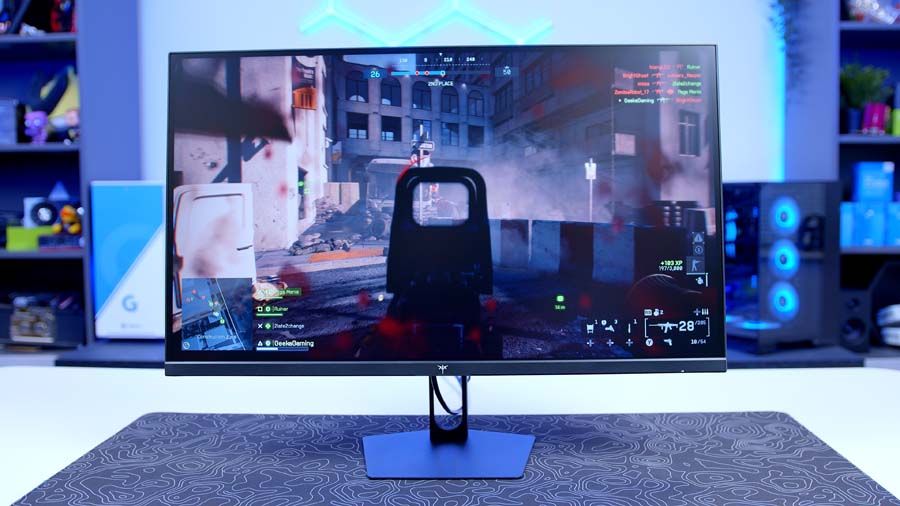
The ASUS isn’t alone at this price point, because KTC offer a very similar panel with a few notable differences. It’s the same 27-inch form factor, it’s Fast IPS, and it gives you both G-Sync and FreeSync variable refresh rate support. There’s a 200Hz refresh rate overclockable to 210Hz, and the same DisplayHDR 400 certification.
The key difference, and it’s a big one, is brightness. This panel pushes up to 450 nits in SDR, which is around 100 nits more than the ASUS and enough to make a noticeable difference day to day.
KTC H27T22C-3 Specifications
- Panel Type Fast IPS
- Screen Size & Aspect Ratio 27", 16:9
- Resolution 2560 × 1440 (QHD)
- Refresh Rate 200Hz (210Hz overclocked)
- Response Time 1ms
- Brightness 450 cd/m² typical (SDR)
- Key Ports 2 × DisplayPort 1.4 (1440p @ 200Hz / 210Hz OC), 2 × HDMI 2.0 (1440p @ 144Hz), 1 × USB 2.0, 1 × earphone out
- Sync, HDR & Extras VESA DisplayHDR 400, AMD FreeSync and NVIDIA G-SYNC Compatible, 1000:1 contrast, 8-bit + Hi-FRC, 99% sRGB / 97% DCI-P3 / 96% Adobe RGB coverage, tilt-only stand (-5° to 15°), VESA 100 × 100, 3-year warranty
The downside compared to the ASUS comes down to the stand and overall build quality. What you gain in brightness you lose in fit and feel. It feels distinctly cheaper, and the stand is tilt-only, so there’s far less to play with ergonomically.
KTC M27T6S
Those two aren’t the only IPS recommendations on the list, because the next pick also comes from KTC in the form of the M27T6S. Crucially, this one’s a Mini LED design.
What that means is it still uses an IPS panel underneath, but with added Mini LED magic that frankly makes a really big difference to image quality, brightness and contrast. The M27T6S combines that Fast IPS panel with a Mini LED layer made up of 1,152 individual dimming zones.
KTC M27T6S Specifications
- Panel Type Fast IPS with Mini LED backlight, 1,152 dimming zones
- Screen Size & Aspect Ratio 27", 16:9
- Resolution 2560 × 1440 (QHD)
- Refresh Rate 200Hz (210Hz overclocked)
- Response Time 1ms MPRT
- Brightness 450 cd/m² (SDR), 1,000 cd/m² (HDR)
- Key Ports 1 × DisplayPort 1.4 (1440p @ 200Hz), 2 × HDMI 2.0 (1440p @ 144Hz), 1 × USB 2.0 (firmware upgrade only), 1 × headphone out
- Sync, HDR & Extras HDR 1000, AMD FreeSync and NVIDIA G-SYNC Compatible, 1000:1 SDR contrast, 100% sRGB / 98% DCI-P3 / 99% Adobe RGB coverage, anti-glare, tilt / swivel / pivot / 130mm height, 3-year warranty
Those zones simulate some of the benefits you’d see on an OLED, just with less granular control overall. It means you still get really strong deep blacks alongside brilliant overall brightness, and you’re looking at 450 nits in SDR with an impressive peak of 1,000 nits.
The stand is from another dimension compared to the budget KTC above, with full height and tilt adjustment and easy rotation. The display feels well built, and while there’s a fair bit of plastic in the construction, the design represents really solid value for money.
Alienware AW2726DM
Stepping up from the KTC, the next option comes from Alienware. The AW2726DM is one of the most popular OLED gaming monitors going right now for one simple reason: it’s brought OLED to the masses in a properly affordable way.
For anyone who doesn’t know, the OLED panel makes a massive difference compared to an IPS design because each individual pixel is its own light source. Every pixel is completely addressable and can be dimmed or switched off independently of every other pixel on the screen, which gives you unrivalled contrast.
OLED benefits in other areas too, response time chief among them. The purely electronic nature of the pixels means they respond virtually instantaneously, which is why you’ll see the vast majority of OLED monitors quote 0.03ms or quicker. This Alienware is no exception. Colours are great, contrast is superb, and the 240Hz refresh rate makes it a perfect companion for upper mid-range GPUs like the 9070 XT and 5070 Ti.
Alienware AW2726DM Specifications
- Panel Type QD-OLED (Quantum Dot OLED)
- Screen Size & Aspect Ratio 26.5" viewable (27" class), 16:9
- Resolution 2560 × 1440 (QHD)
- Refresh Rate 240Hz (via DisplayPort 1.4)
- Response Time 0.03ms GtG
- Brightness 200 cd/m² typical (SDR), 400 cd/m² typical HDR peak at 10% APL
- Key Ports 1 × DisplayPort 1.4 (1440p @ 240Hz, HDR, DSC), 2 × HDMI (1440p @ 120Hz, HDR, VRR)
- Sync, HDR & Extras HDR10, no VESA DisplayHDR certification, AMD FreeSync Premium, VESA AdaptiveSync, 1,500,000:1 contrast, 99% DCI-P3, anti-reflective coating, 3-year warranty with Advanced Exchange and Premium Panel Exchange
Where it falls down is brightness. At 200 nits in SDR and around 400 nits peak, it’s a dim panel. If you game in the evening with the blinds closed it’s going to be fine and you’ll have a superb experience. But game in a bright room, or in front of a window, and this monitor starts to feel faint. That doesn’t make it a bad recommendation, it’s just something to bear in mind, and it isn’t going to suit everyone.
Other reviewers have noted that the stand and build quality feel a bit plastic and a bit basic. At this price, though, they’re totally adequate and about what you’d expect.
MSI MAG 273QP QD-OLED X24
But what if there’s a bit more to spend? That’s where this comes in. At times the 273QP can actually undercut the Alienware despite its higher MSRP, though it does depend on region and where the sales happen to be.
SDR brightness sits at 250 nits, which is much the same as the Alienware, but peak HDR brightness climbs to 1,000 nits. That’s a lot more upside in HDR scenarios, and it’ll pay off in gaming wherever you hit bright areas like flashbangs or explosions, exactly the sort of thing the Alienware really suppresses.
MSI MAG 273QP QD-OLED X24 Specifications
- Panel Type QD-OLED (Samsung 3rd-Gen)
- Screen Size & Aspect Ratio 26.5" (27" class), 16:9
- Resolution 2560 × 1440 (QHD)
- Refresh Rate 240Hz
- Response Time 0.03ms GtG
- Brightness 250 cd/m² (SDR), 1,000 cd/m² peak (HDR)
- Key Ports 1 × DisplayPort, 2 × HDMI 2.1 (48 Gbps), 1 × headphone out
- Sync, HDR & Extras VESA DisplayHDR True Black 400, ClearMR 13000, 1,500,000:1 contrast, 99% DCI-P3 / 98% Adobe RGB / 138% sRGB, Delta E ≤2, MSI OLED Care 2.0, anti-reflective coating, 4-way adjustable stand
The stand is better than what you get from Alienware too, and overall the build quality feels better in pretty much every way. MSI are on a roll with OLED monitors, and while their range is enormous, it’s crammed with brilliant options.
ASUS ROG Strix OLED XG27AQDMG Gen 2
Step the price up again, and only slightly, and the next recommendation comes from ASUS once more, this time from the ROG lineup. ROG is renowned for being expensive, but the range has only got bigger in recent years and the value on offer can be surprisingly good. This panel might be the best example of that yet.
This one features a third-gen, so slightly older, WOLED panel from LG, along with a 240Hz refresh rate. Unlike the Alienware from a couple of monitors ago, you don’t just get FreeSync here, you get NVIDIA G-Sync support too. There’s a modest but noticeable jump in brightness as well, taking you from the Alienware’s 200 nits up to 275 nits.
ASUS ROG Strix OLED XG27AQDMG Gen 2 Specifications
- Panel Type WOLED (LG 3rd-Gen), TrueBlack Glossy coating
- Screen Size & Aspect Ratio 27", 16:9
- Resolution 2560 × 1440 (QHD)
- Refresh Rate 240Hz
- Response Time 0.03ms GtG
- Brightness 275 cd/m² (SDR, 100% APL), 1,300 cd/m² peak (HDR)
- Key Ports 1 × DisplayPort 1.4 (DSC), 2 × HDMI 2.1, USB hub, 1 × headphone out
- Sync, HDR & Extras VESA DisplayHDR 400, NVIDIA G-SYNC Compatible and AMD FreeSync, 99% DCI-P3, zero-haze optical layer, ASUS OLED Care Pro with Neo Proximity Sensor, compact stand, 3-year warranty including burn-in
The bigger increase, and the reason it earned its place here, is the peak brightness figure. The Alienware sits at about 400 nits and the MSI at about 1,000. This sits at 1,300 nits. SDR brightness is still on the lower side, but that HDR boost goes a long way to offsetting it in gaming.
SDR vs HDR Peak Brightness: What’s the Difference?
Since there are now two very different brightness numbers flying around, it’s worth pausing on what they actually mean.
SDR brightness is essentially what the whole screen can sustain. That number matters for desktop work, browsing, and quite a lot of your gaming. HDR peak brightness is a burst figure, measured on a small window of the screen, and it’s what tells you how hard the panel can push really bright highlights like a flashbang, the sun, or an explosion.
Which one matters more honestly depends on your use case. It’s worth weighing both when you’re shopping. Don’t get drawn in by the peak figure alone, but don’t dismiss it either, because it’s what makes a panel really feel like it pops.
Gigabyte MO27Q28G
A quick word of warning before anything else: check the model name carefully, because there’s about one letter of difference between this and the GO27Q24G above.
For a modest step up over the GO version, this is an upgrade that makes a really big difference. Unlike the third-gen panel you’ll find on the ASUS and the Gigabyte alternative above, this moves you up to a fourth-gen tandem WOLED panel, which is a big deal.
Gigabyte MO27Q28G Specifications
- Panel Type Tandem WOLED (LG 4th-Gen Primary RGB Tandem)
- Screen Size & Aspect Ratio 27", 16:9
- Resolution 2560 × 1440 (QHD)
- Refresh Rate 280Hz
- Response Time 0.03ms GtG
- Brightness 335 cd/m² (SDR, 100% APL), 1,500 cd/m² (HDR, 1.5% APL)
- Key Ports 2 × HDMI 2.1, 1 × DisplayPort 1.4, 1 × USB-C (DP Alt Mode, upstream, 18W PD), 2 × USB 3.2 downstream, 1 × USB 3.2 upstream, 1 × earphone jack
- Sync, HDR & Extras VESA DisplayHDR True Black 500, NVIDIA G-SYNC Compatible, 1.5M:1 contrast, 10-bit, 99.5% DCI-P3 / 84% BT.2020, Delta E <2, anti-reflection surface, KVM, GIGABYTE AI OLED Care, 3-year warranty including burn-in
If you don’t know what tandem panels are, they’re really important and genuinely exciting. What they do is stack multiple OLED light-emitting layers on top of each other to give you higher overall brightness and better panel longevity. Here that pushes SDR brightness to around 335 nits and HDR peak brightness to a frankly astonishing 1,500 nits.
That makes this the single brightest recommendation on the whole list in both SDR and HDR, and it delivers pretty astonishing image quality with it. It feels really premium, has a great overall design, and there’s very little to complain about. Gigabyte are a big user of LG panels, and that often comes with the benefit of additional HDR brightness. LG seem to be winning against Samsung on that front, at least for the time being.
Gigabyte AORUS FO27Q5P
But what if you want something even better and money isn’t really an object? Well, that’s where the final 1440p recommendation comes in, and it’s a treat.
Somewhat unusually for Gigabyte, this monitor features a QD-OLED panel from Samsung. Peak brightness is strong at 1,000 nits, and SDR brightness sits at 300 nits, which is a little on the weaker side against the tandem panel above.
Where this monitor excels, and in a big way, is refresh rate. 500Hz. Yes, you read that right. That’s more than twice as fast as basically any other option in this guide, and it makes it an exceptional standout for competitive gaming. The anti-reflective coating makes for a brilliant viewing experience, this panel just looks brilliant, and the stand is cool as well.
Gigabyte AORUS FO27Q5P Specifications
- Panel Type QD-OLED (enhanced Samsung 3rd-Gen)
- Screen Size & Aspect Ratio 27", 16:9
- Resolution 2560 × 1440 (QHD)
- Refresh Rate 500Hz
- Response Time 0.03ms GtG
- Brightness 300 cd/m² (SDR, 100% APL), 1,000 cd/m² (HDR, 3% APL)
- Key Ports 1 × DisplayPort 2.1 UHBR20 (80 Gbps), 1 × Mini DisplayPort 2.1 UHBR20, 1 × DisplayPort 1.4 out (daisy chain), 2 × HDMI 2.1, 1 × USB-C (DP Alt Mode, 18W PD), 2 × USB 3.2 downstream, 1 × USB 3.2 upstream, earphone and microphone jacks
- Sync, HDR & Extras VESA DisplayHDR True Black 500, ClearMR 21000, AMD FreeSync Premium Pro and NVIDIA G-SYNC Compatible, 1.5M:1 contrast, 10-bit, 99% DCI-P3, Delta E <2, anti-reflection surface, GIGABYTE AI OLED Care, 3-year warranty including burn-in
It’s undoubtedly the option to go for if you’re a competitive gamer, but there’s something really important to bear in mind before taking the plunge. To take any advantage of this panel whatsoever, you need to be able to drive it with a high-end GPU, at least an RTX 5080 and potentially up to a 5090. Some games like CS2 and Valorant will give you better mileage on lower-end cards, but anything below that is generally going to struggle to deliver the kind of frame rates required to make the most of this panel.
It’s an absolute marvel at 500Hz, though it’s worth remembering that unless you’re delivering well over 250 frames per second to it, you’re better off with one of the 240Hz or 280Hz options instead.