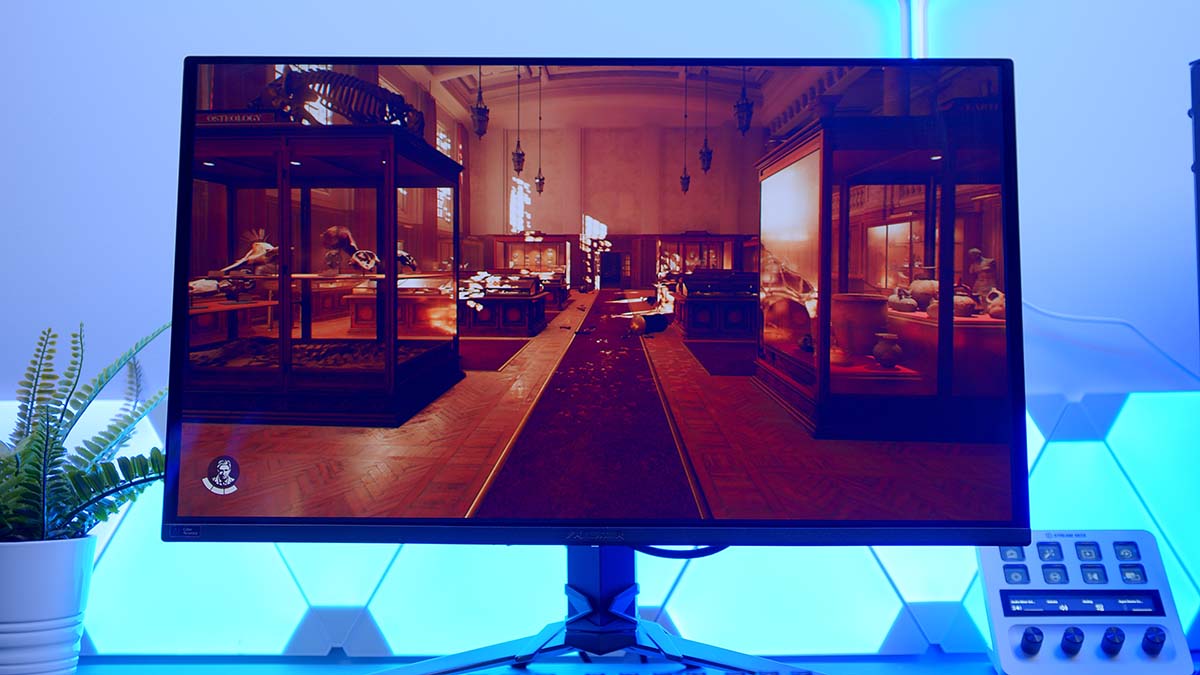
There was a time when QD-OLED meant remortgaging the house. The Acer Predator X27U W3 is one of a new wave of panels making that feel like ancient history. It’s a 27-inch, 1440p QD-OLED with a 240Hz refresh rate and a 0.03ms response time, and it’s arriving at a price that finally drags this kind of panel into sensible territory for the rest of us.
Acer’s kept the design simple and thrown the budget at the screen, which is exactly what I’d want at this money. The catch is that cut-price OLED is a busy corner of the market now, with AOC, MSI and Samsung all circling the same buyers. So the real question isn’t whether the X27U W3 looks great, because QD-OLED almost always does. It’s whether it’s the one worth your money. Here’s how it shakes out.
Specifications
The X27U W3’s spec sheet reads exactly like a modern gaming OLED should. You’re getting a 27-inch QD-OLED panel at 2560 x 1440, a 240Hz refresh rate and a 0.03ms response time, which is the combination doing the heavy lifting on a screen like this. Acer backs it with 99% DCI-P3 colour coverage, a factory Delta E under 2, and DisplayHDR True Black 400 certification with a rated 1,000-nit peak.
Round that out with a DisplayPort 1.4 input, two HDMI 2.1 ports, a pair of 5W speakers and a fully adjustable stand, and you’ve got a tidy, well-rounded package for the money. Here’s the full breakdown.
Monitor Specifications
- Panel 27″ QD-OLED
- Resolution 2560 x 1440 (WQHD)
- Refresh Rate 240Hz
- Response Time 0.03ms (GtG)
- HDR VESA DisplayHDR True Black 400
- Peak Brightness 1,000 nits (3% window)
- Colour Gamut 99% DCI-P3, Delta E < 2
- Adaptive Sync AMD FreeSync Premium Pro, G-Sync Compatible
- Panel Care Image-retention refresh, pixel orbiting, static-image upkeep
- Connectivity 1x DisplayPort 1.4, 2x HDMI 2.1
- Speakers 4W
- Stand Tilt, swivel, pivot, height, 75 x 75mm VESA
Design
First impressions are of a monitor that doesn’t shout. The X27U W3 wears a clean, matte-black chassis with slim ZeroFrame bezels up top and down the sides, and there’s none of the loud, angular styling Predator’s typically known for leaning towards. A little RGB glows round the back if you want it, but face-on it’s all panel.
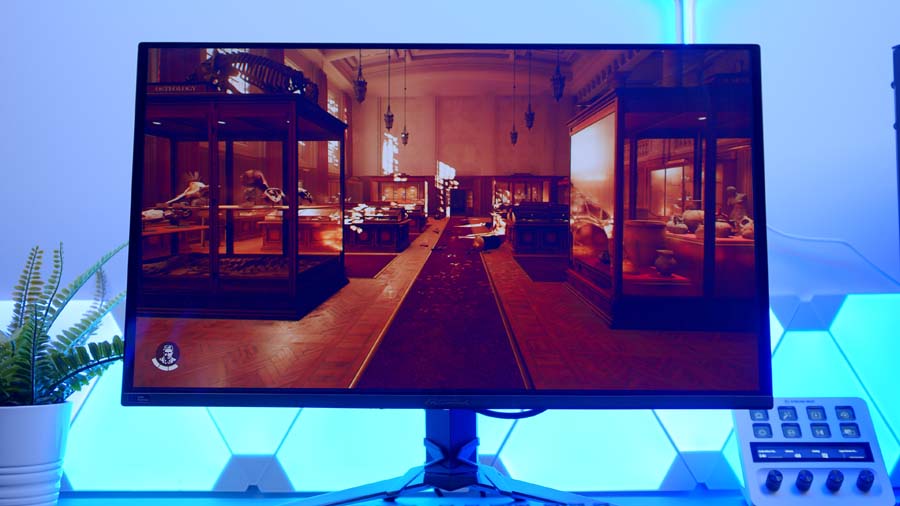
The stand handles the basics, giving you tilt, swivel and height adjustment, and there’s a 75 x 75mm VESA mount if you’d sooner run it off an arm. It won’t win awards for materials, but it’s steady, and the anti-glare matte coating does a tidy job of keeping reflections in check in a normally lit room.
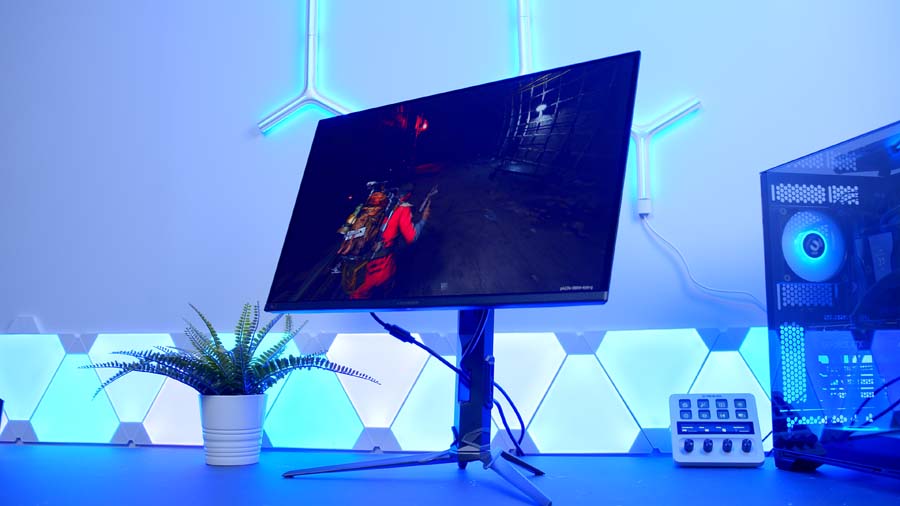
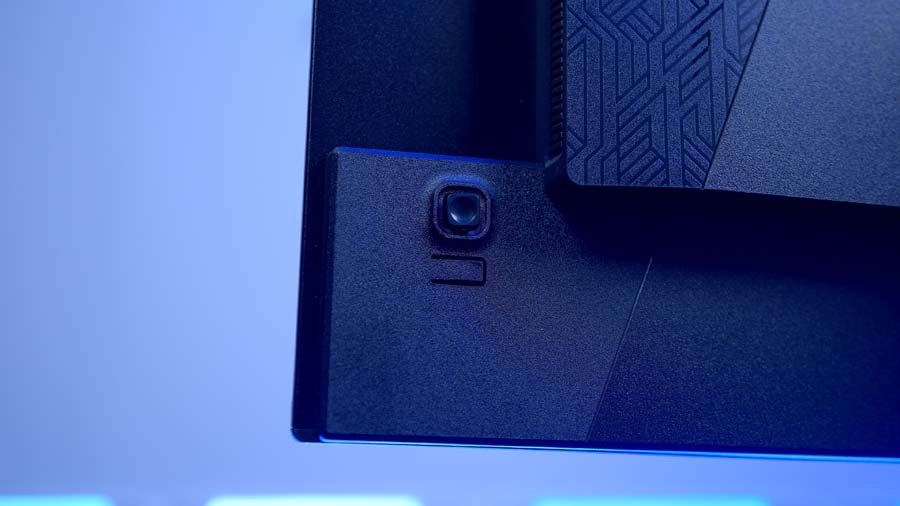
Round the back, a joystick drives the on-screen menu, with a quick-access layer for the settings you’ll poke at most and a deeper menu for colour modes, picture presets and a gaming section that flips on variable refresh rate and a refresh counter. It’s quick to get around. For connections you get a single DisplayPort 1.4 and two HDMI 2.1 ports, plus a pair of 5W speakers that’ll cover system sounds and not much more.
Features We Like
Image Quality
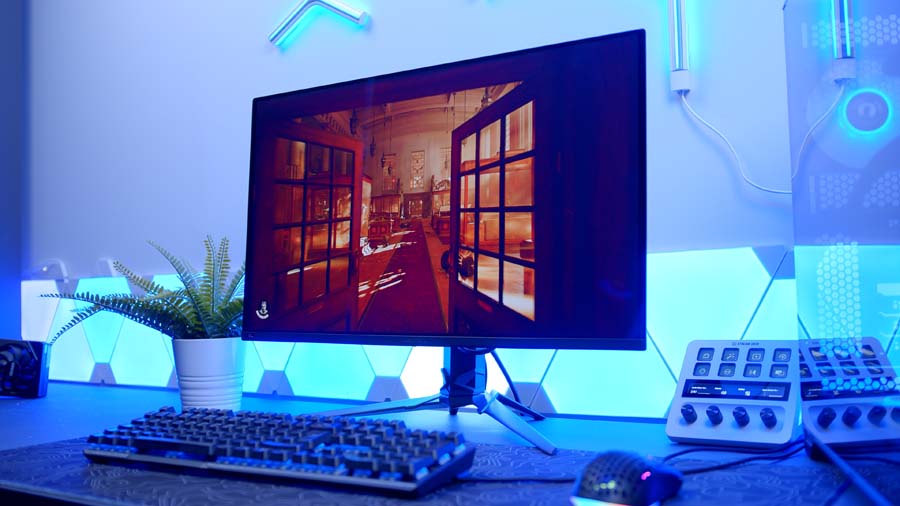
This is where the money’s gone, and it shows the moment you switch it on. Being QD-OLED, you get the self-lit, dead-black blacks and per-pixel contrast that no backlit LCD can touch, along with colour that has real depth to it. Acer quotes 99% DCI-P3 coverage and a factory Delta E under 2, and it certainly looks the part, punchy without tipping into cartoonish. HDR is the usual OLED treat too, with DisplayHDR True Black 400 certification and a rated 1,000-nit peak in small highlights that gives specular detail a real lift.
Fast, Clean Motion
The other half of the appeal is speed. A 240Hz refresh rate paired with OLED’s near-instant 0.03ms response makes for motion that’s about as clean as it gets, with none of the smearing or overshoot you spend ages tuning out on lesser panels. It’s a smart pairing at 1440p as well, since a decent mid-to-high-end GPU can actually feed 240 frames rather than leaving you chasing numbers you’ll never see. Variable refresh is sorted through AMD FreeSync Premium Pro, and it’s G-Sync Compatible, so tear-free gaming is a given whatever’s in your rig.
Features We Don’t Like
Brightness Has Its Limits
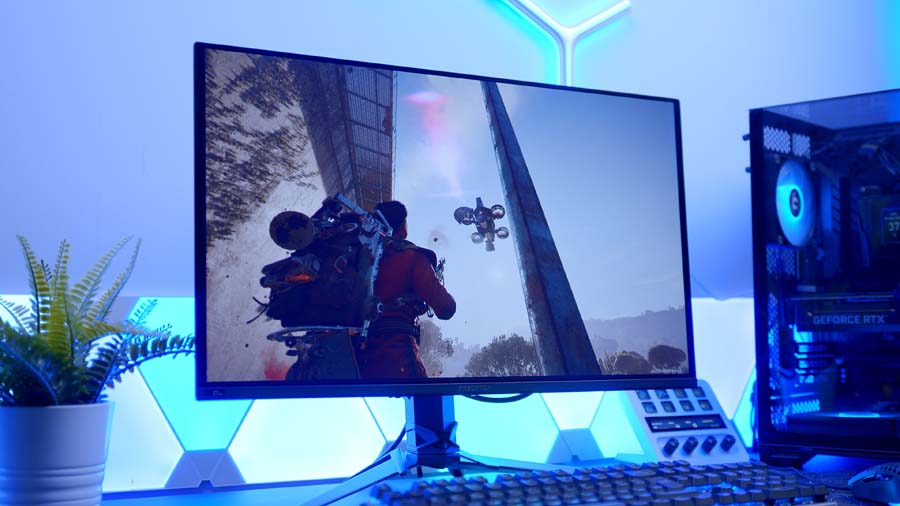
OLED’s one persistent weakness turns up here as it does everywhere. That 1,000-nit figure only holds across a tiny slice of the screen, so a full white window sits far dimmer, and in a bright, sunlit room the whole panel can feel a touch shy. QD-OLED’s slightly raised blacks under strong ambient light are still part of the deal too. In a controlled room it’s superb. Stick it under a south-facing window at midday and you’ll notice the ceiling.
Token Speakers
The built-in speakers are feel like a tick a box rather than something expected to do any heavy lifting. Acer rates them at just 4W, so they’ll manage Windows chimes and the odd clip, but you’ll want a headset or desk speakers for anything you actually care about hearing.
Conclusion
So who’s the X27U W3 for? If you’ve been holding out for QD-OLED to reach a price that doesn’t sting, this is the one that makes the case. You get the full OLED experience, the inky blacks, the rich colour and that effortless motion, at a resolution and refresh rate most gaming PCs can actually drive. The only folks I’d point elsewhere are those who need serious brightness in a sun-drenched room, or who specifically want 4K for work as much as play. For everyone else shopping around this budget, it’s one of the easiest monitors to recommend right now, and a sign the OLED price war is finally landing in our favour.