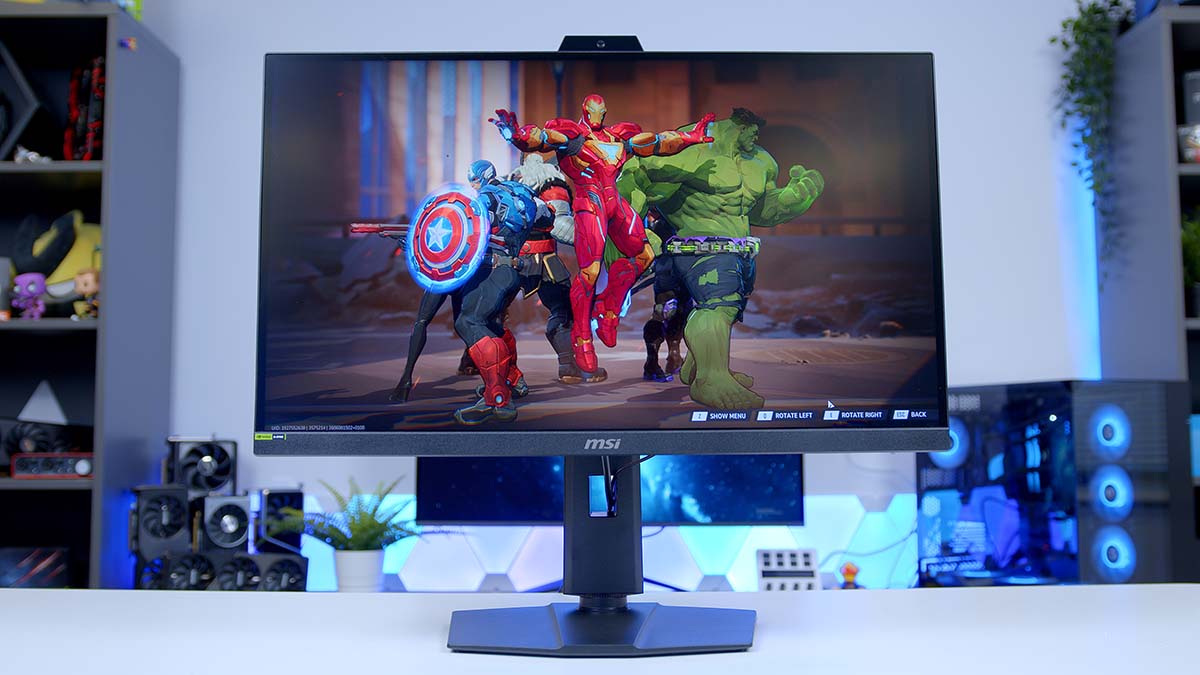
The MSI MPG 272QRF X36 is one of the first monitors to arrive with NVIDIA’s G-SYNC Pulsar, and it’s aimed squarely at the esports crowd. It pairs a 27 inch WQHD (2560 x 1440) Rapid IPS panel with a 360Hz refresh rate and a 0.5ms response time, then adds the feature that sets it apart from the growing pile of fast IPS screens: backlight strobing and variable refresh rate (VRR) running at the same time.
That combination is the headline act here, but there’s more to talk about, from the built-in ambient light sensor and flexible stand to console-friendly HDMI 2.1 and a clever 25 inch emulation mode. Here’s how it all shakes out, and what Pulsar actually does once you switch it on.
Specifications
Monitor Specifications
-
Model
MSI MPG 272QRF X36
-
Panel Type / Screen Size
Rapid IPS / 27-inch
-
Resolution / Aspect Ratio
2560 × 1440 (1440p) / 16:9
-
Refresh Rate / Response Time
360Hz / 0.5ms GtG
-
Curvature / Viewing Angle
Flat / 178° (H) × 178° (V)
-
Brightness
SDR: 400 nits
HDR Peak: 500 nits -
Contrast Ratio / HDR
1000:1 (static)
HDR10 supported -
Colour Gamut
90% DCI-P3
-
DisplayPort
1 × DisplayPort 1.4a
1440p @ 360Hz -
HDMI
2 × HDMI 2.1
1440p @ 120Hz -
USB / Audio
3 × USB-A
1 × Headphone out
1 × USB Type-B (upstream)
1 × Micro USB-B (firmware only) -
VRR / Sync
NVIDIA G-SYNC (Native scaler)
AMD Adaptive-Sync compatible
Pulsar 75-360Hz (48-360Hz via firmware) -
Features
G-SYNC Pulsar, ULMB2,
Ambient Adaptive, Mystic Light RGB,
25″ Simulation Mode -
Warranty
Three-year
What Is G-SYNC Pulsar?
G-SYNC Pulsar is the reason this monitor exists, so it’s worth understanding what it’s doing. For years, gamers have had to pick between two things: G-SYNC (or any VRR), which keeps frames tear-free and stutter-free, or backlight strobing like ULMB, which sharpens up motion but traditionally couldn’t run alongside VRR. Pulsar’s trick is doing both at once.
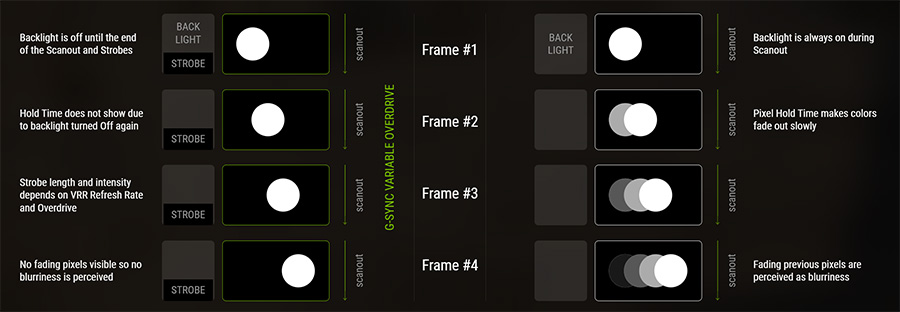
It manages this with a dedicated scaler co-developed by NVIDIA and MediaTek. Rather than pulsing the whole backlight at a fixed rate, Pulsar splits the backlight into horizontal zones and uses a rolling scan, firing each section for only a fraction of every frame so pixels have time to settle before they’re lit. Because the strobing varies with your frame rate, it stays in sync as your frames rise and fall, which is the part older strobing tech couldn’t manage.
NVIDIA claims the payoff is up to 4x effective motion clarity, and reckons a Pulsar panel running at 360Hz can deliver perceived motion clarity north of 1000Hz.
There are a couple of catches. Pulsar only works over DisplayPort and needs an NVIDIA GeForce RTX graphics card, so AMD and older GPU owners miss out on this specific mode, though standard adaptive sync still works. It’s also an IPS panel with no local dimming, so if HDR (high dynamic range) is your priority, an OLED or Mini LED screen will do more with it.
Monitor Comparison
27″ 1440p G-SYNC Pulsar: MSI MPG 272QRF X36 vs ASUS ROG Strix XG27AQNGV
Hover rows for highlight. Tap/click a header title to sort.
| ⠯ Monitor | ⠯ Panel Type | ⠯ Response Time | ⠯ Resolution | ⠯ Refresh Rate | ⠯ DisplayPort | ⠯ HDMI | ⠯ Brightness (SDR) | ⠯ Warranty | ⠯ Stand Adjustability |
|---|---|---|---|---|---|---|---|---|---|
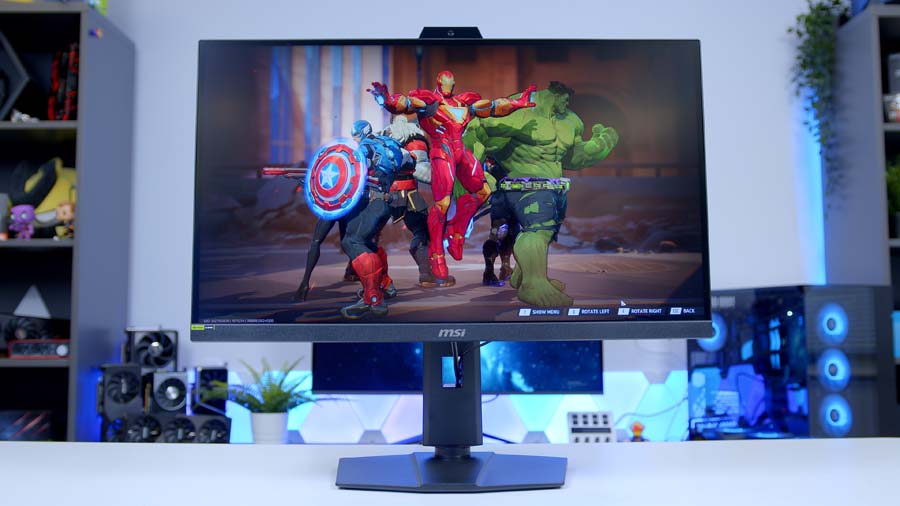
MSI MPG 272QRF X36 27-inch Rapid IPS, G-SYNC Pulsar |
Rapid IPS | 0.5ms GtG (min) | 2560 x 1440 (1440p), 16:9 | 360Hz | 1 x DisplayPort 1.4a | 2 x HDMI 2.1 | 400 nits | 3 years | Tilt, swivel, pivot & height (full ergonomic) |
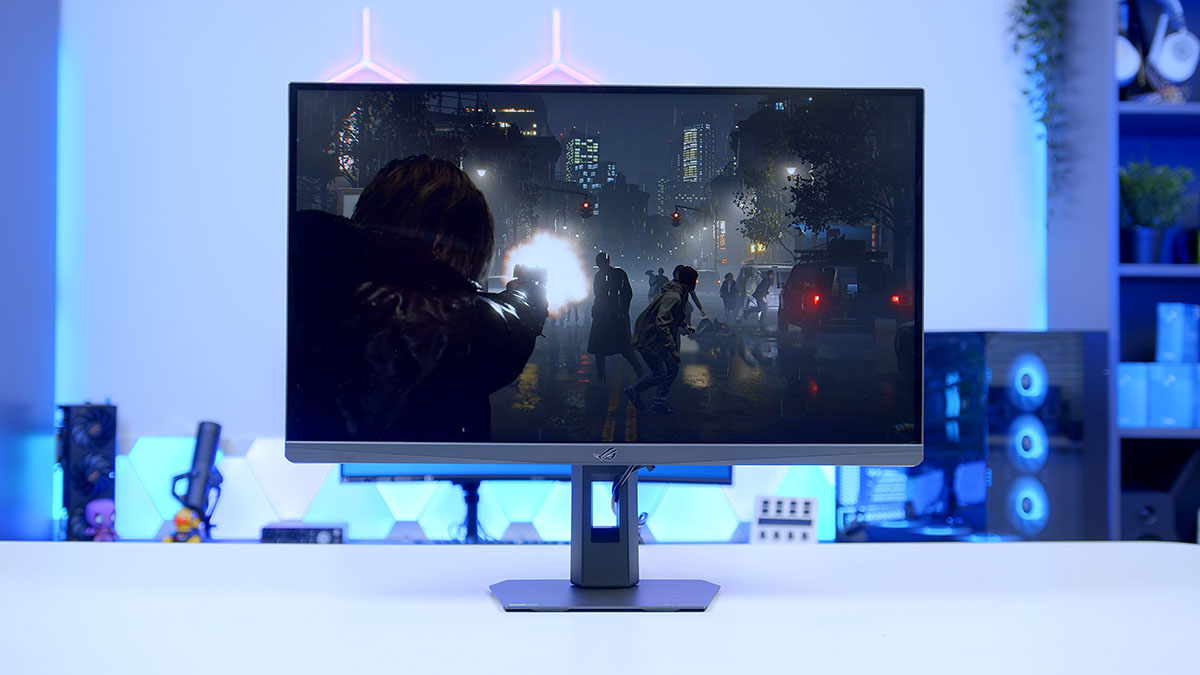
ASUS ROG Strix XG27AQNGV 27-inch Ultrafast IPS, G-SYNC Pulsar |
Ultrafast IPS (AUO) | 1ms GtG | 2560 x 1440 (1440p), 16:9 | 360Hz | 1 x DisplayPort 1.4 | 2 x HDMI 2.1 (40Gbps) | 454 nits | 3 years | Tilt, swivel, pivot & height (full ergonomic) |
Design
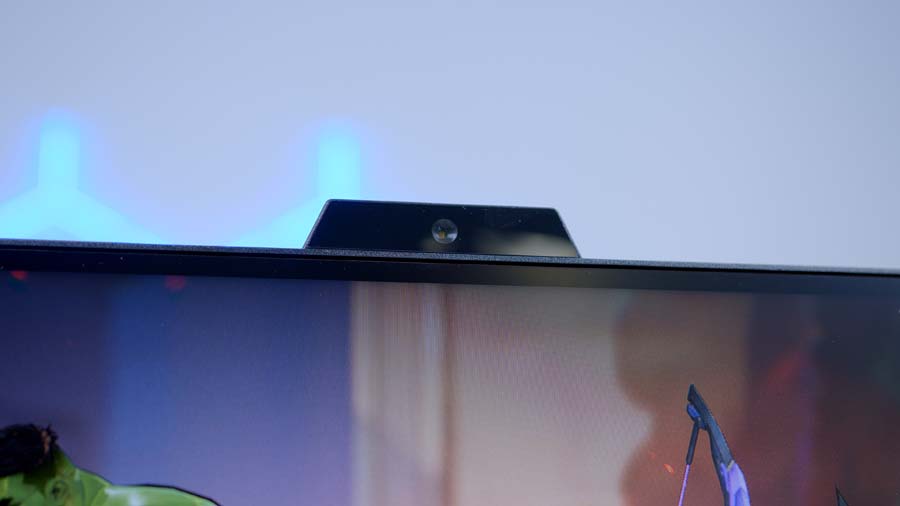
At a glance, the 272QRF X36 doesn’t shout about what it can do. It sticks to MSI’s familiar MPG design language, all matte plastic and clean lines, with dual-stage bezels that keep the panel border slim on three sides. The screen itself has a matte anti-glare finish to cut down on reflections, and the only real hint that this is something special is the small sensor poking out of the top.
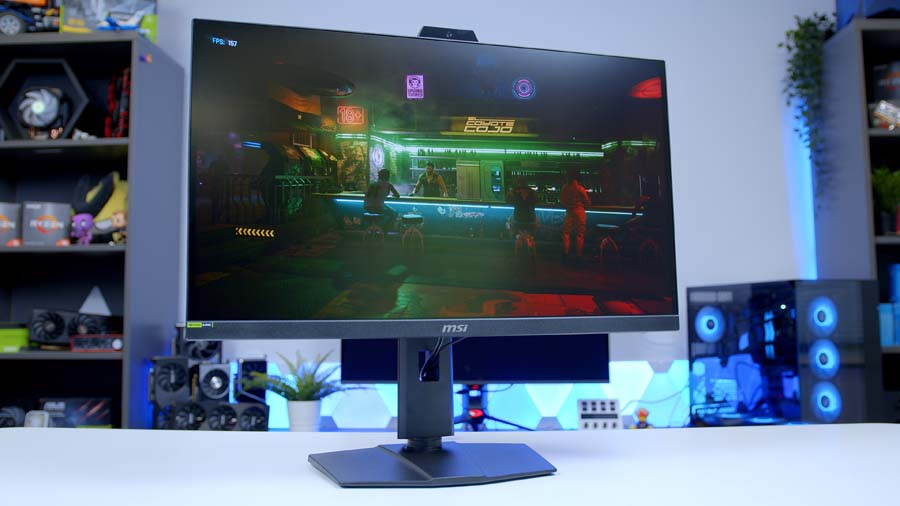
That sensor drives G-SYNC Ambient Adaptive Tech, which reads the light in your room and quietly adjusts brightness and colour temperature to suit, in both SDR and HDR. Round the back there’s a strip of RGB lighting for a bit of personality, though it’s a subtle accent rather than a full light show.
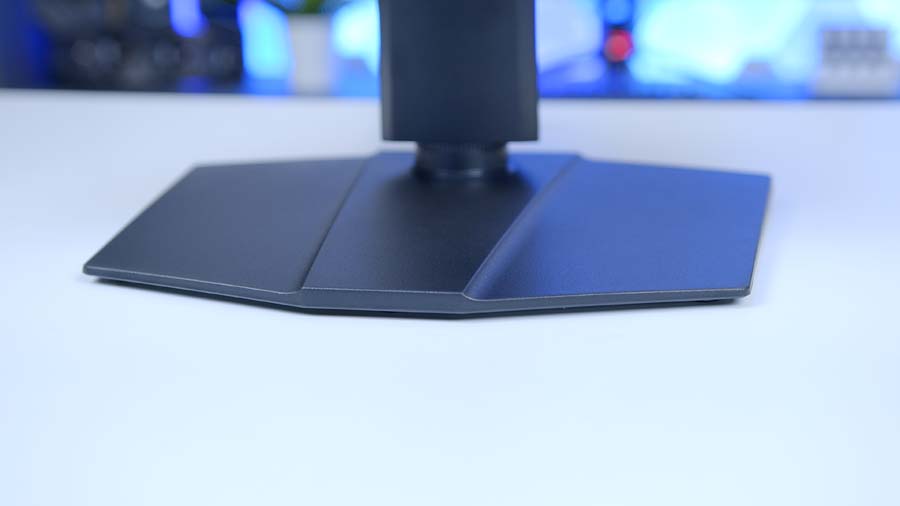
You get around 130mm of height adjustment along with tilt, swivel and pivot into portrait, so dialling in a comfortable position is easy whether you’re sat low at a desk or mounted up high. Prefer your own setup? There’s 100 x 100mm VESA mounting to fall back on for arms and wall mounts. One thing to note is that the monitor runs off an external power brick rather than an internal supply, so it’s worth factoring that into your cable management.
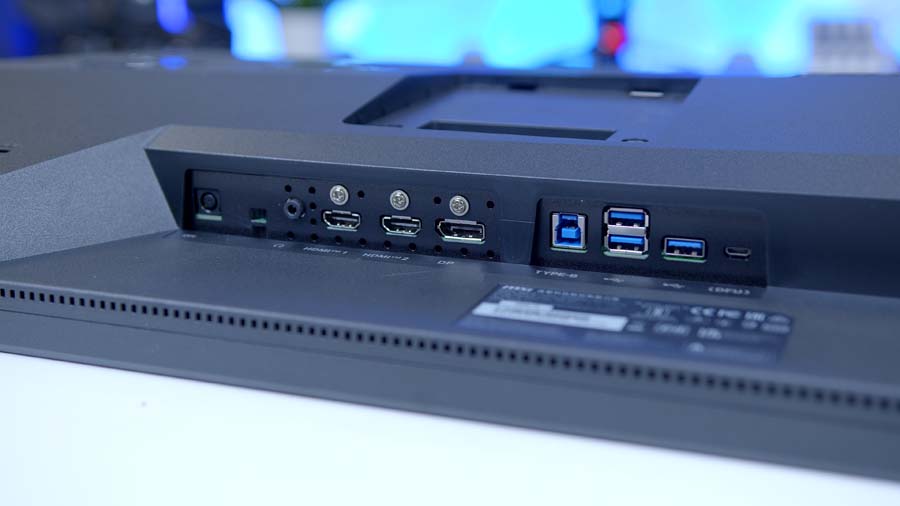
On the connectivity front you get a single DisplayPort 1.4a input alongside two HDMI 2.1 ports, plus a built-in USB hub that you enable using the supplied USB-B upstream cable. Just remember that Pulsar itself is DisplayPort and NVIDIA only, so a console connection gets you standard high-refresh gaming rather than the full Pulsar experience.
Menus are handled by a joystick and a separate power button tucked around the back on the right-hand side. Flicking the joystick brings up quick controls for brightness, input, volume and picture mode, and there’s a decent spread of presets to pick from. A neat detail is the status readout along the top of the on-screen display (OSD), which tells you at a glance whether standard G-SYNC, Pulsar or ULMB2 is currently running.
In the box, MSI includes a factory calibration report, the external power supply and the full set of cables you’ll need, including the USB-A to micro-USB lead used for the NVIDIA firmware updates that keep Pulsar up to date.
Features We Like
Class-Leading Motion Clarity
Pulsar is the standout, and it’s the whole reason to pick this screen over any other fast IPS panel. Running variable refresh rate and backlight strobing together means you get tear-free, stutter-free frames and the razor-sharp motion that strobing is known for, without having to choose one or the other.
Fast Panel and Flexible Design
Even setting Pulsar aside, the fundamentals are strong. The 27 inch 1440p Rapid IPS panel at 360Hz is a great sweet spot for competitive play, the wide gamut keeps colours punchy, and the fully adjustable stand plus 100 x 100mm VESA support means it slots into any setup. Add in HDMI 2.1 for consoles, a built-in USB hub, the ambient light sensor and other handy extras and it’s a well-rounded package.
Features We Don’t Like
Locked to NVIDIA RTX and DisplayPort
Pulsar is the reason to buy this monitor, but it only works over DisplayPort and only with an NVIDIA GeForce RTX graphics card. If you’re on an AMD card, or an older NVIDIA GPU, you can’t use the headline feature at all, and you’re left paying a premium for a screen whose main draw you can’t access. Standard adaptive sync still works, but that’s not what this monitor is really for.
Limited HDR and a Premium Price
This is an IPS panel with no local dimming, so while HDR10 is supported, the contrast and brightness on offer mean HDR content looks fairly flat next to an OLED or Mini LED display. You’re paying for motion clarity specifically, and if that’s not your priority, the money stretches further elsewhere.