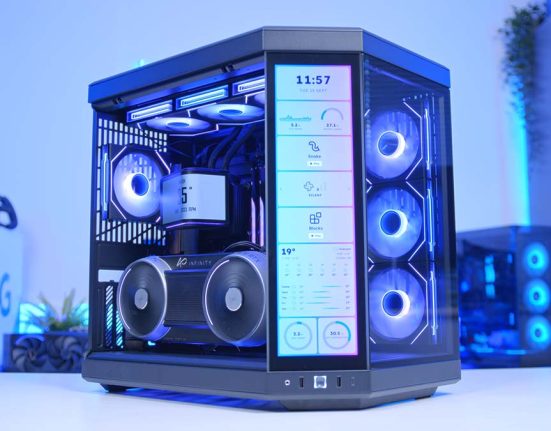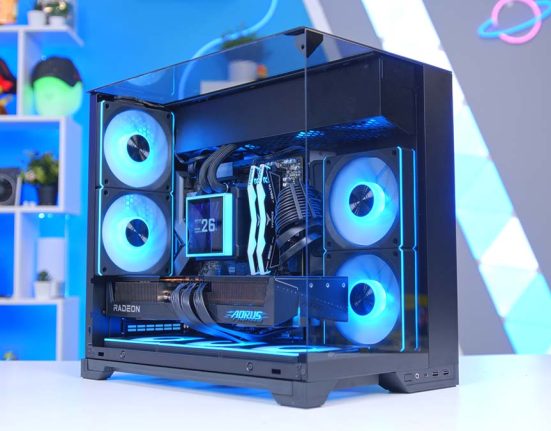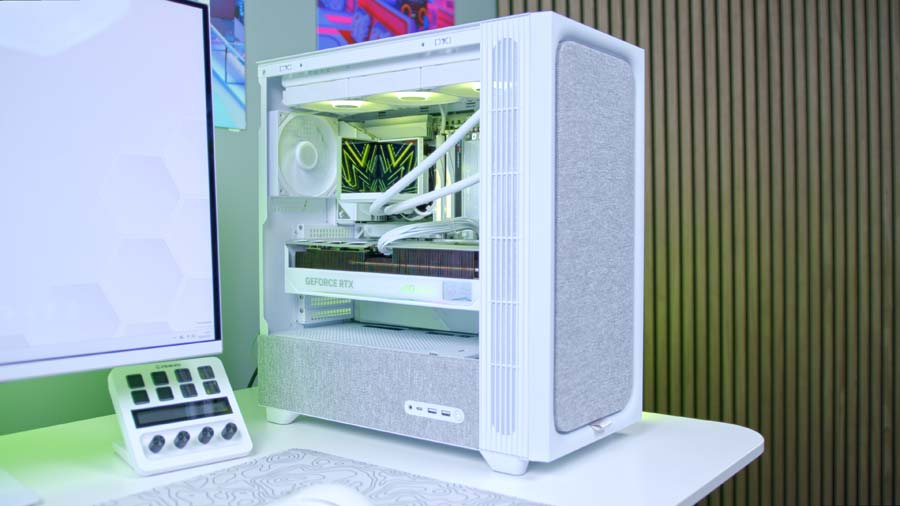
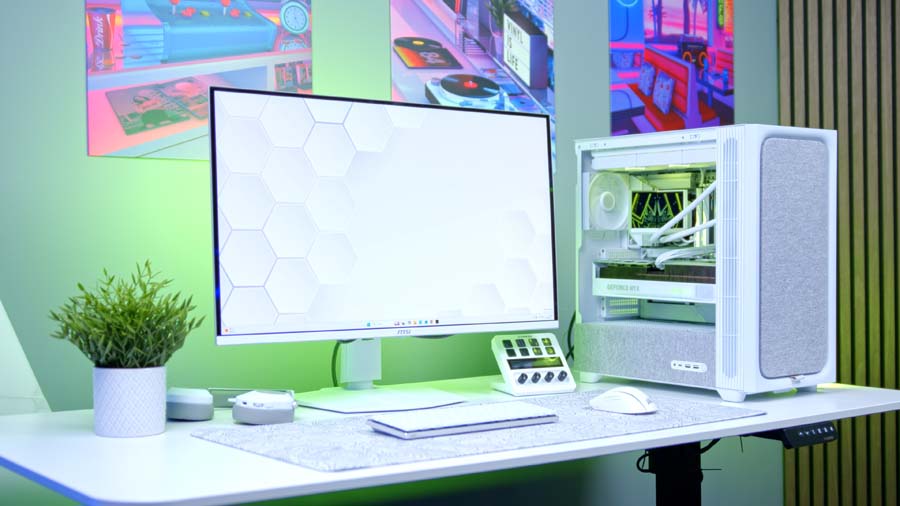
White builds have never been more popular, and it’s easy to see why – there’s something undeniably striking about a clean, all-white PC done right. But this build isn’t just about looks. Pairing AMD’s fastest gaming CPU with NVIDIA’s second-fastest GPU, this is a system built to deliver top-tier 4K gaming performance without compromise. The TRYX FLOVA case brings a novel cooling approach to the table, while a full suite of white components, from the Gigabyte AORUS Stealth ICE motherboard to the Corsair RM850e PSU, ties the whole thing together into one of the most cohesive and capable builds we’ve put together.
Let’s break it all down, component by component.
AMD Ryzen 7 9850X3D
Skip to SectionThe fastest gaming CPU on the market, with 2nd-gen 3D V-Cache and Zen 5 architecture that eliminates any CPU bottleneck for the RTX 5080.
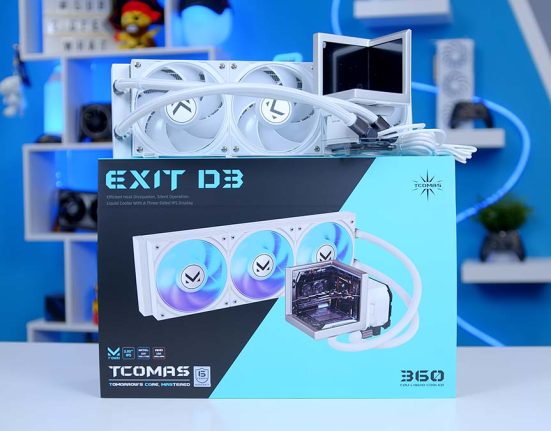
TRYX Stage ARGB 360mm
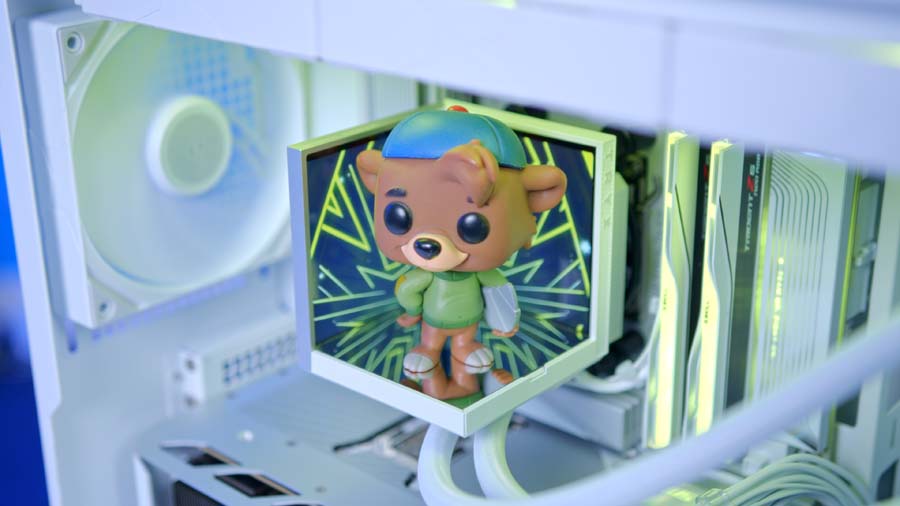
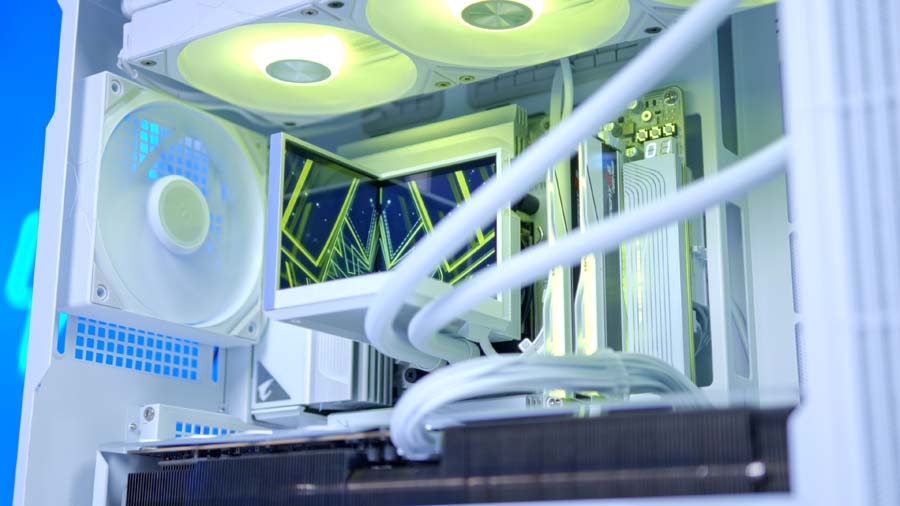
Skip to SectionA 360mm AIO with a built-in figurine stage and dual customisable IPS screens, combining unique aesthetics with solid thermal performance.
Gigabyte X870 AORUS STEALTH ICE
Skip to SectionA stunning white reverse-connect ATX motherboard with DDR5 support and a sleek, cable-free front profile via Gigabyte Project Stealth.

G.SKILL Trident Z5 NEO RGB DDR5
Skip to SectionA visually striking white DDR5 kit with a unique heat spreader design and vibrant RGB, perfectly in keeping with the all-white colour scheme.
KIOXIA EXCERIA PLUS G4 2TB
Skip to SectionA fast Gen 5 NVMe drive that delivers strong read and write speeds from the OEM behind Toshiba Memory, holding up well in our testing.
Gigabyte AORUS Master RTX 5080
Skip to SectionNVIDIA’s second-fastest GPU, delivering top-tier 4K gaming with 16GB GDDR7 and a premium AORUS quad-fan cooler with factory overclock.
TRYX FLOVA White
Skip to SectionA showcase ATX mid-tower with TRYX’s unique crossflow turbine fan, reverse-connect motherboard support, and panoramic tempered glass.

Corsair RM850e White
Skip to SectionA fully white, ATX 3.1 modular PSU with Cybenetics Gold efficiency, premium nylon-sleeved cables and a native 12V-2×6 connector.
Parts Overview
AMD Ryzen 7 9850X3D

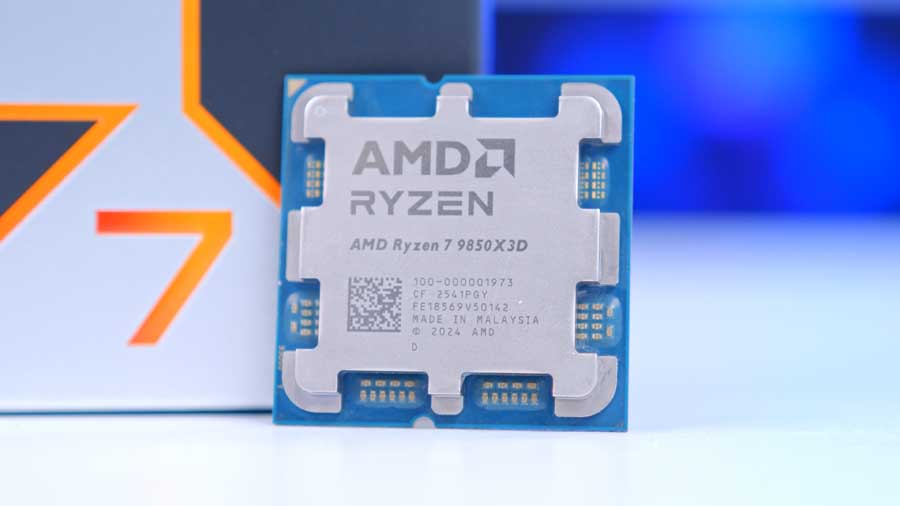
When shopping for a CPU for this build, there really could only be one choice. The fastest gaming CPU on the market right now, the AMD Ryzen 7 9850X3D is the obvious option for those wanting to squash any CPU bottleneck and get the most performance possible from the RTX 5080 graphics card in this system.
With 8 cores, 16 threads and a huge 96MB of L3 cache, it’s a chip built to deliver top-tier gaming. It comes in for around $50 more than the Ryzen 9800X3D, and with that brings varying degrees of additional performance.
If you wanted to save a little money on this build without giving up too much in terms of gaming performance, the Ryzen 7 9800X3D remains a strong alternative. However, when paired with a GPU as capable as the RTX 5080, the 9850X3D’s additional headroom ensures the CPU is never the limiting factor.
CPU Comparison
AMD Ryzen X3D Desktop CPU Comparison
Hover rows for highlight. Tap/click a header title to sort.
| CPU | ::Cores | ::Threads | ::Base Clock | ::Max Boost | ::TDP | ::Total Cache | ::Where to Buy |
|---|---|---|---|---|---|---|---|
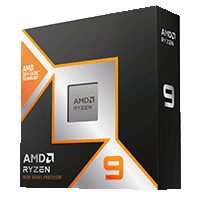
AMD Ryzen 9 9950X3D Zen 5 flagship X3D desktop CPU |
16 | 32 | 4.3 GHz | 5.7 GHz | 170W | 144MB | |
|
AMD Ryzen 9 9900X3D 12-core Zen 5 X3D for mixed gaming and production |
12 | 24 | 4.4 GHz | 5.5 GHz | 120W | 140MB | |
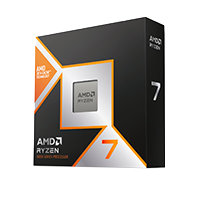
AMD Ryzen 7 9850X3D Newest Ryzen 7 X3D in the lineup |
8 | 16 | 4.7 GHz | 5.6 GHz | 120W | 104MB | |
|
AMD Ryzen 7 9800X3D High-FPS Zen 5 gaming CPU |
8 | 16 | 4.7 GHz | 5.2 GHz | 120W | 104MB | |
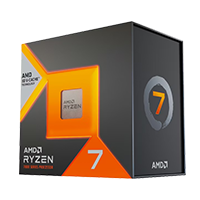
AMD Ryzen 7 7800X3D Mainstream Zen 4 gaming favourite |
8 | 16 | 4.2 GHz | 5.0 GHz | 120W | 104MB |
TRYX Stage ARGB 360
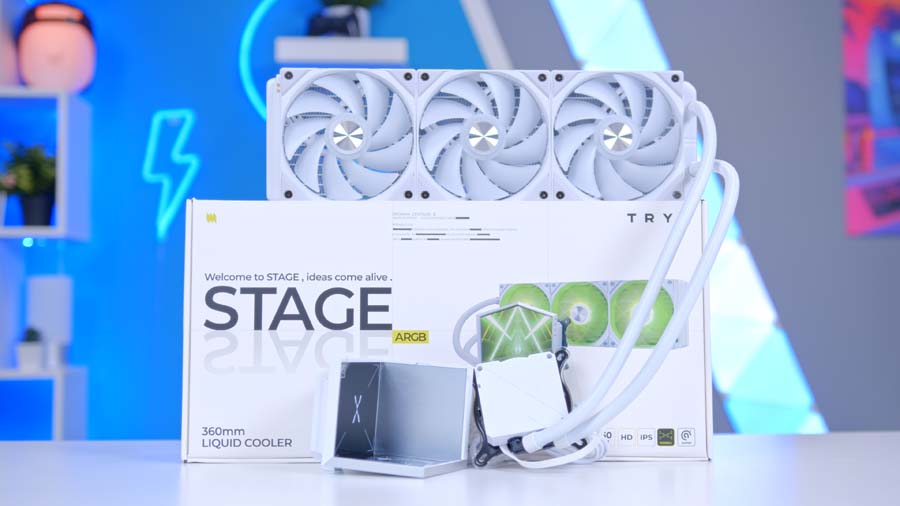
TRYX are a relatively new brand in the case and cooler market, but perhaps became best known for their Panorama cooler — the first CPU cooler on the market with a wraparound curved display. Now, following a period of popularity for the Panorama, they are looking to add to the lineup with a new model: the Stage.
The idea with this cooler is to create a ‘stage’ for a figurine inside your build, and backlight it with a pair of screens that you can customise to show a variety of effects and visuals. The result is a striking design that I am confident will not be for everyone, but certainly adds a wow factor to the build once implemented correctly.
From Our Full Review
★★★★☆
3.8/5

Pros and Cons
Pros
- Innovative new product
- Easy to install
- Brilliant screen clarity
Cons
- Worse performance than expected
- Slightly gimmicky
- Cumbersome software
Bottom Line
The TRYX STAGE 360 ARGB stands out for its creativity and ambition, offering something truly different in a market full of familiar designs. Its dual-screen figurine stage concept is genuinely unlike anything else, but it clearly prioritises aesthetics over raw thermal efficiency — and the KANALI software still needs polish before it can match competing ecosystems.
Read The Full ReviewPerformance of this cooler is strong too, as you can see from our testing below in our standard CPU cooler test bench.
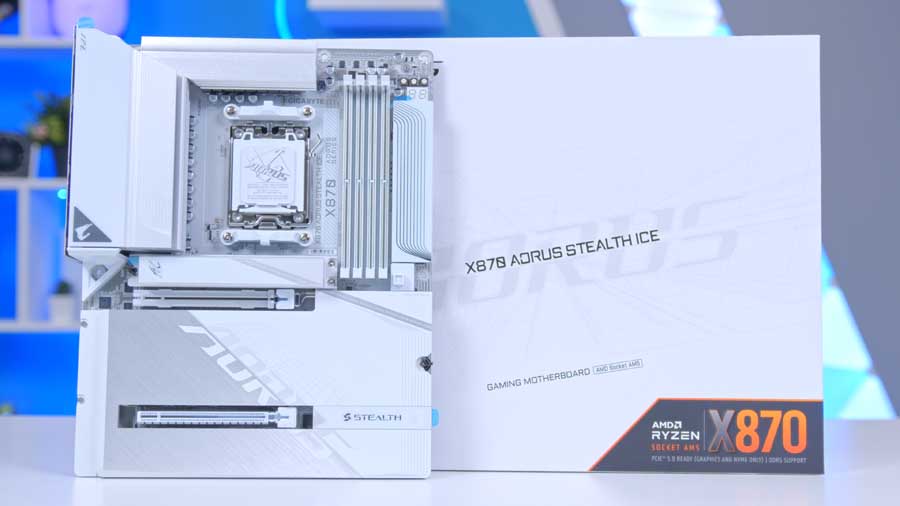
Gigabyte X870 AORUS STEALTH ICE
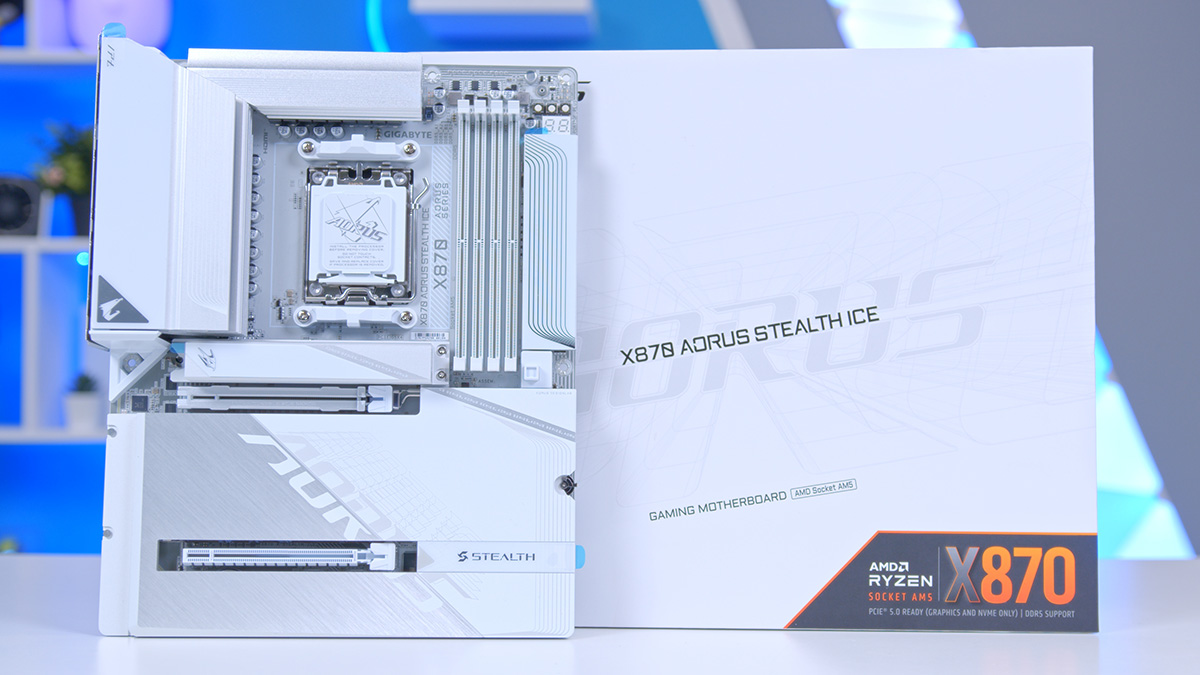
One of the features of TRYX’s new FLOVA PC case is the inclusion of support for reverse connect motherboards. This includes ASUS BTF, MSI Project Zero and Gigabyte Project Stealth. The latter is what we’ll be using in today’s build in the form of the Gigabyte X870 AORUS STEALTH ICE.
This stunning white motherboard looks fantastic, with the reverse connect design allowing for a sleek front profile with very little to distract from the large, glossy heatsinks which cover most of the PCB on this motherboard. Gigabyte have also done a characteristically great job of colour matching this board’s components to its white colour scheme, with white PCI-E slots, RAM DIMMs and a white socket cover.
Gigabyte have been on a real roll with design recently, and when combined with the great connectivity of this board are on to a real winner with the X870 AORUS STEALTH ICE.
Motherboard Specifications
- Model Gigabyte X870 AORUS STEALTH ICE
- Chipset / Socket AMD X870 / AM5
- Form Factor ATX
- CPU Support AMD Ryzen 9000 / 8000 / 7000 Series (AM5)
- Memory Support 4 x DDR5 DIMM, up to 256GB, up to DDR5-8200 (OC)
- VRM Design 18+2+2 phase digital VRM (SPS 80A)
- Reverse Connect Gigabyte Project Stealth
- Graphics Card Compatibility 1 x PCIe 5.0 x16 slot (full-length GPU slot)
- Expansion Card Compatibility 1 x PCIe 5.0 x4 + 1 x PCIe 4.0 x4
- M.2 Compatibility 4 x M.2: 2 x PCIe 5.0 x4, 2 x PCIe 4.0 x4
- SATA Storage 4 x SATA 6Gb/s ports
- Networking Wi-Fi 7 + Bluetooth 5.4 + 5GbE LAN
- Rear I/O USB4 (Type-C), USB 3.2 Gen2x2, USB 3.2 Gen2, multiple USB-A, audio jacks, HDMI out
- Front I/O Headers 1 x USB-C 3.2 Gen2 header, 1 x USB 3.2 Gen1 header, 2 x USB 2.0 headers
- Audio Realtek HD Audio (7.1-channel)
- Colour White (ICE)
G.SKILL Trident Z5 NEO RGB DDR5
For memory in this build, we wanted to select a kit that was in keeping with the all-white colour scheme, but also brought with it some real wow factor in the looks department. That is where the G.SKILL Trident Z5 Neo comes in. With a unique heat spreader design, bright RGB lighting and a great side profile, it remains one of the best looking kits on the market.
This particular kit has a strong 6000MT/s speed and CL36 latency which makes it a great fit in the performance department too.
Kioxia Exceria Plus G4 2TB
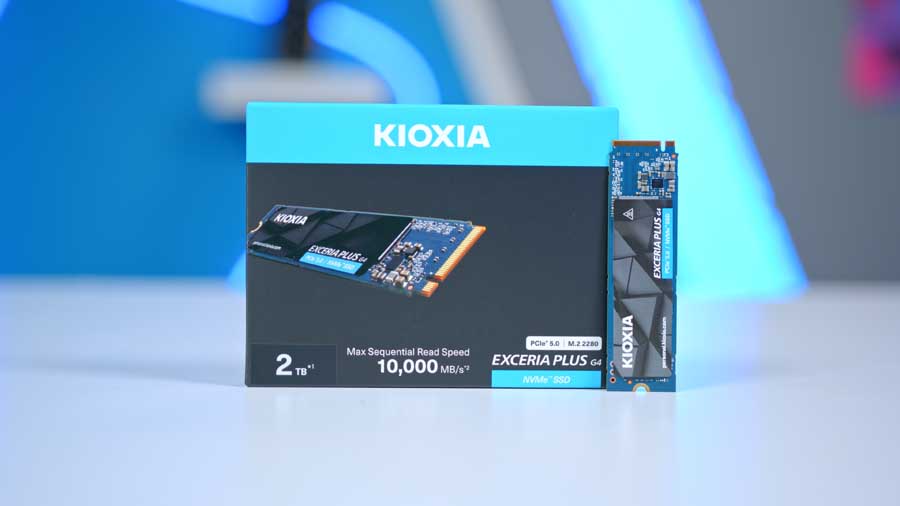
The other storage element of this build is the SSD, and for this we’ve opted to recommend KIOXIA’s EXCERIA Plus G4. This is a fast Gen 4 NVMe drive that delivers strong read and write speeds, and holds up well in our testing. KIOXIA are a name you might not be used to hearing in the world of PC building — but they are no new name player. They are in fact the new name for Toshiba Memory following a rebrand, and an OEM in the NVMe space. This means that they make their own memory, and also supply brands you might be used to hearing a little more often when looking through PC build guides and parts lists.
Suggested Article: The Best SSDs to buy in 2026
Gigabyte AORUS Master RTX 5080

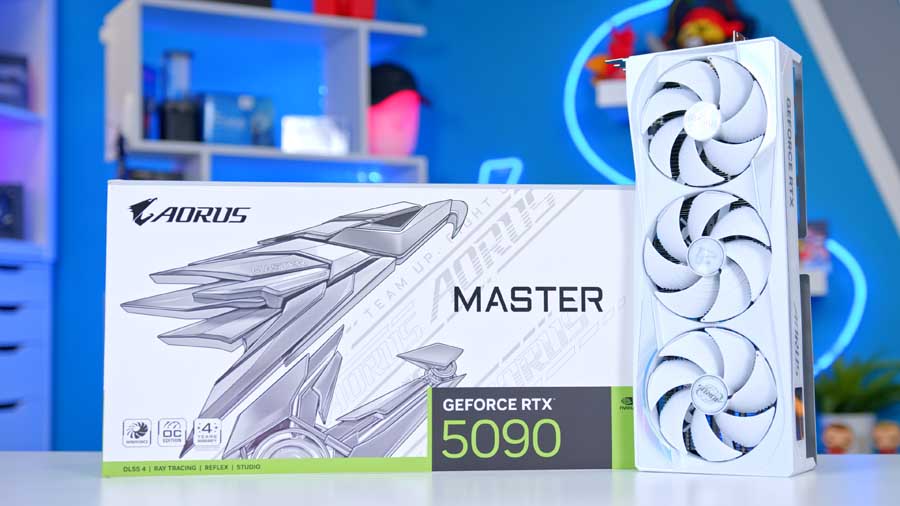
For the graphics in this build, there could only be one choice: NVIDIA’s mighty RTX 5080. Second in performance only to NVIDIA’s own RTX 5090, the RTX 5080 provides top-tier 4K gaming performance that makes it the go-to option for lots of people when looking to build a powerful gaming PC.
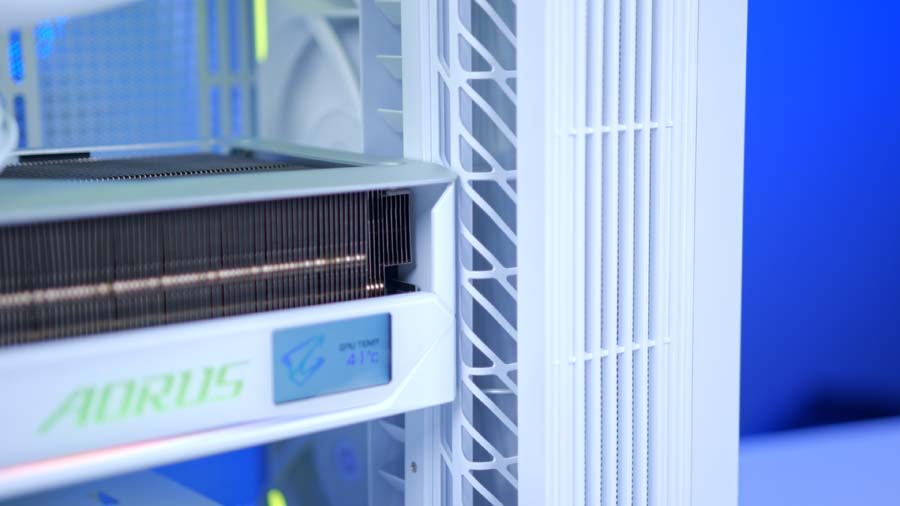
This particular model comes in from Gigabyte, and provides a great match for the AORUS Stealth motherboard in this system. This cooler is very large, and you will want to consider case clearance if eyeing up this card for your next build. Clearance in this case is particularly tight, but with some gentle encouragement the card does fit with half a mm to spare.
TRYX FLOVA White
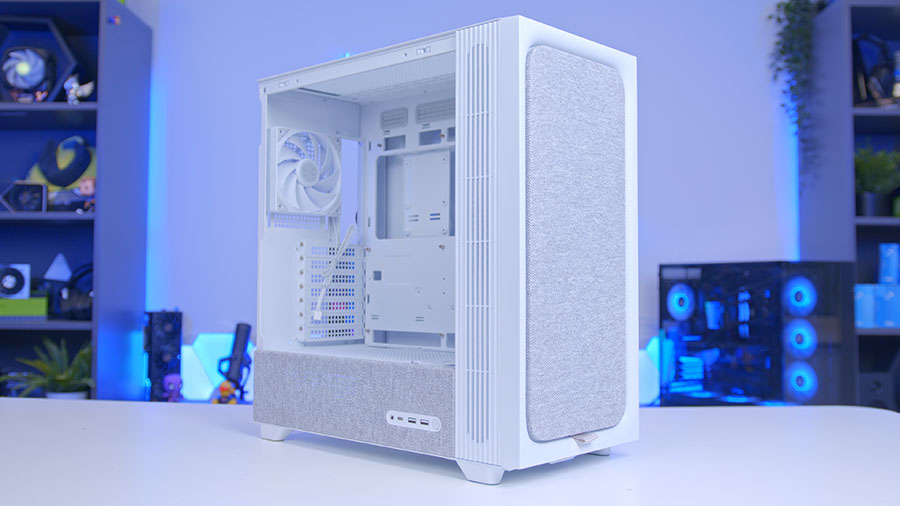
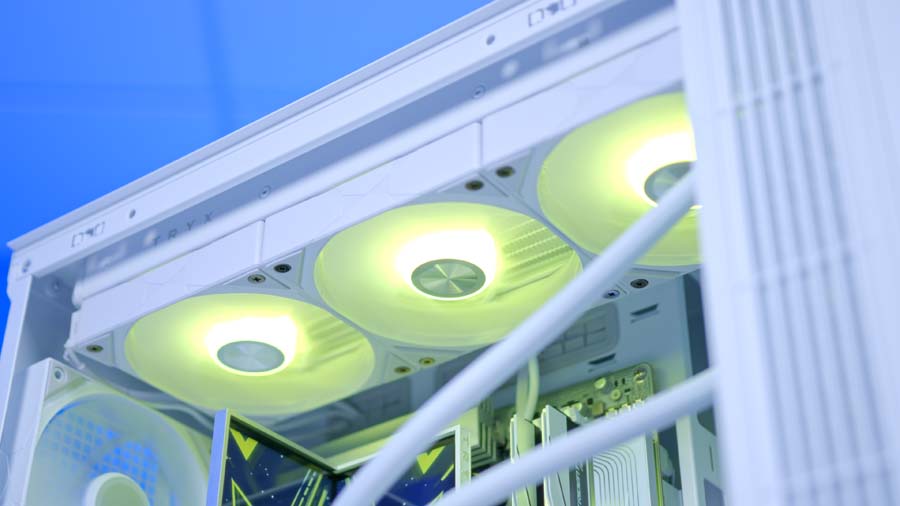
The case in this build is really the star of the show: TRYX’s brand new FLOVA. While it may look like a fairly standard ATX mid tower, the FLOVA has a special trick up its sleeve. That trick is TRYX’s tall cross flow fan that comes preinstalled at the front of the case. You’d be forgiven for missing this when glancing at the case, as it is designed around a totally different form factor than any PC case fan you might be used to seeing.
What this does is spin on a vertically centred spindle to act like a turbine – pulling in air from the vents forward of the tempered glass side panel, and then directing this air within the case. This can be used alongside 120mm intake fans at the front, as we’ve opted for in this build – or on its own. It can also be removed should you wish to install a 360mm radiator at the front of this case.
Case Specifications
- Model TRYX FLOVA White
- Form Factor Mid-Tower
- Motherboard Support Mini-ITX, Micro-ATX, ATX (incl. BTF / Project Zero / Project Stealth)
- Case Dimensions (L x W x H) 470mm x 220mm x 465mm
- Front IO 1 x USB 3.2 Gen 2×2 Type-C, 2 x USB 3.2 Gen 1 Type-A, 1 x Audio in/out
- PCI-E Slots 7 x Horizontal 3 x Vertical
- Colour White
-
Max Clearance
GPU length: Up to 420mmCPU cooler: Up to 170mmPSU length: Up to 220mm
- Drive Support 2 x 2.5-inch 1 x 3.5-inch
-
Fan Support
Front: 1 x Crossflow fan + up to 3 x 120mmTop: Up to 3 x 120mm or 2 x 140mmRear: 1 x 120mm
-
Radiator Support
Front: Up to 360mm (remove crossflow fan)Top: Up to 360mmRear: Up to 120mm
- Pre-Installed Fans Front: 1 x TRYX Crossflow turbine fan
Corsair RM850e White
Power in this build is provided by Corsair’s ever popular RM850e. This particular model is the white derivative, and looks the part with an all-white design, premium feeling white cables and colour coded white connectors.
Aside from the competitive price and strong Cybenetics Gold efficiency rating, offering the full RMe lineup in a white colourway is one of the big things Corsair got right with their latest RMe series iteration. These are some of the most price competitive white PSUs on the market, and offer up all the features you will want in a build like this.
If upgrading the GPU in this build to an RTX 5090, you will want to consider stepping up the PSU to at least 1000W, and may choose to look towards a slightly higher end design with a higher efficiency rating.
Gallery
Performance
The RTX 5080 and Ryzen 7 9850X3D make for a formidable pairing, and the numbers speak for themselves. At 1440p you’re looking at triple-digit frame rates across competitive titles like Arc Raiders, Battlefield 6 and Marvel Rivals, while even the most demanding 4K workloads, Cyberpunk 2077 and Resident Evil Requiem, hold up well above the 60fps threshold that separates playable from genuinely smooth. This is a build that doesn’t ask you to compromise between resolution and frame rate; at this level, you get both.