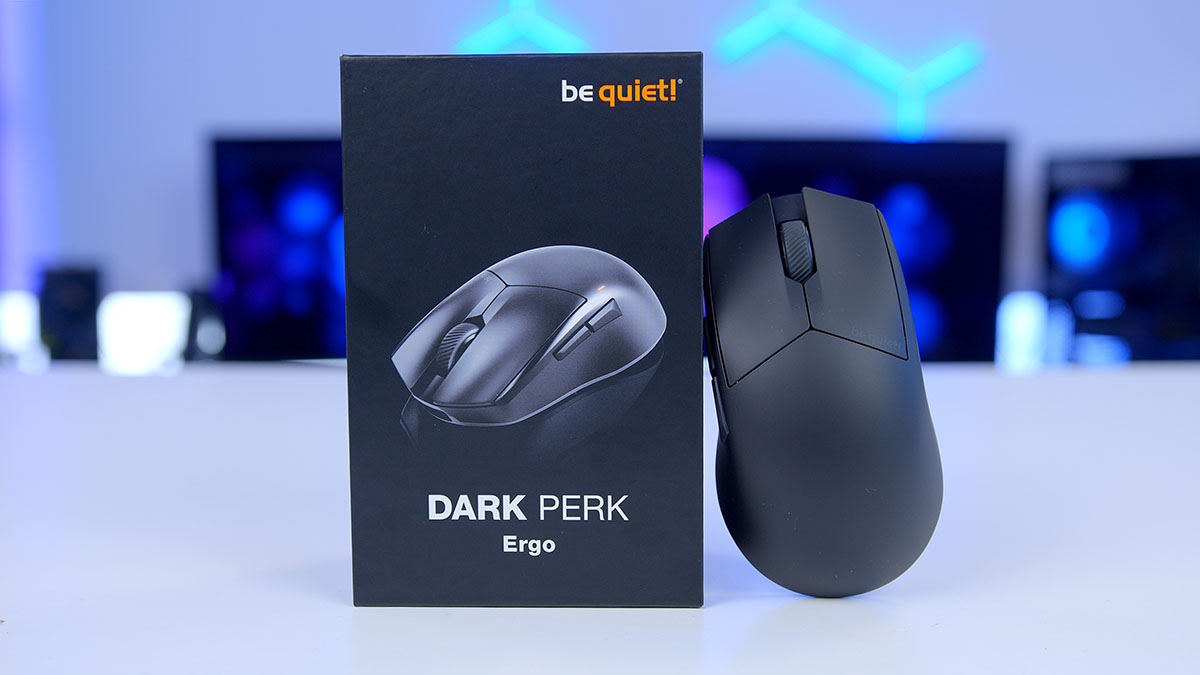
After the success of the be quiet! Dark Mount Keyboard, be quiet! has dipped its toes a little further into the peripherals market by bringing an ultra-silent, lightweight gaming mouse to the competitive scene. Designed to give you a steady aim that rivals surgical precision, be quiet! They are confident in their Dark Perk series, which lets consumers choose the mouse that suits their hands best while maintaining the same specifications. In this article, we’re testing out the be quiet! Dark Perk Ergo, a wireless ergonomically designed right-handed mouse with extreme accuracy for high-performance gaming.
Buy the be quiet! Dark Perk Ergo Mouse on:
Specification
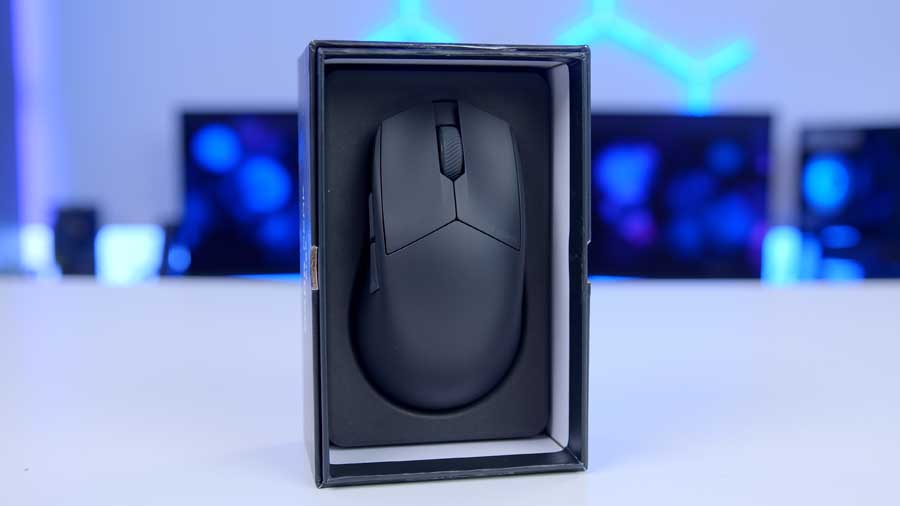
With the release of the be quiet! The Dark Perk series includes two gaming mice: the Dark Perk Ergo, with an ergonomic shape, and the Dark Perk Sym, with a symmetrical body. Both models are only available in black, which makes sense as be quiet’s whole branding revolves around silence and darkness. The mouse measures 120mm in length, 66mm in width, and 40mm in height, and weighs 55 grams. The weight and pure 100% PTFE skates contribute to a seamless glide across any surface.
| Key Specs | be quiet! Dark Perk Ergo |
|---|---|
| Connectivity | Wired USB 2.4GHz RF Wireless |
| Sensor | PixArt PAW-3950 (32,000 DPI) |
| Polling Rate | Up to 8000Hz |
| Battery Life | Up to 110 Hours |
| Mouse Feet/Skates | pure 100% PTFE skates |
| Wired Connectivity | USB 2.0 Type-C |
| Cable | 1.8m |
| Weight | 55g |
| Colours | Black |
| MSRP | $109.90 €109.90. |
Dark Perk Ergo uses a PixArt PAW-3950, enabling a maximum DPI of 32,000. It’s the best sensor on the market as of January 2026. This comes in handy for higher-resolution monitors, allowing the mouse to move across dense pixel screens much faster. The maximum polling rate this mouse can reach is 8000Hz in both wired and wireless modes. This means the mouse sends positional data 8000 times per second to reduce latency and provide smooth tracking.
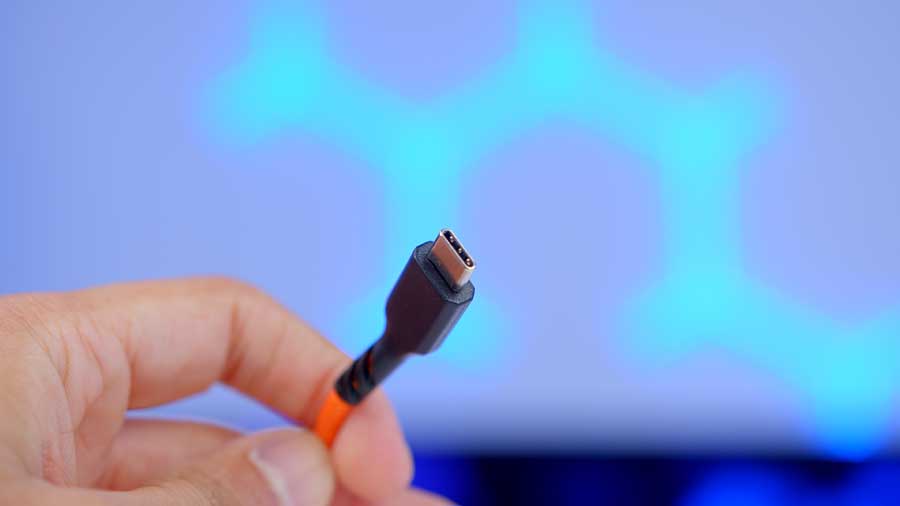
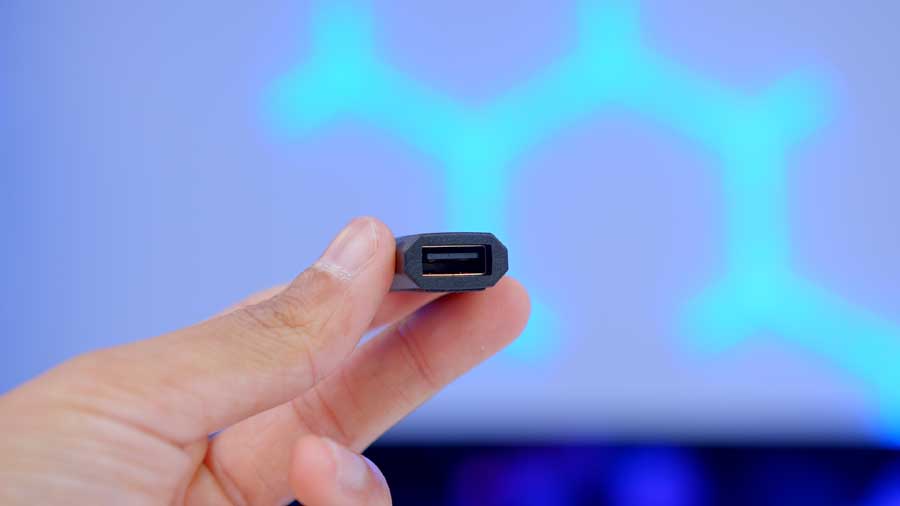
As this mouse is wireless, it has an internal rechargeable battery that lasts up to 110 hours at a 1ms polling rate before needing to be charged again. A USB 2.0 Type-A to Type-C cable is included in the box for charging the mouse, and it measures 1.8 metres. This cable can be used to charge and use the mouse simultaneously. Wirelessly, the mouse connects to a PC using a 2.4 GHz RF dongle included in the box.
be quiet! Dark Perk Ergo Design
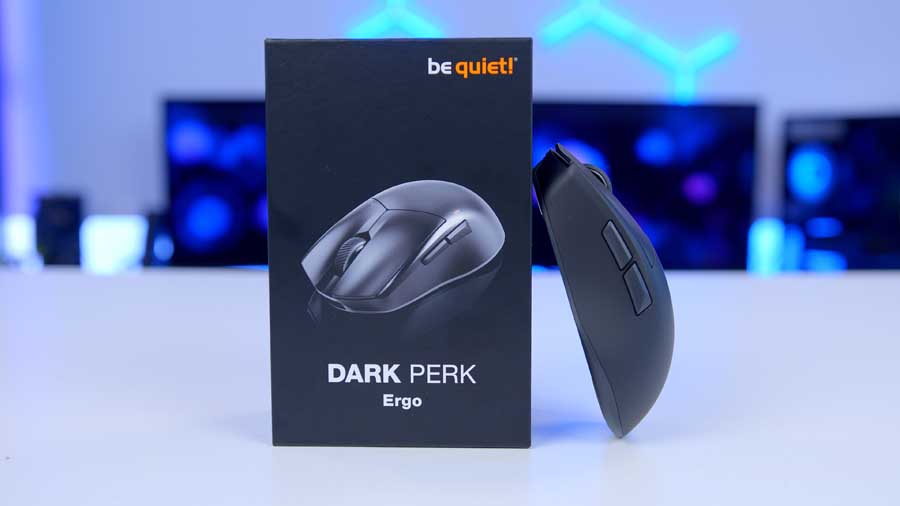
The be quiet! Dark Perk Ergo delivers a sculpted, ergonomic shape that fits naturally in your hand, ideal for a relaxed grip during long sessions. It’s also lightweight, ensuring effortless aiming and movement for hours of intense gameplay with minimal fatigue.
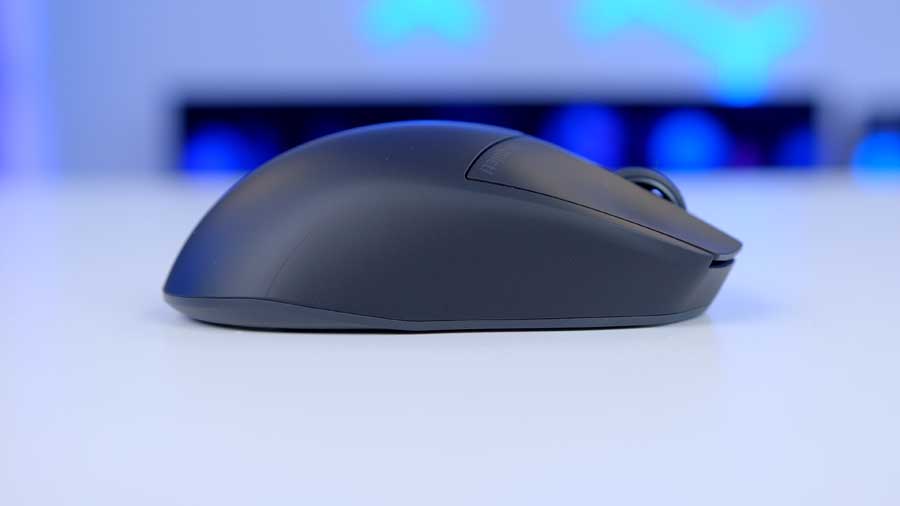
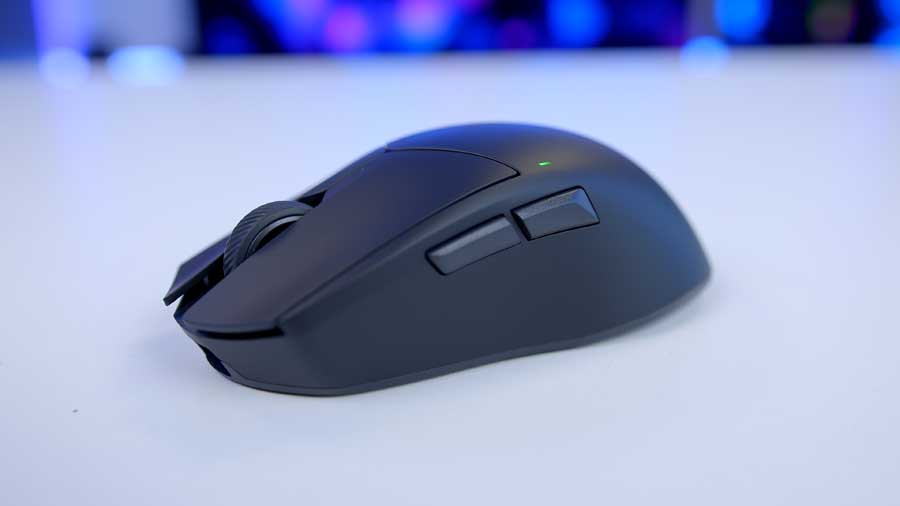
This model is designed specifically for right-handed users with a slight curve in the body where the thumb will rest on the side. Also on the side are two mouse buttons, which map to the configuration of MB5 and MB4 for the forward and backward mouse buttons.
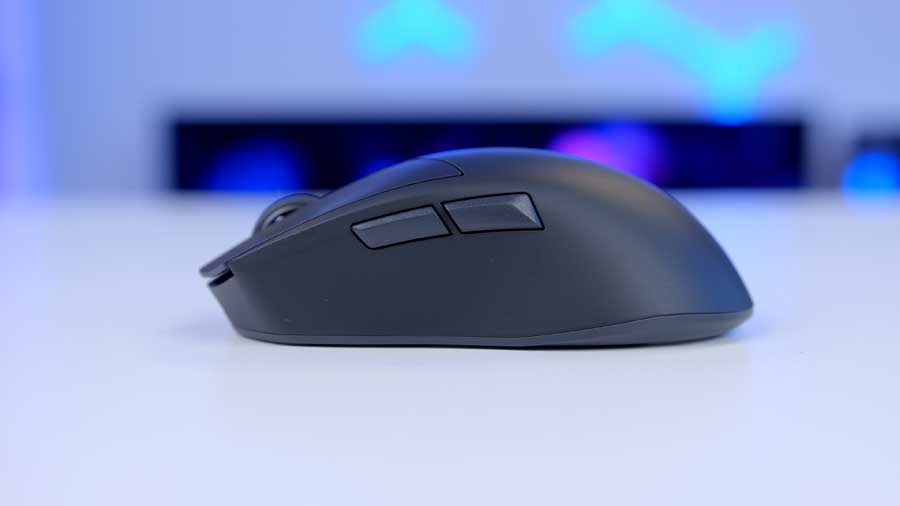
The body of the mouse is made of a durable black ABS plastic with a smooth matte finish for a soft touch. The scroll wheel is made of rubber for better grip and contact while scrolling, and it provides a reasonable tactile response.
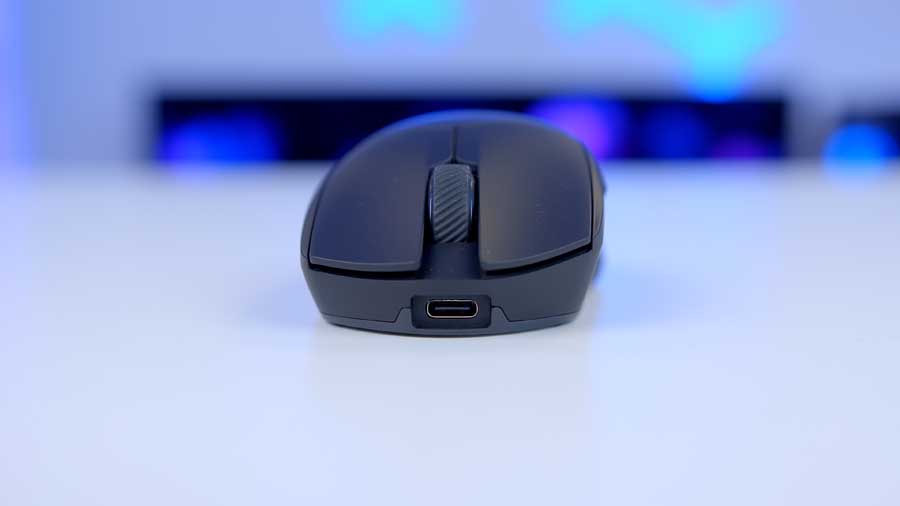
The Ergo leverages Omron D2FP-FN2 for the MB1 and MB2 buttons, which provide a fast and responsive actuation with a quiet and soft feel. Above the backward mouse button, there is an LED indicator for battery level and DPI level indication.
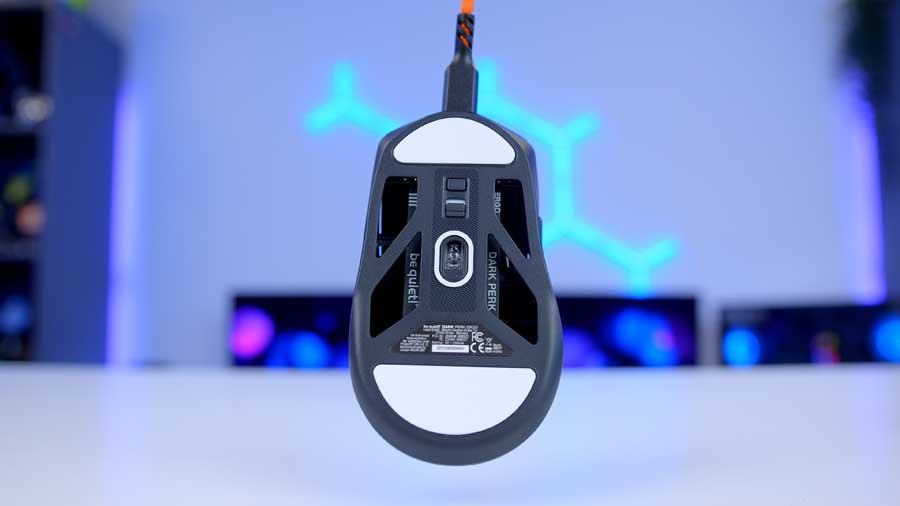
On the underside, we see a hollowed-out body, which helps contribute to the lightweight nature of the mouse, as there is less material being used. There is a button and a switch; the button changes the DPI level, which is briefly indicated on the LED light in a specific colour to show the current DPI level. The switch is to turn the mouse on and off. We also see the white PTFE mouse skates and the optical sensor.
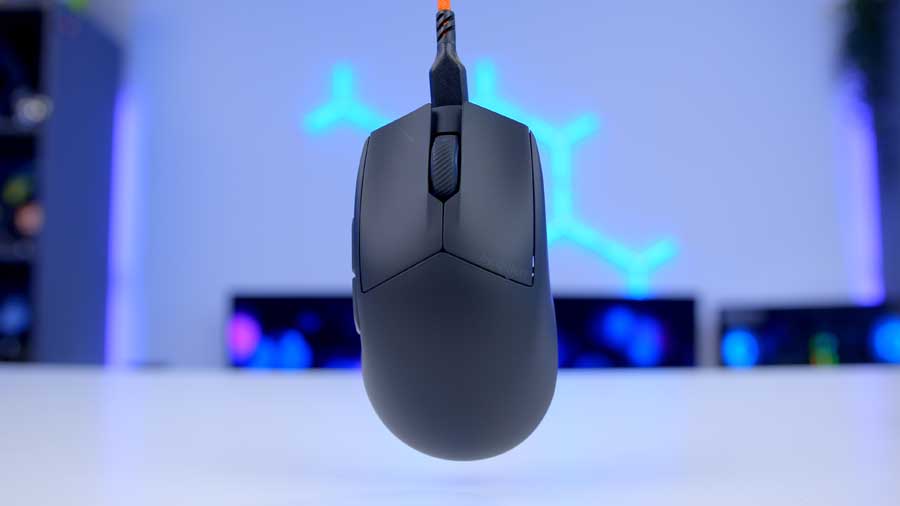
The Dark Perk Ergo comes with a 1.8m braided orange cable, which has a slight bend nearer the USB Type-C end.
Features We Like
Reprogrammable Buttons and Macros
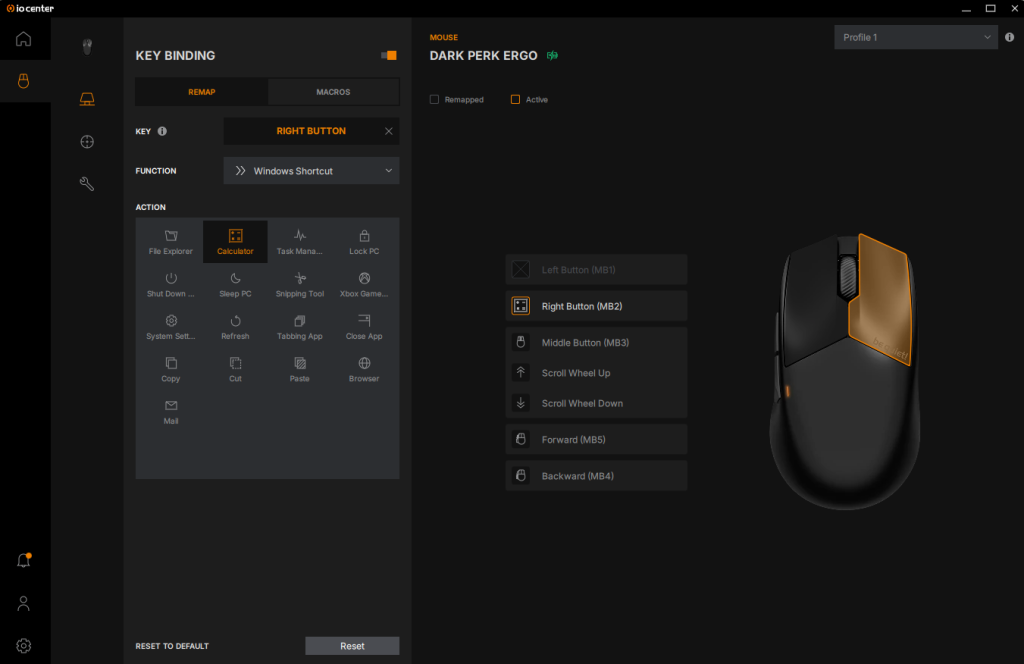
All five of the mouse’s buttons are fully programmable using the be quiet! IO Centre software, the only functions that can’t be saved are up and down scroll wheel movements. Thanks to the Ergo’s onboard memory, you can create profiles and save specific settings, such as button remapping. You have the option to change a right-click’s function to opening up the Calculator application, for instance, and if you plugged the mouse into another system, it would remember that the right mouse button should open the calculator app.
Web Application and Local Application
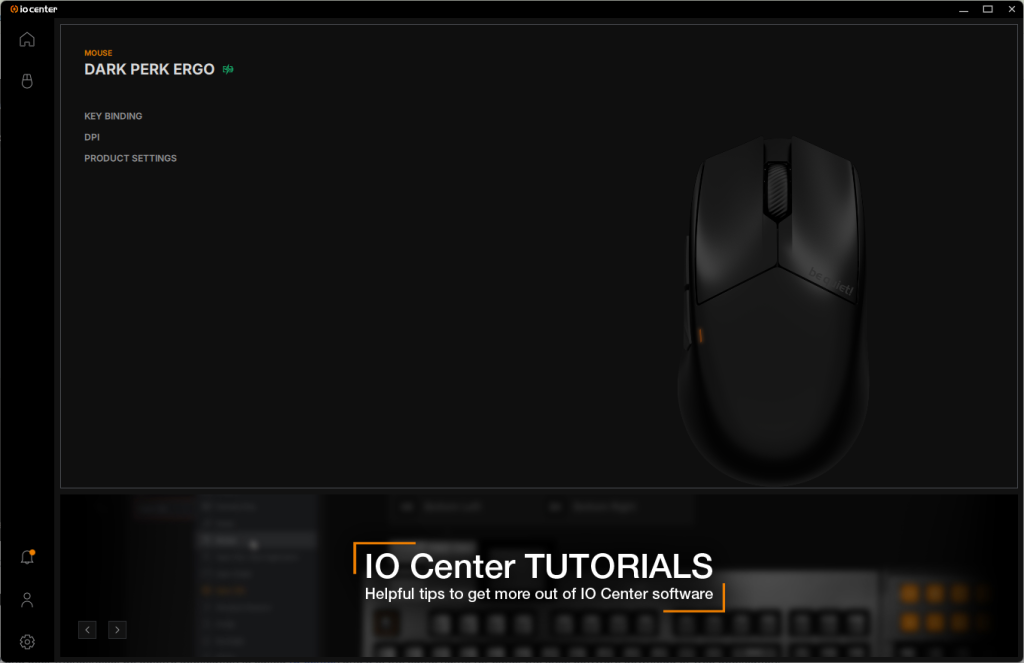
be quiet! is one of a handful of companies that have made a web application that can be used to manage peripherals, just like ASUS has with Gear Link; this option expands their flexibility and user-friendliness. be quiet!’s application is called IO Center, and it is the same name for either the local software download or the web application. Both software allow for customisation of DPI steps, polling rate, RGB lighting, and the option to reprogram 5 buttons via macros, which can be stored on the board of the mouse. You can access the web application with Windows, iOS, and Linux using Chromium-based browsers like Google Chrome or Opera.
Quiet Clicks
This is the quietest mouse that I have heard. The click is still audible, but it’s barely heard. This is likely the fault of the mouse switch, but it is clear that there are extra sound-dampening layers that soften the normal clicking into a buttery whisper with virtually inaudible operation.
Battery Life
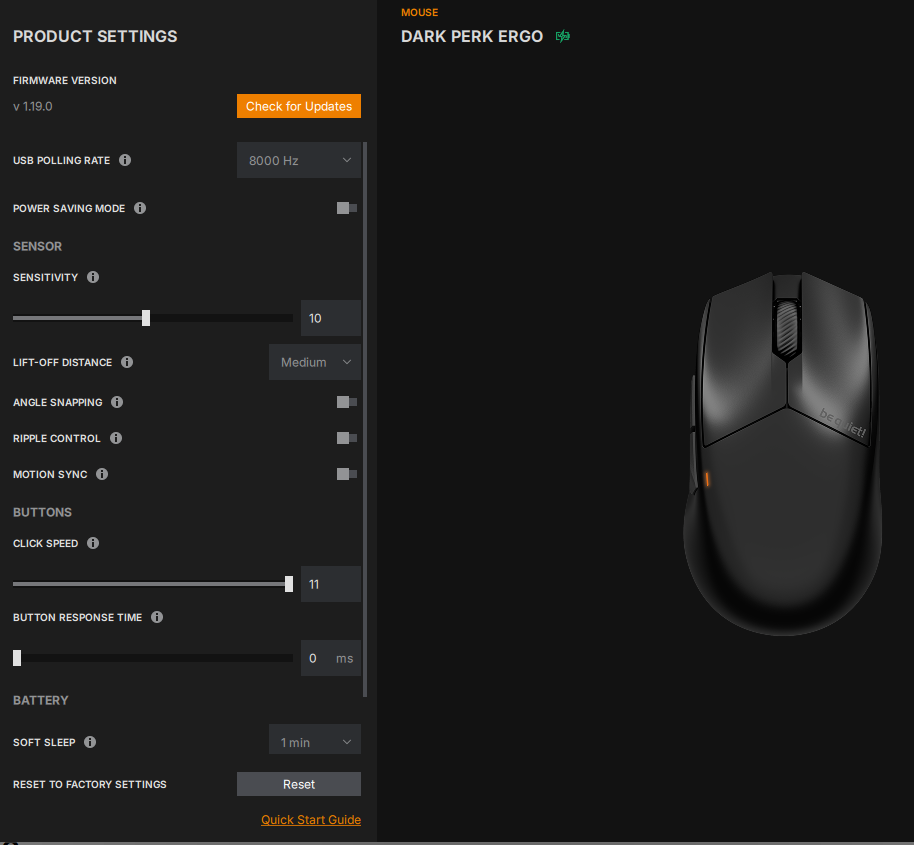
The Dark Perk Ergo comes with a class-leading battery life. The typical battery life of a rechargeable wireless mouse with a polling rate of 1000z is around 60-90 hours of continuous movement, and the Ergo offers up to 110 hours. Not only is that figure impressive, but the mouse also has built-in sleep timers that will put it into light or deep sleep after a set period to help extend its battery life if you forget to turn it off.
Indicative Light
Just above the MB4 (back mouse button) is a very small light that shows the battery level and the DPI the mouse is set to. It’s a very minimalistic implementation that is very telling.
Features We Don’t Like
Brutally Generic Appearance
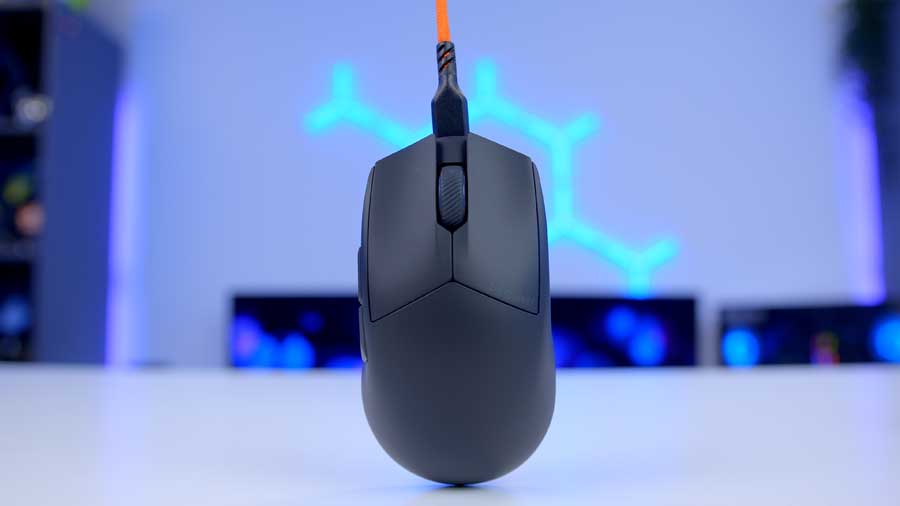
Without paying close attention to the mouse, it could easily be seen as just another basic office mouse, since it is completely black with minimal branding. The mouse only really sticks out when its bright orange wire is connected. When compared to be quiet!’s keyboards, the Dark Mount and the Light Mount, which both have RGB lighting, this mouse feels like something is missing. This isn’t a major issue – just an observation.
USB Type-C Not Comfortably Reversible
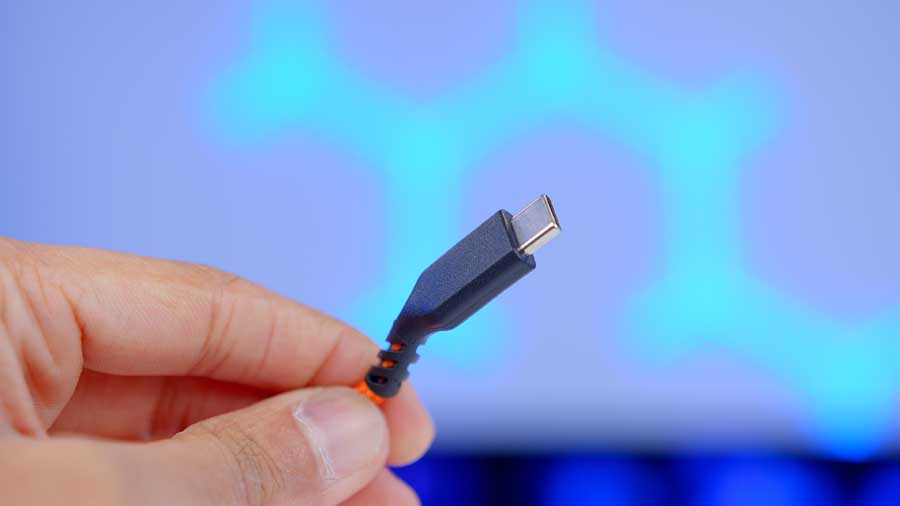
One of the major selling points of the USB Type-C connector is that it is reversible, due to the unusual bend in the wiring near where you plug it in. From what we can gather, the idea behind the bend is to direct the cable slightly away from the surface it’s resting on. This reduces immediate drag caused by friction between the desk and the wire, allowing the mouse to glide much more easily. If you plug the cable into the mouse with the bend facing down, the mouse lifts off the desk, putting pressure on the cable. The mouse then lifts off the desk, the sensor loses contact with the desk, and tracking becomes intermittent and poor.
Conclusion
be quiet! Dark Perk Ergo Mouse

Product Name: Dark Perk Ergo
Product Description: A wireless gaming mouse.
Brand: be quiet!
-
Features
-
Design
-
Performance
-
Value For Money
Summary
Pros
✅Quiet clicks
✅Soft matte finish
✅Wireless and lightweight
Cons
❌Angled USB Type-C
❌Unexciting aesthetic
❌No RGB lighting