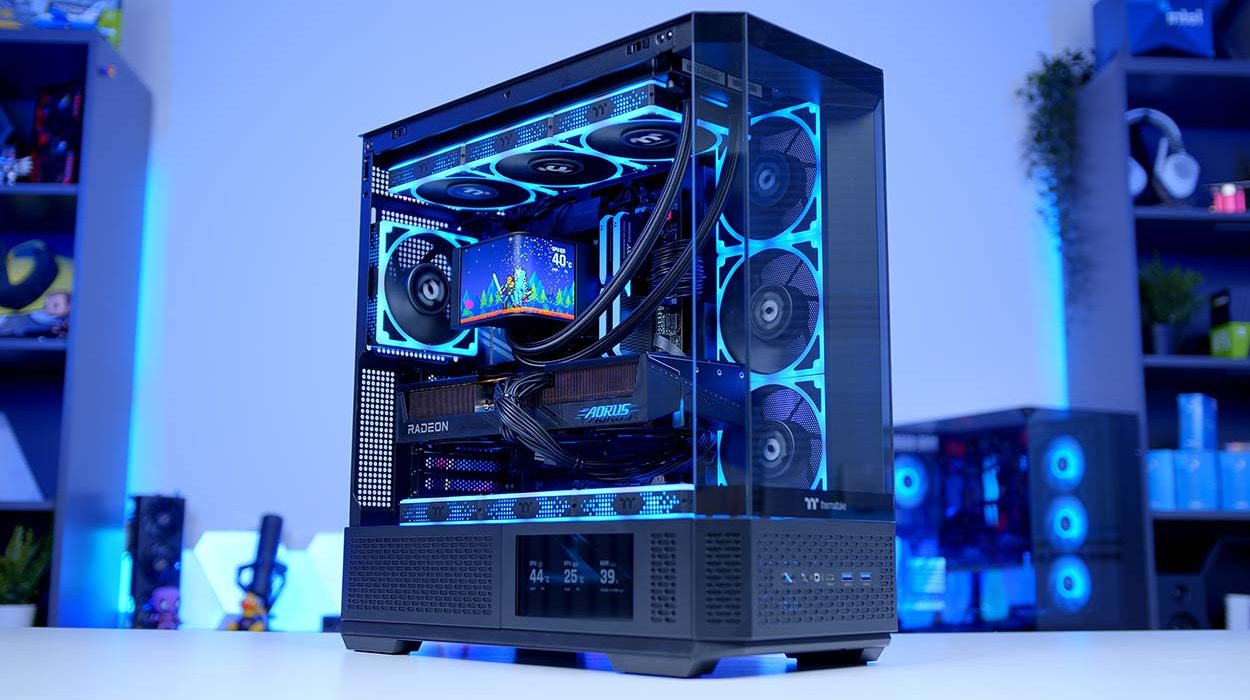
We’ve taken AMD’s undisputed king of gaming, the Ryzen 7 9800X3D, and paired it with the RX 9070 XT – a GPU combo that, in our opinion, represents some of the best price-to-performance you can get right now, particularly for those gaming primarily at 1440p with an eye on stepping up to 4K.
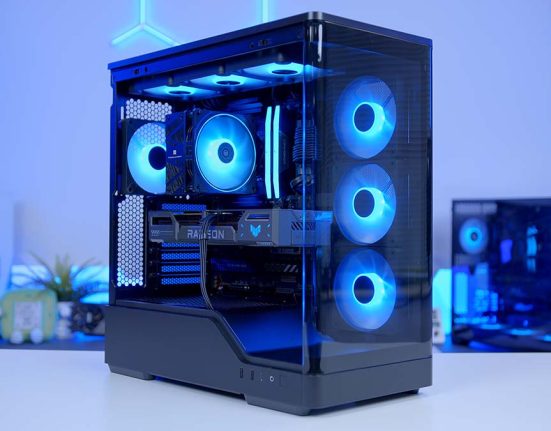
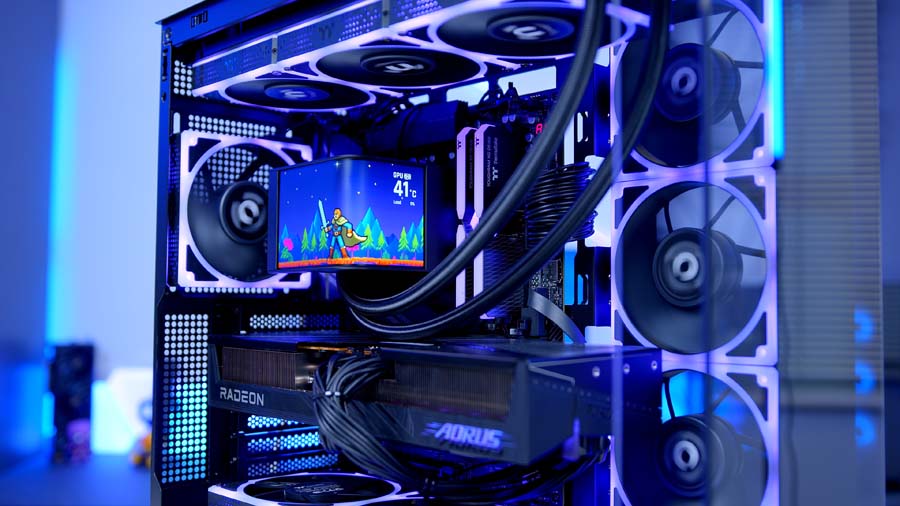
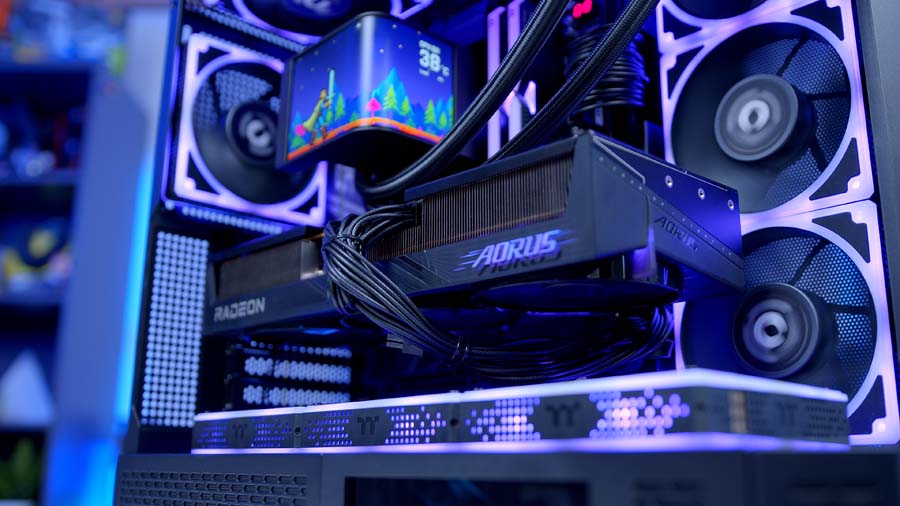
To tie the whole thing together, we’ve gone heavy on Thermaltake. From the MAGCurve 360 Ultra AIO with its striking 6.67″ curved AMOLED display, to the View 370 TG ARGB showcase chassis, to the Toughram XG memory and Toughpower PT 850W powering it all. This build leans hard into the TT RGB PLUS ecosystem and, crucially, actually looks the part.
In this article we’ll be walking you through the parts list, breaking down our component choices and the reasoning behind them, before diving into performance testing to see how it all holds up in the latest titles. Whether you’re looking to replicate this build yourself or just after some inspiration for your next upgrade, we’ve got you covered.
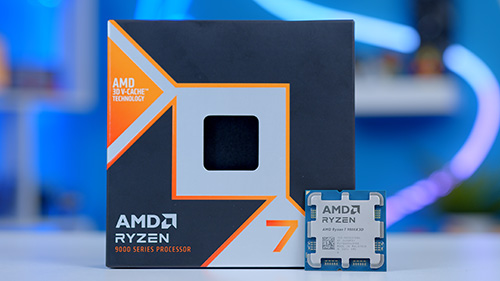
AMD Ryzen 7 9800X3D
Skip to SectionAn exceptional gaming CPU with 2nd-gen 3D V-Cache and Zen 5 architecture, delivering class-leading frame rates and zero CPU bottleneck for the RX 9070 XT.
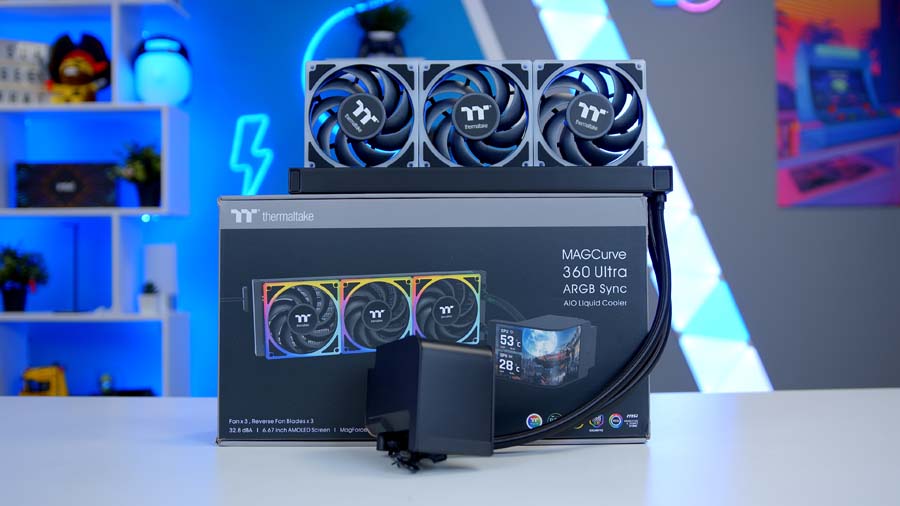
Thermaltake MAGCurve 360 Ultra ARGB Sync
Skip to SectionA 360mm AIO with a striking 6.67″ curved AMOLED display and AI Forge customisation, backed by a 365W TDP thermal design and TOUGHFAN EX fans with swappable blades.

Gigabyte X870 AORUS ELITE WIFI7
Skip to SectionA feature-rich ATX AM5 motherboard with PCIe 5.0 support, Wi-Fi 7, and a robust VRM — a solid mainstream foundation for the 9800X3D.
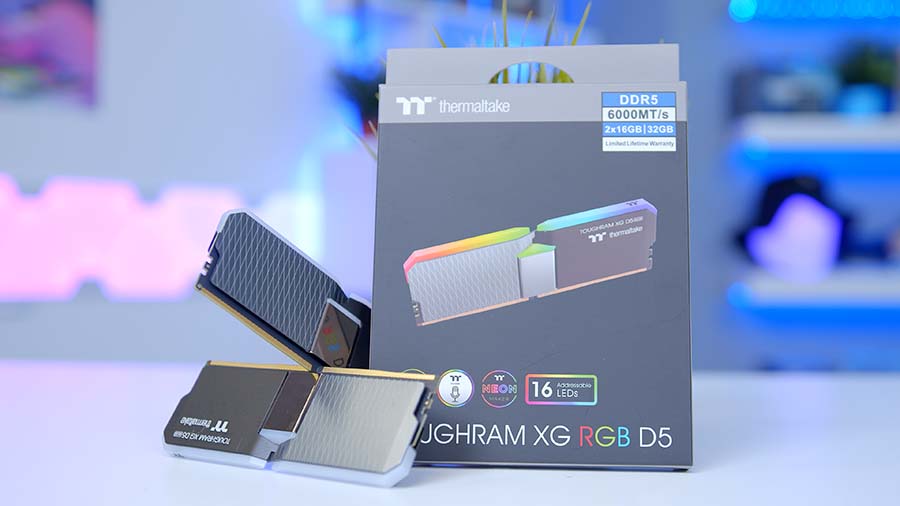
Thermaltake Toughram XG RGB D5
Skip to SectionA striking DDR5 kit with a bold heat spreader design and vibrant RGB lighting, pairing neatly with the rest of the Thermaltake ecosystem in this build.
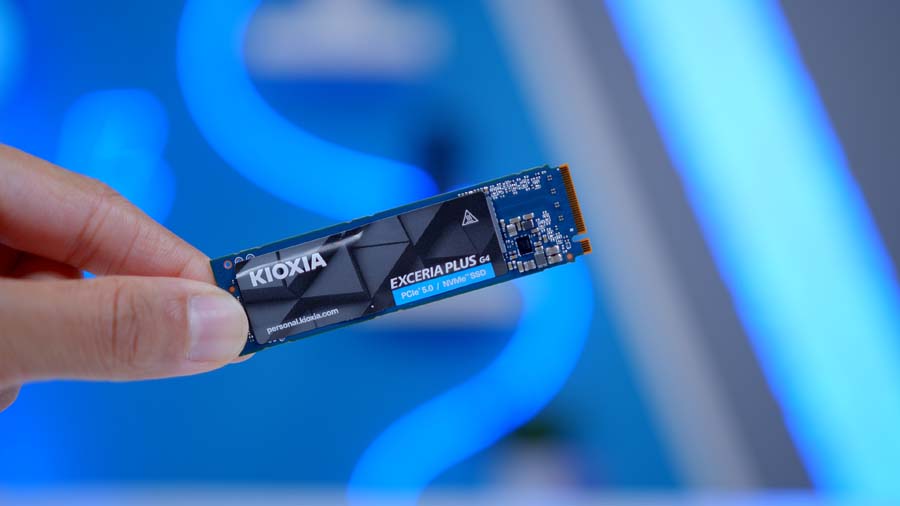
Kioxia Exceria Plus G4 2TB
Skip to SectionA fast Gen 5 NVMe drive from the OEM behind Toshiba Memory, offering 10,000 MB/s read speeds and sensible pricing for its tier — a smart entry-level Gen 5 pick.
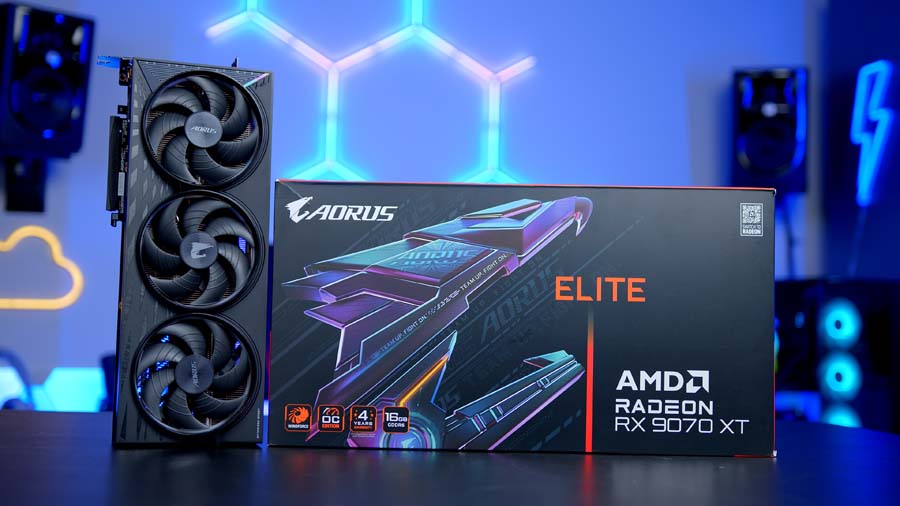
Gigabyte RX 9070 XT AORUS Elite
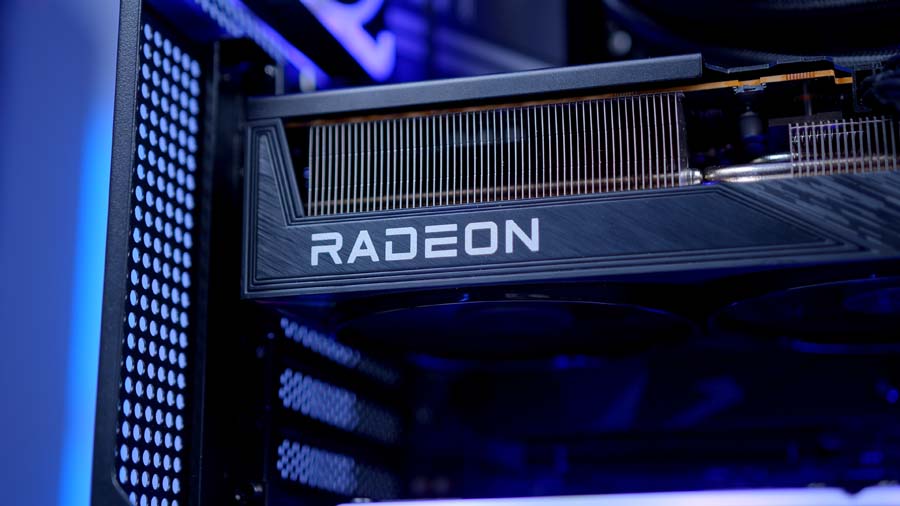
Skip to SectionAMD’s flagship RDNA 4 GPU in Gigabyte’s premium AORUS Elite trim, factory-overclocked to 3100 MHz against the 2970 MHz reference — a strong 1440p and entry-level 4K performer with 16GB of GDDR6 and a robust triple-fan WINDFORCE cooler.
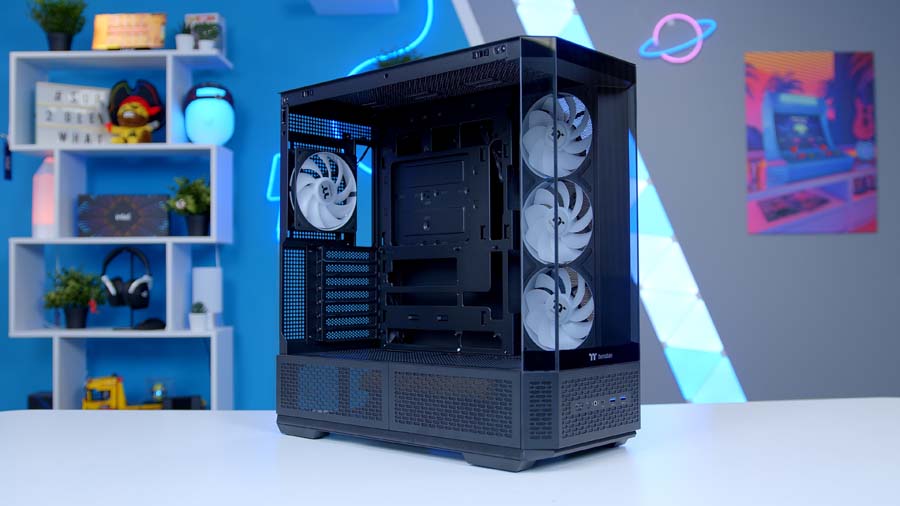
Thermaltake View 370 TG ARGB
Skip to SectionA showcase ATX mid-tower with panoramic tempered glass, hidden-connector motherboard support, and a pre-installed SF360 ARGB Reverse Fan out of the box — a lot of case for the money.
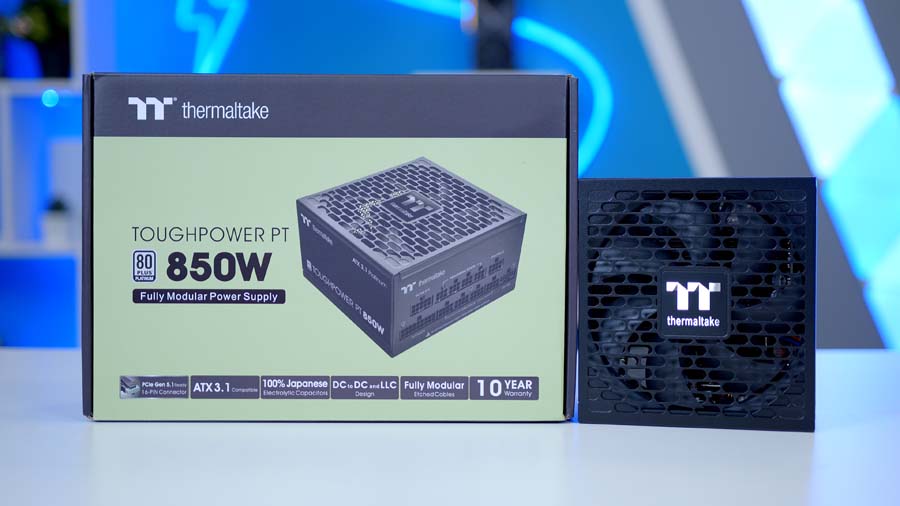
Thermaltake Toughpower PT 850W
Skip to SectionA fully modular ATX 3.1 power supply with a native 12V-2×6 connector, Cybenetics Platinum efficiency, and high-quality cabling for a headroom-rich, quiet build.
Parts Overview
AMD Ryzen 7 9800X3D

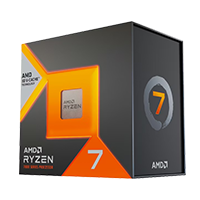
For the processor in today’s build we’ve picked none other than the Ryzen 7 9800X3D. Largely seen as the king of gaming CPUs, the 9800X3D is the perfect companion for our GPU choice in this build. Building on the legacy started with the Ryzen 7 7800X3D, the 9800X3D takes things to the next level – higher clock speeds, stronger thermal performance and fully overclockable. There’s a reason this is the go-to gaming CPU. It’s brilliant!
For your money you get 8 cores and 16 threads, a Base Clock of 4.7GHz and Boost of 5.2GHz and for the first time on X3D CPUs, full overclocking capability. Should you want to take things that little bit further, the Ryzen 7 9850X3D is another great option but offers fairly minimal performance gains versus the 9800X3D for the extra cash needed to pick one up.
CPU Comparison
AMD Ryzen X3D Desktop CPU Comparison
Hover rows for highlight. Tap/click a header title to sort.
| CPU | ::Cores | ::Threads | ::Base Clock | ::Max Boost | ::TDP | ::Total Cache | ::Where to Buy |
|---|---|---|---|---|---|---|---|
AMD Ryzen 9 9950X3D Zen 5 flagship X3D desktop CPU |
16 | 32 | 4.3 GHz | 5.7 GHz | 170W | 144MB | |
|
AMD Ryzen 9 9900X3D 12-core Zen 5 X3D for mixed gaming and production |
12 | 24 | 4.4 GHz | 5.5 GHz | 120W | 140MB | |
AMD Ryzen 7 9850X3D Newest Ryzen 7 X3D in the lineup |
8 | 16 | 4.7 GHz | 5.6 GHz | 120W | 104MB | |
|
AMD Ryzen 7 9800X3D High-FPS Zen 5 gaming CPU |
8 | 16 | 4.7 GHz | 5.2 GHz | 120W | 104MB | |
AMD Ryzen 7 7800X3D Mainstream Zen 4 gaming favourite |
8 | 16 | 4.2 GHz | 5.0 GHz | 120W | 104MB |
Thermaltake MAGCurve 360 Ultra ARGB Sync
Our Motherboard choice for today’s build is the Gigabyte X870 AORUS ELITE WIFI7. Giving our build an enthusiast level foundation without the associated cost, the X870 AORUS ELITE sits in a pricing sweet spot, bridging the gap between the more affordable B850 and high-end X870E motherboards.
Power delivery on this board has clear headroom with a 16+2+2 VRM solution to keep our 9800X3D boosting aggressively but sustainably. Memory support is relatively standard, with support for four Dimms at DDR5-8000(OC). Storage is strong with 4 M.2 slots, 3 of which are Gen5, yes you read that right! And connectivity is comprehensive with support for WIFI7, Bluetooth 5.4, 2.5GbE LAN and dual USB4 Type-C connectors.
Motherboard Specifications
- Model Gigabyte X870 AORUS ELITE WIFI7
- Chipset / Socket AMD X870 / AM5
- Form Factor ATX
- CPU Support AMD Ryzen 9000 / 8000 / 7000 Series (AM5)
- Memory Support 4 x DDR5 DIMM, up to 256GB, up to DDR5-8200 (OC)
- VRM Design 16+2+2 phase digital VRM
- Graphics Card Compatibility 1 x PCIe 5.0 x16 slot (full-length GPU slot)
- Expansion Card Compatibility 1 x PCIe 4.0 x4 + 1 x PCIe 3.0 x1
- M.2 Compatibility 4 x M.2: 3 x PCIe 5.0 x4, 1 x PCIe 4.0 x4
- SATA Storage 4 x SATA 6Gb/s ports
- Networking Wi-Fi 7 + Bluetooth 5.4 + 2.5GbE LAN
- Rear I/O USB4 (Type-C), USB 3.2 Gen2x2, USB 3.2 Gen2, multiple USB-A, audio jacks, HDMI out
- Front I/O Headers 1 x USB-C 3.2 Gen2 header, 1 x USB 3.2 Gen1 header, 2 x USB 2.0 headers
- Audio Realtek HD Audio (7.1-channel)
- Colour Black with silver accents
- Design Standard forward-connect ATX layout
Whilst the aesthetic is slightly more understated in comparison to the flashier Gigabyte Master and Xtreme designs, the AORUS ELITE provides the perfect backdrop for the showpiece of our build, the MAGCurve.
Thermaltake TOUGHRAM XG RGB D5
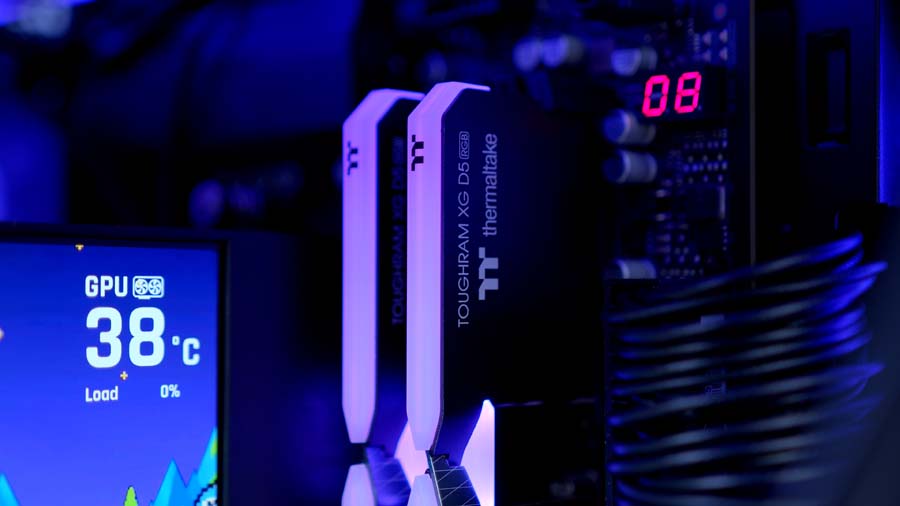
For memory, we’ve paired the build with a 32GB (2x16GB) kit of Thermaltake Toughram XG RGB D5 running at DDR5-6000 CL36, the sweet-spot speed for Ryzen X3D chips, and a natural partner for the MAGCurve AIO given it slots into the same TT RGB PLUS ecosystem.
We always recommend 32GB of DDR5 for a gaming PC build, and recommend you aim for a speed as close to 6000MHz as possible and a latency of 36 or lower. In the current market crisis this can be easier said than done. If you’re looking to replicate this build but with a tighter budget, you may want to consider shopping on the used market, moving memory from your existing build if you have it, or compromising on speed and latency.
Kioxia Exceria Plus G4
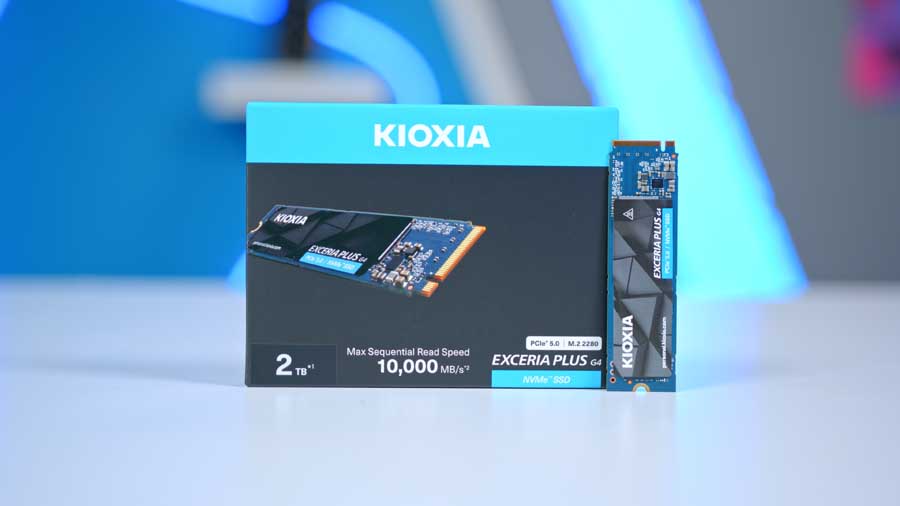
Similarly to memory, storage has also been affected by the current market shortages, and while the storage market is fairing better than memory, the issues are still persistent. For this build we’ve chosen a 2TB Gen5 drive from Kioxia.
Rated speeds are seriously quick: up to 10,000 MB/s sequential read and 8,200 MB/s sequential write, with endurance sitting at 1,200 TBW over a 5-year warranty, which is standard for the class and more than enough for gaming and everyday use. Paired with the X870 Motherboard in this build and you can be certain of no bottlenecks and full speeds.
Suggested Article: The Best SSDs to buy in 2026
Gigabyte RX 9070 XT AORUS ELITE
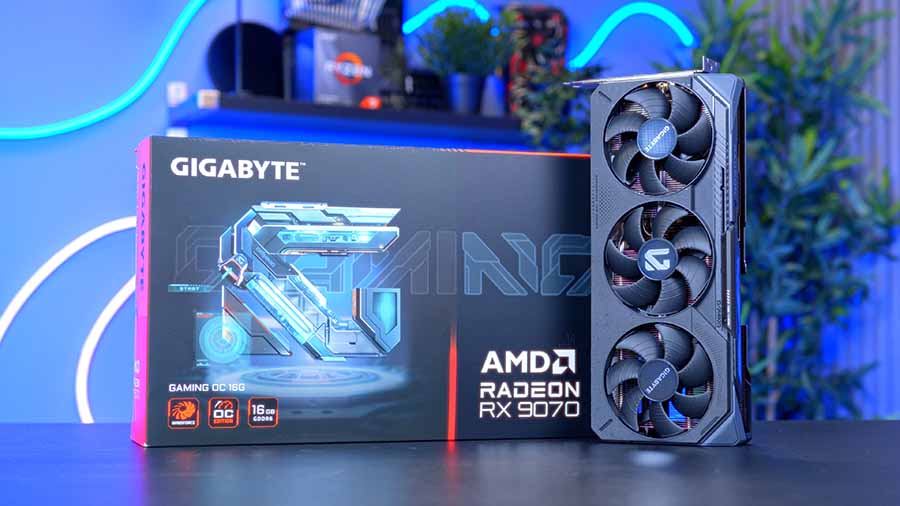
Now, what better GPU choice than the Gigabyte AORUS ELITE RX 9070 XT? The RX 9070 XT is amongst our favourite GPUs of this generation and is perhaps the smartest choice for those looking to game primarily at 1440p but beginning to dip their toes into the world of 4K gaming.
Under the hood you get 16GB of GDDR6 VRAM on a 256-bit bus, AMD’s RDNA 4 GPU architecture with 4,096 stream processors, and a full PCIe 5.0 x16 interface. With the arrival of RDNA 4, AMD GPUs have received a fairly substantial bump to raytracing capabilities, bringing the performance that has long plagued AMD GPUs of the past, much more in line with their NVIDIA counterparts.
Cooling on this particular model gets Gigabytes signature WINDFORCE treatment, with the innovative Hawk fans with alternating rotation and an RGB Halo, which helps keep temperatures under wraps in even the most intense gameplay scenarios.
Thermaltake View 370 TG ARGB
The Thermaltake View 370 TG ARGB is a showcase ATX mid-tower that punches well above its price point. The headline is the four-piece panoramic tempered glass layout that wraps around the front and left panels for uninterrupted viewing angles.
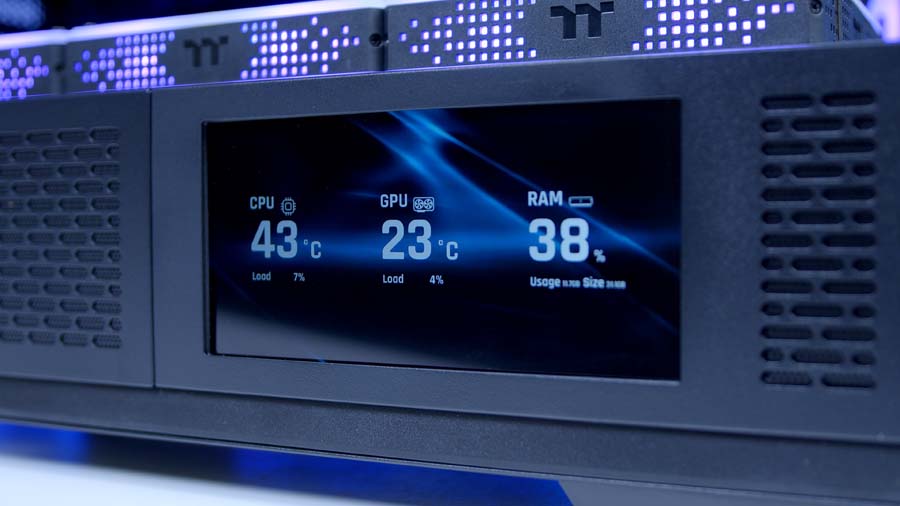
Cooling support is strong and comes pre-loaded with a 360mm single-unit SF360 ARGB PWM Reverse Fan and SF120 ARGB rear fan. Clearances are generous too: 420mm GPU length, 360mm radiator support, 165mm air cooler height and the View 370 supports all of the latest hidden-connector motherboards, be it; ASUS BTF, MSI Project Zero or Gigabyte Project Stealth. Front I/O covers USB 3.2 Gen 2 Type-C, 2× USB 3.0, and HD audio and an optional 6″ LCD screen kit is available if you want to lean further into the aesthetic.
Case Specifications
- Model Thermaltake View 370 TG ARGB
- Form Factor Mid-Tower
- Motherboard Support Mini-ITX, Micro-ATX, ATX, E-ATX
- Case Dimensions (L x W x H) 500mm x 220mm x 500mm (approx.)
- Front IO 1 x USB 3.2 Gen 2 Type-C, 2 x USB 3.0 Type-A, 1 x Audio in/out
- PCI-E Slots 7 x Horizontal
- Colour Black
-
Max Clearance
GPU length: Up to 420mmCPU cooler: Up to 165mmPSU length: Up to 279mm
- Drive Support 1 x 3.5-inch + 1 x 2.5-inch, or 2 x 2.5-inch
-
Fan Support
MB side: Up to 3 x 120mmTop: Up to 3 x 120mmRear: 1 x 120mm
-
Radiator Support
MB side: Up to 360mmTop: Up to 360mmRear: Up to 120mm
- Pre-Installed Fans 1 x SF360 ARGB PWM Reverse Fan (MB side), 1 x SF120 ARGB PWM Fan (rear)
Thermaltake Toughpower PT 850W
Powering the system is the Thermaltake Toughpower PT 850W, a step up from the usual 850W Gold units. It’s 80 PLUS Platinum rated (up to 92% efficiency) and fully ATX 3.1 / PCIe 5.1 compliant, with a native 12V-2×6 connector rated for 600W – handy to have even though the RX 9070 XT uses 3× 8-pin PCIe here. For a build pulling 500-600W under load, 850W Platinum is the sweet spot, comfortable headroom and a genuine upgrade over a standard Gold unit.
Gallery
Performance
If there is one thing that this build certainly doesn’t lack, it’s performance. The combination of RX 9070 XT graphics card from AMD, and Ryzen 7 9800X3D processor tick the boxes at 1440p and 4K alike, and deliver great performance across the latest AAA titles. As you can see from the figures below, this is a system that doesn’t lack in the FPS department.
Performance Snapshot
Multi-Game Average FPS
4K High
106.6
Display
Fullscreen, 3840×2160
Preset
High
Upscaling / Frame Gen
FSR Quality, Frame Generation Off
VSync / FPS Cap
VSync Off, No Limit
1440P High
166.5
Map / Mode
TBC, Conquest
Display
Fullscreen, 2560×1440
Preset
High
Upscaling / Frame Gen
FSR Quality, Frame Generation Off
VSync / FOV
VSync Off, FOV 90
1440P High
156
Benchmark Mode
Built-in benchmark ran 2x
Display
Fullscreen, 2560×1440, VSync Off
Preset
High
Upscaling / Frame Gen
FSR Quality, Frame Generation Off
Ray Tracing / Path Tracing
All Off
Post Effects
Film Grain On, DoF On, Motion Blur Off
4K High
80.6
Capture Length
4–7 mins
Display
Fullscreen, 3840×2160, Aspect 16:9
AA / Upscaling
FSR Quality, Render Scale 100
Frame Gen / Latency
Frame Generation Off, Low Latency Off
VSync / FPS Cap
VSync Off, No Limit
Preset
High
4K High
86.1
Display
Fullscreen, 3840×2160
Preset
High
Upscaling / Frame Gen
FSR Quality, Frame Generation Off
VSync / FPS Cap
VSync Off, No Limit
1440P High
151.4
Display
Fullscreen, 2560×1440
Preset
High
Upscaling / Frame Gen
FSR Quality, Frame Generation Off
VSync / FPS Cap
VSync Off, No Limit
Ray Tracing
Off