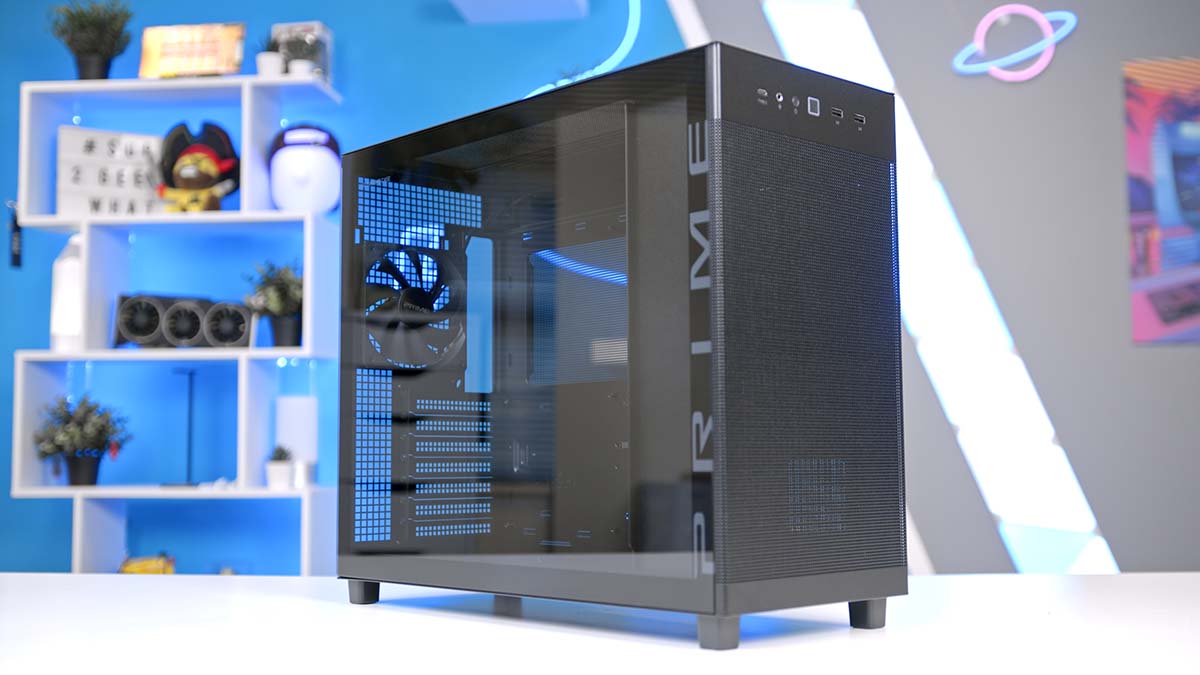
ASUS’ latest Prime AP303 series introduces a pair of chassis that blend elegance with understated design, making them ideal for minimalist setups or professional environments. The lineup consists of two models: one focused on maximising airflow, and another that maintains the same clean aesthetic while adding a tempered‑glass side panel for those who want to showcase their components without compromising the overall look. So, if you’re searching for a sleek, refined PC case that fits seamlessly into a specific space or style, the AP303 may be exactly what you’re after.
In this review of the ASUS Prime AP303, we’ll break down the specifications, examine the design philosophy, and highlight the features – both the standouts and the shortcomings. We’ll wrap up with our final thoughts to help you decide whether this chassis deserves a spot in your next build. We’ve also recently used this case in our Best RX 9070 XT Gaming PC Build 2026, if you’d like to see the AP303 in action.
Buy the ASUS Prime AP303 on:
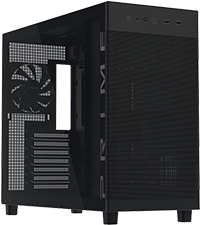
ASUS Prime AP303 – TG (Black)
Mid-tower ASUS Prime AP303 case in black with a tempered glass side panel for a cleaner showcase-style build.
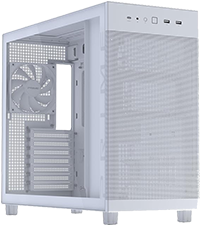
ASUS Prime AP303 – TG (White)
White mid-tower ASUS Prime AP303 tempered glass edition, ideal for brighter themed builds with a side-panel view.
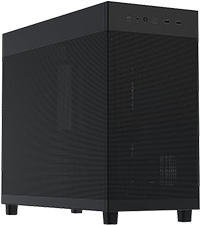
ASUS Prime AP303 – Mesh (Black)
Black ASUS Prime AP303 mesh variant with a more airflow-focused front and side presentation for performance-led builds.
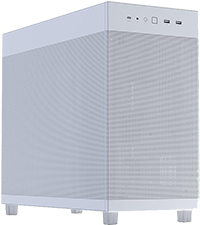
ASUS Prime AP303 – Mesh (White)
White ASUS Prime AP303 mesh version that pairs a lighter finish with stronger airflow styling for modern gaming builds.
Specification
The ASUS Prime AP303 series is available in multiple colours and styles: tempered glass or mesh, both in black or white. The chassis has a width of 215 mm, a height of 425 mm and a depth of 485 mm and fits the mid-tower form factor. The case can accommodate Mini-ITX, Micro-ATX, and ATX motherboards. Overall, it has a smaller footprint than the popular 'fish-tank' style chassis. The Mesh edition of the AP303 weighs 6.8 kg, and the Tempered Glass edition weighs about 7.8 kg.
Case Specifications
-
Model
ASUS Prime AP303
-
Form Factor
Mid-Tower
-
Motherboard Support
Mini-ITX
Micro-ATX
ATX -
Case Dimensions (W x H x D)
215 x 425 x 485 mm
-
Front IO
1 x USB 3.2 Gen 2x2 Type-C2 x USB 3.2 Gen 1 Type-A1 x Headphone / Microphone -
PCI-E Slots
7 x Horizontal
3 x Vertical (with included GPU bracket) -
Colour Options
Black
White -
Max Clearance
Maximum CPU cooler height: 165 mmMaximum GPU length: 360 mmMaximum PSU length: 180 mm -
Drive Support
1 x 2.5/3.5-inch combo bay2 x 2.5-inch bays -
Fan Support
Top: 3 x 140 mm or 3 x 120 mmRear: 1 x 120 mm -
Radiator Support
Top: 360 / 280 / 240 / 140 / 120 mmRear: 120 mm -
Pre-Installed Fans
Rear: 1 x 120 mm
In terms of USB spread, this case actually equips a strong and favourable set of ports that are indeed future-proof, offering one blazing-fast USB Type-C and two very fast Type-A ports, meaning that you won't have to stretch uncomfortably around the rear of your case to access your fast ports on the motherboard's rear IO. There's also a combination headphone/microphone audio jack on the front for easy access.
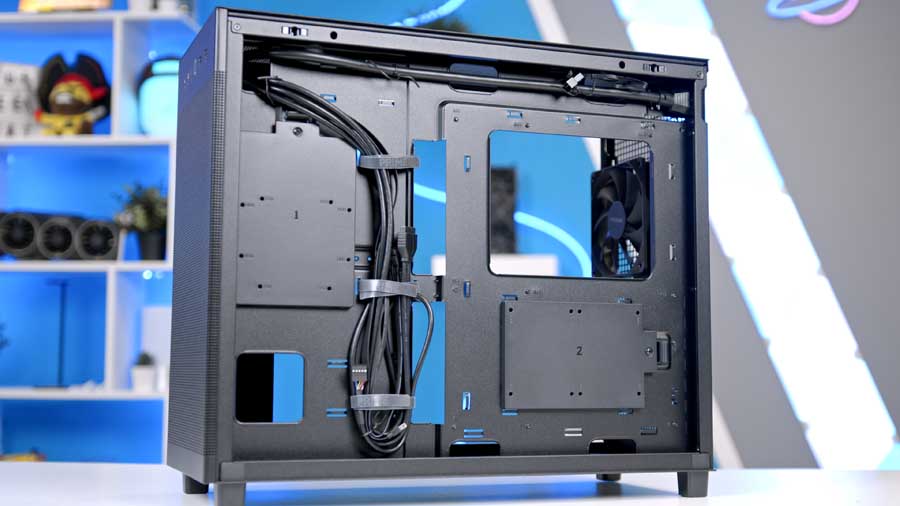
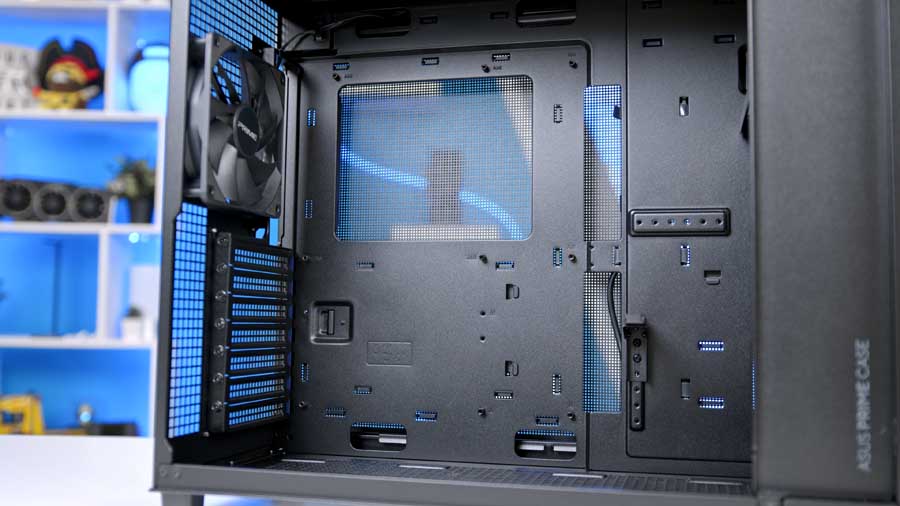
The overall clearance offered is slightly narrower than that of mid-tower chassis, leaving about 165 mm for your cooler's height, 180 mm for your PSU's length, and a maximum of 360 mm for your GPU's length. The case does support vertical GPU mounting as the PCI-E Slots can be rotated vertically, and there's an included GPU bracket. However, the riser cable for vertical GPU mounting is not included; if you want to mount it vertically, you'll need to purchase this accessory separately. On the other hand, cable management will be a breeze thanks to the 34mm wide space left behind the motherboard tray.
ASUS Prime AP303 Design
The design of this case mimics the ASUS Prime AP201's design language, both internally and externally; however, the AP201 is a MicroATX chassis, and the AP303 is a mid-tower, built for those who want more out of their components, as Micro and smaller form factor components often sacrifice features to fit a smaller size profile. Despite being a larger iteration of the AP201, the AP303 maintains a compact and discreet appearance by mounting the power supply on the front panel. This effectively prevents mounting intake fans on this panel, so you sacrifice this feature and rely on other airflow methods, such as bottom-mounted intake fans.
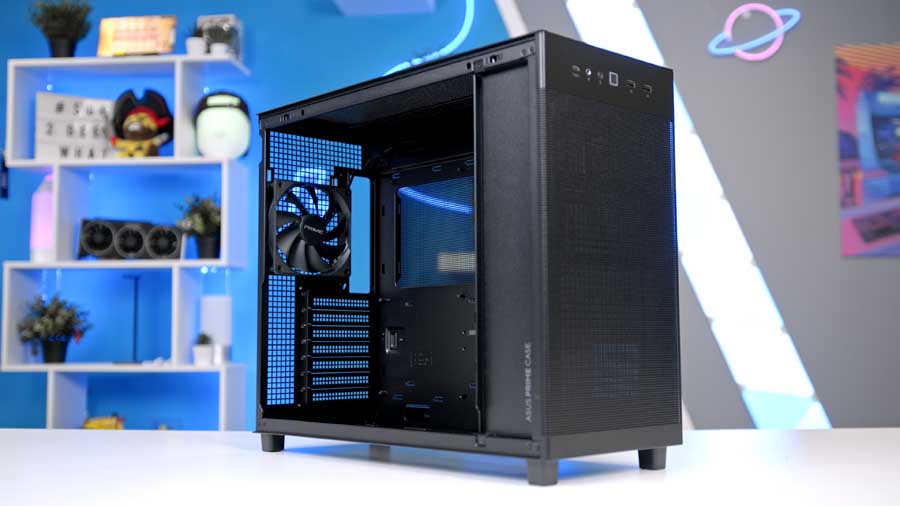
The model we have is the tempered glass panel variant where the side panel acts as a window into your build. It's for the PC builders who want a mostly sensible externally presenting chassis with some room to shake it up a little internally, so that the builder can install components that could visually indicate the key monitoring statistics. The front panel employ's ASUS' Quasi-Filter Mesh Panels, which are designed to enhance airflow and minimise dust ingress, delivering both performance and protection in a sleek style. The mesh variant swaps the glass for the same airflow-friendly panel used on the front. Both side panels are toolless for easy, hassle-free removal, making future upgrades less painful.
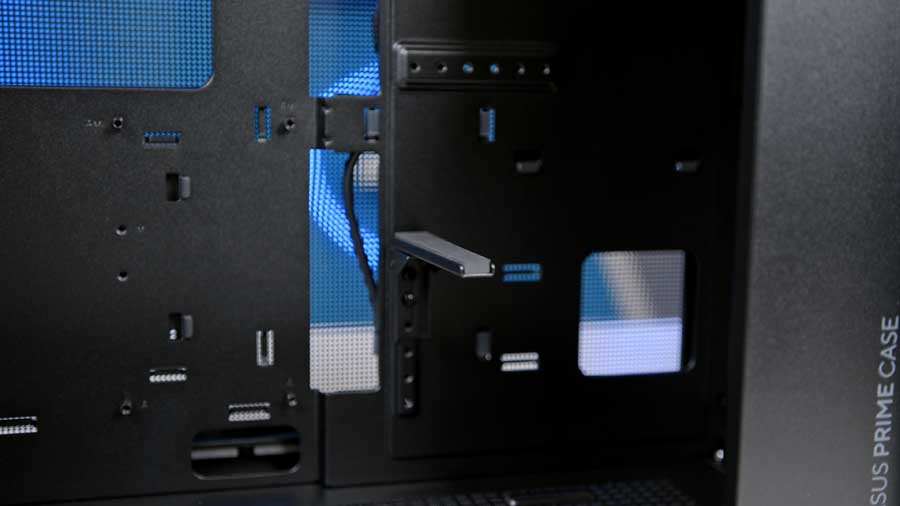
As mentioned, this case mounts the PSU on the front panel, which means that connecting the PSU to an outlet would be quite difficult if it were not for ASUS, including a PSU extension cable to accommodate the atypical PSU mounting location. The cable is a UL-certified power cable that delivers 15 amps to ensure stable operation; when paired with the integrated structural graphics card bracket and the maximum 360mm GPU length, you can build a high-end PC with powerful GPUs such as the ASUS ROG Astral GeForce RTX 5090.
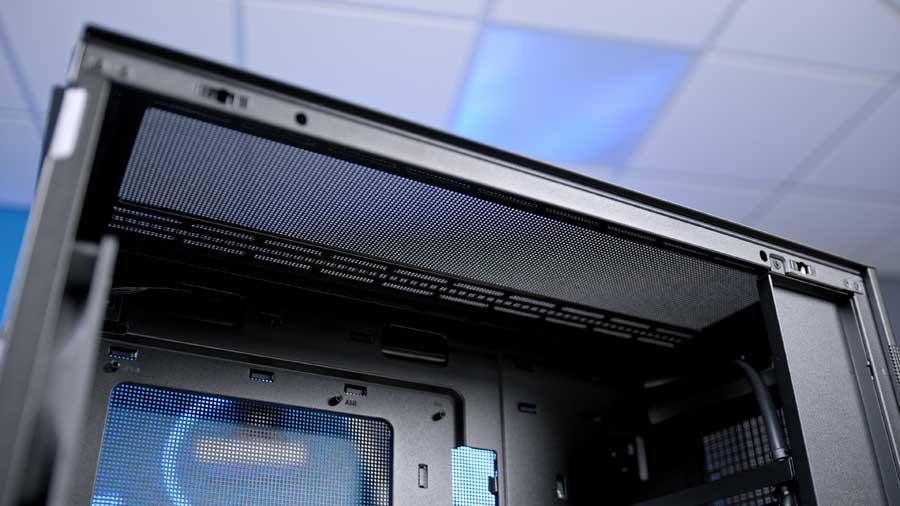
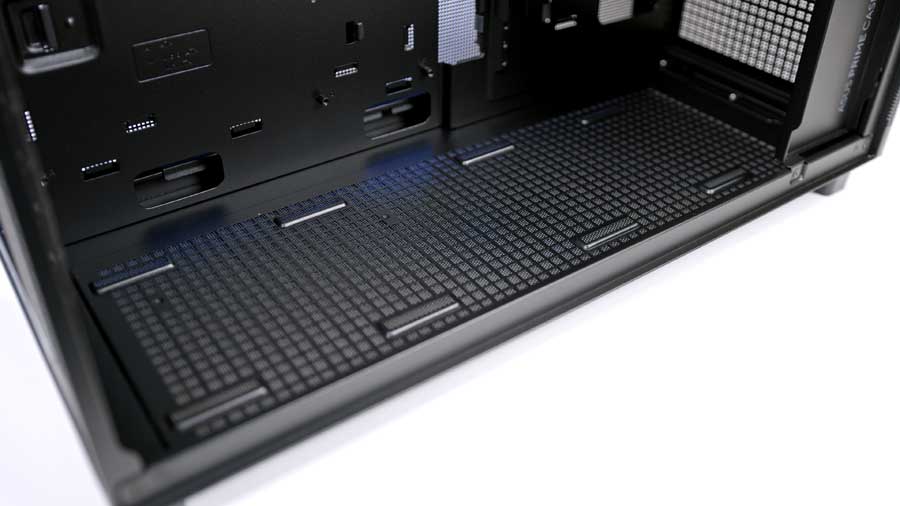
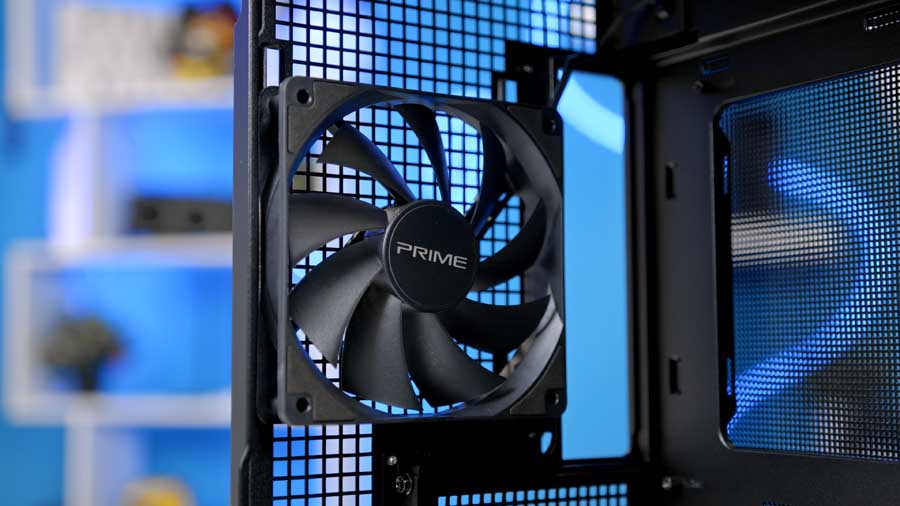
ASUS assumes you'll configure the bottom fans as intake, so the bottom panel includes a dust filter to protect your components. However, this case has a single exhaust fan at the rear, so to make the most of its features, you will need to source additional fans. We would recommend at least 4 fans in this case if you choose an air cooler for CPU cooling. If you opt for a radiator, your cooling potential will be even better.
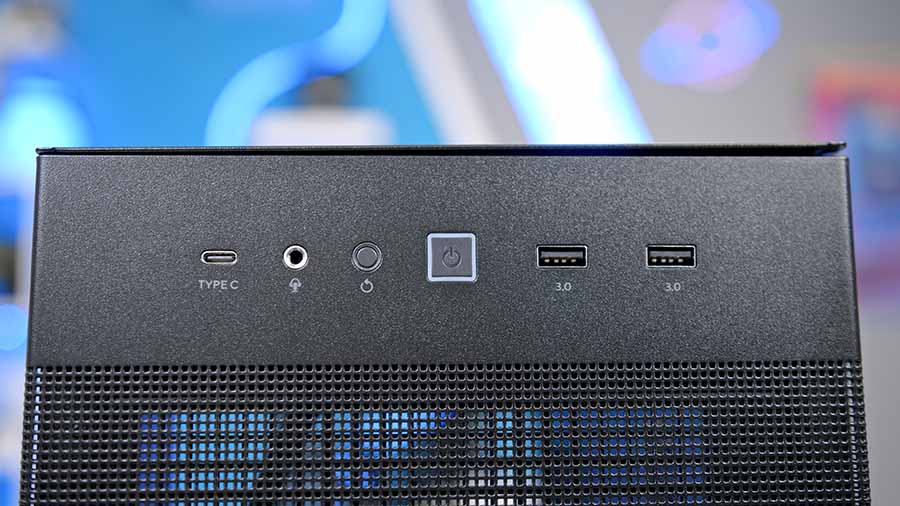
Front IO is mounted horizontally on the front panel; this makes access easy, but it could also heavily interfere with an intentionally sleek-and-minimalist setup, leaving you with unsightly dangling cables and choosing ease and speed over appearance and accessibility. The front IO includes one 20Gbps Type-C port and two USB 3.0 ports for future-ready and backwards-compatible connectivity.
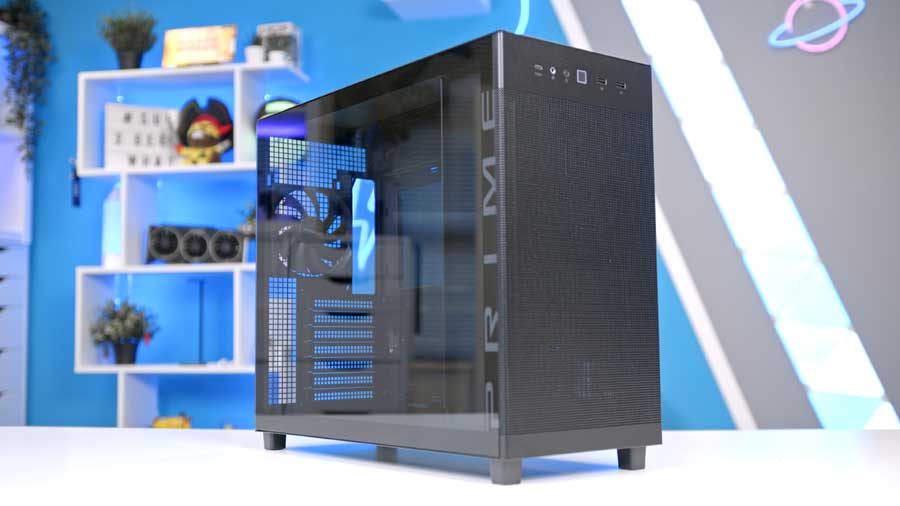
Overall, the ASUS Prime AP303 black tempered glass panel variant offers an elegant appearance with its rich, achromatic black colour. Its rounded edges and matte finish diffuse harsh light, creating a soft glow where it shines on the case. On the glass panel, the word 'PRIME' scrolls across the space where the front and side panels meet, adding subtle branding to the chassis.
Features We Like
Toolless Panels
Toolless side panels allow convenient, quick component upgrades or swaps without the headache of unscrewing unnecessary screws.
Spacious and Compact
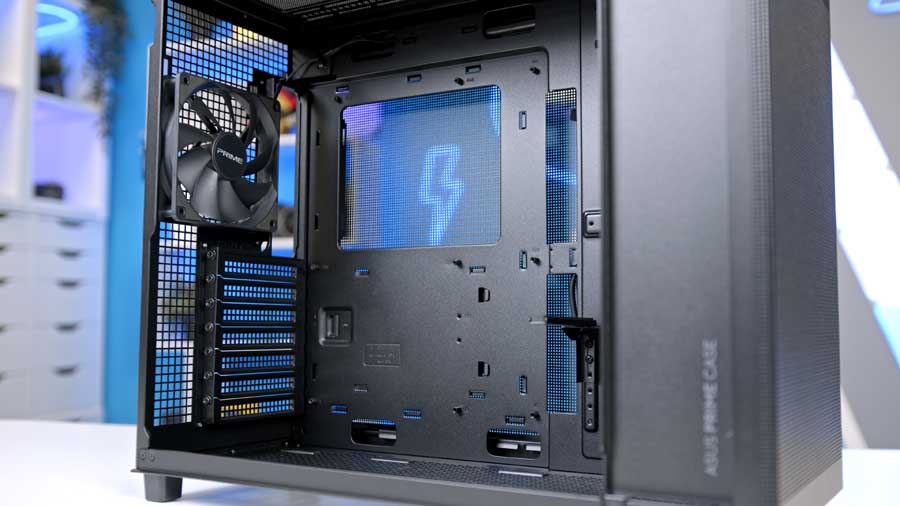
This case offers some strong points when it comes to clearances, such as the maximum GPU length, cable management space, and a 44-litre capacity, to name a few. We love that it is a compact ATX chassis that also feels spacious when building in. It also just offers that extra piece of mind when it comes to airflow.
GPU Support
It's worth noting that supporting the beefy ASUS ROG Astral GeForce RTX 5090 graphics card is an incredible feat in any 'compact' case. This means that you can have so much confidence that bigger graphics cards will fit - we will always recommend double-checking the specs before you make the final decision, however.
Features We Don't Like
Lack of Fan Mounting Options
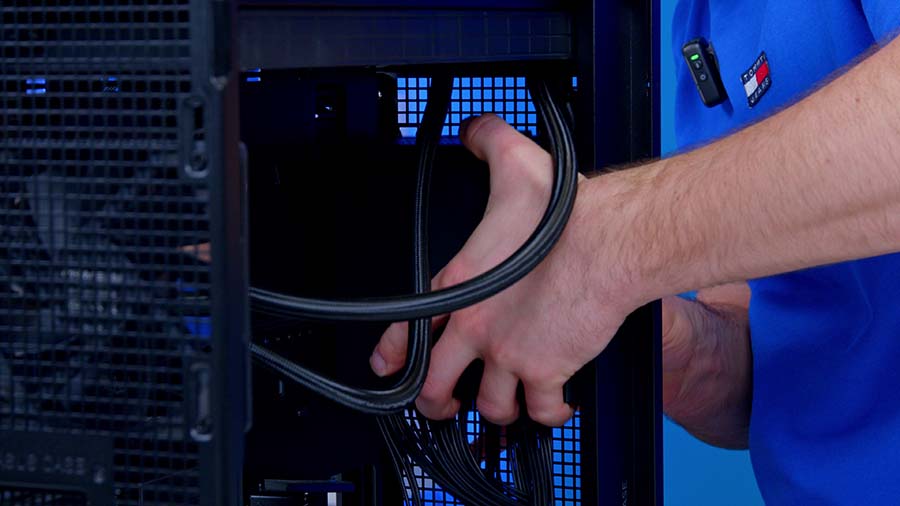
With the PSU being mounted on the front panel, you lose the option to mount three 120mm fans for intake. Other sources have stated that you can mount one 120mm fan, but ASUS itself has not clarified this. Should you choose the tempered glass model, you will further reduce the surface area through which cooler air can pass and be delivered to the components. If you want to build a high-end system, be aware of these factors and choose high-performance fans to keep temperatures within a manageable range.
Conclusion
Overall Score
3.9 / 5
A compact, dependable ATX case with strong GPU support and a deliberately understated design.
ASUS Prime AP303 Case Review Verdict
The ASUS Prime AP303 is a solid, dependable chassis that knows exactly what it wants to be. It does not try to reinvent the wheel with flashy aesthetics or gamer flair; instead, it focuses on being a functional, compact, and minimalist housing for your components.
While the design might feel a bit bland or uninviting to those seeking a showpiece, its understated nature is precisely what makes it a strong choice for professional environments or clean, non-RGB setups. The clever decision to mount the PSU at the front keeps the case remarkably small for an ATX-compatible mid-tower, proving you do not need a massive footprint to house high-end hardware.
If you are looking for a straightforward, easy-to-build-in case that fits into tight spaces without sacrificing the ability to host a powerhouse GPU like the RTX 5090, the AP303 is a practical and competitively priced choice.
Features
4.5 / 5
Design
3.0 / 5
Performance
4.0 / 5
Value For Money
4.0 / 5
Pros
- Compact case profile
- Great GPU support
- Competitively priced
Cons
- Unexciting overall design
- PSU installation is slightly fiddly


![FI_[SR190] HYTE X50 Ryzen 5 9600X & MSI RTX 5070 Ti](https://geekawhat.com/wp-content/uploads/2026/01/FI_SR190-HYTE-X50-Ryzen-5-9600X-MSI-RTX-5070-Ti-551x431.jpg)