![FI_[DM88] 16GB DDR5 9060 XT Build Gallery](https://geekawhat.com/wp-content/uploads/2026/02/FI_DM88-16GB-DDR5-9060-XT-Build-Gallery.jpg)
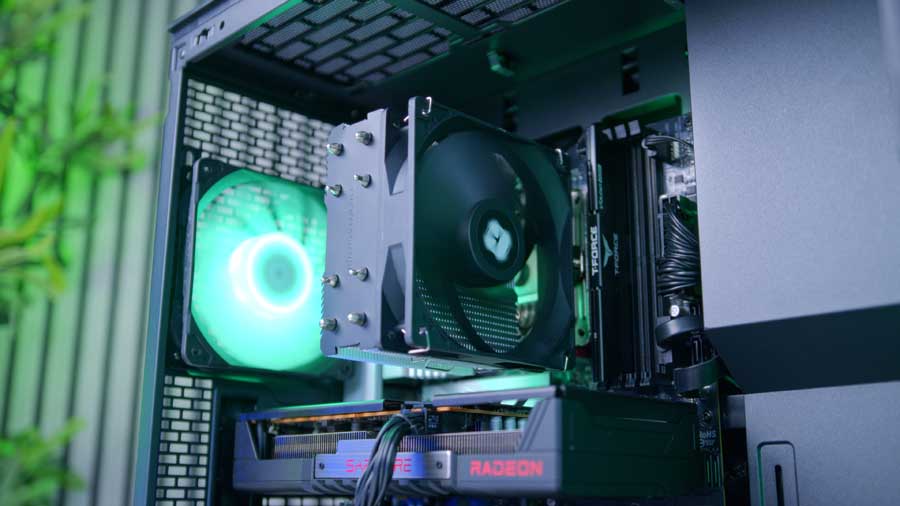
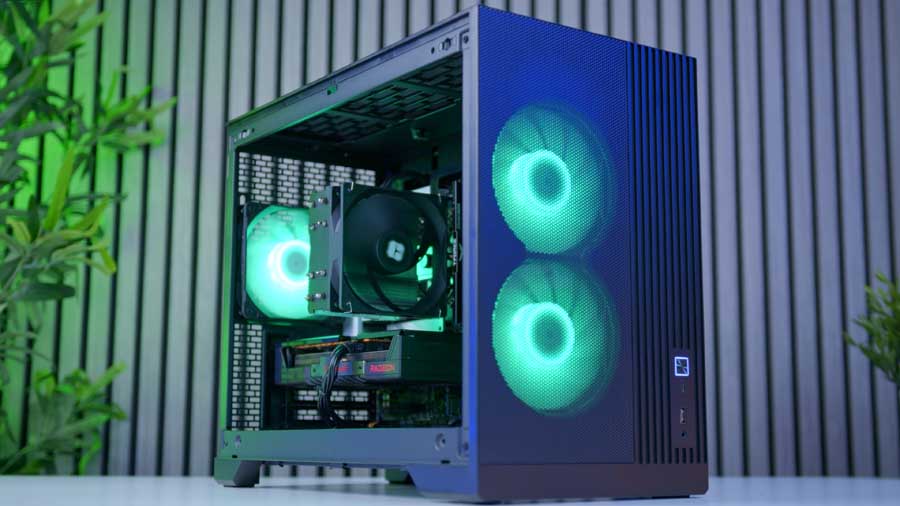
Sometimes we just don’t have the space for a mid-tower chassis in our gaming setups, but this shouldn’t hinder you from treating yourself to a gaming PC, should it? That’s why we’ve put together a rig that’s both small in size and capable of performing well at 1080p and even 1440p in some games.
The main focus of this rig is the AMD Ryzen 5 7600X, the RX 9060 XT 8GB, and 16GB of DDR5 RAM, to show that you don’t have to invest massive amounts to build a 1440p-capable PC.
In this article, we’ll walk you through our recipe for this very PC, including a small descriptionof each part to let you know what you’re getting into, as well as performance benchmarks and a video from the GeekaWhat YouTube Channel for you to follow along with
Parts Overview
AMD Ryzen 5 7600X
Skip to Section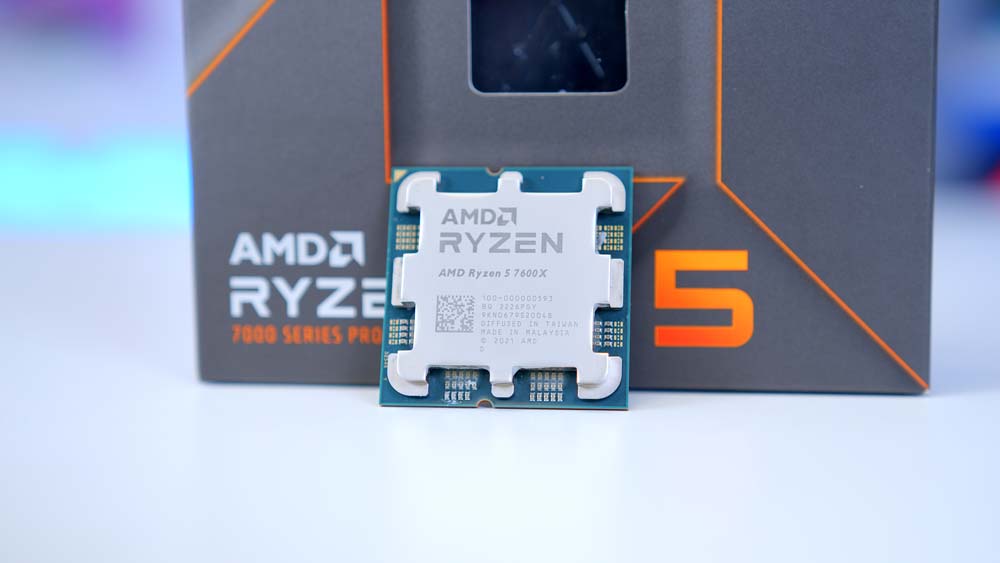
The AMD Ryzen 5 7600X is a value-focused Zen 4 gaming CPU with 6 cores and 12 threads. It handles 1080p and 1440p gaming well while keeping total platform cost down.
Thermalright ASSASSIN X 120 REFINED SE
Skip to Section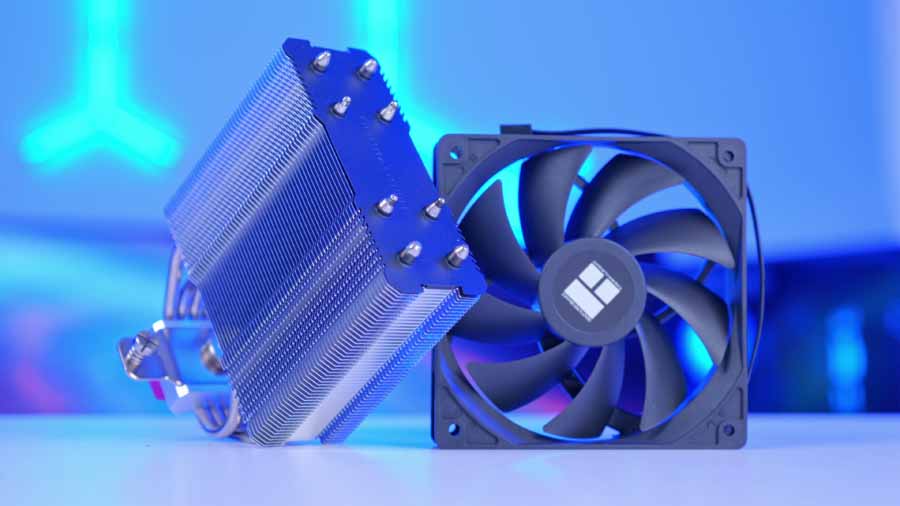
A proven single-tower air cooler with strong value. Its compact design keeps good RAM clearance and is a great thermal match for the 105W Ryzen 5 7600X.
ASRock B850M Pro RS WiFi
Skip to Section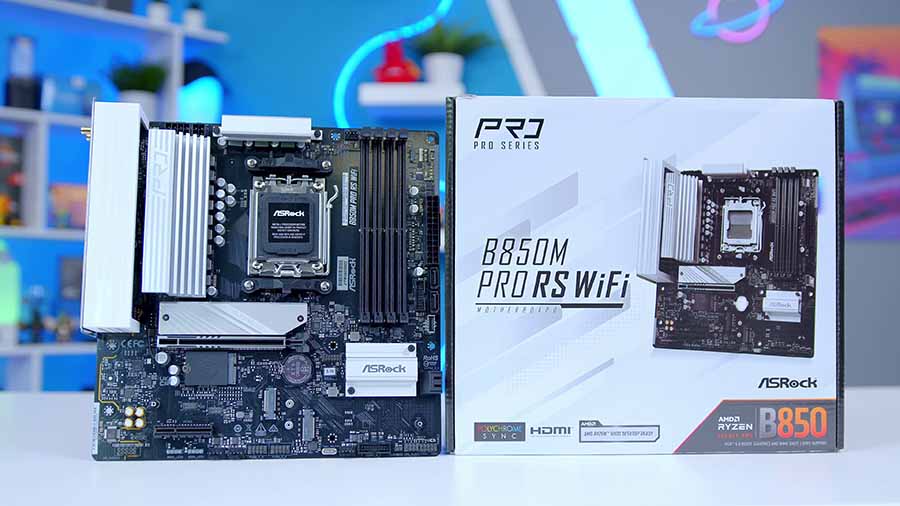
This board gives a balanced feature set for modern Ryzen builds with strong power delivery and connectivity. It is ideal for PCIe 5.0-ready systems without moving to top-tier chipset pricing.
TeamGroup T-Force Vulcan 16GB
Skip to Section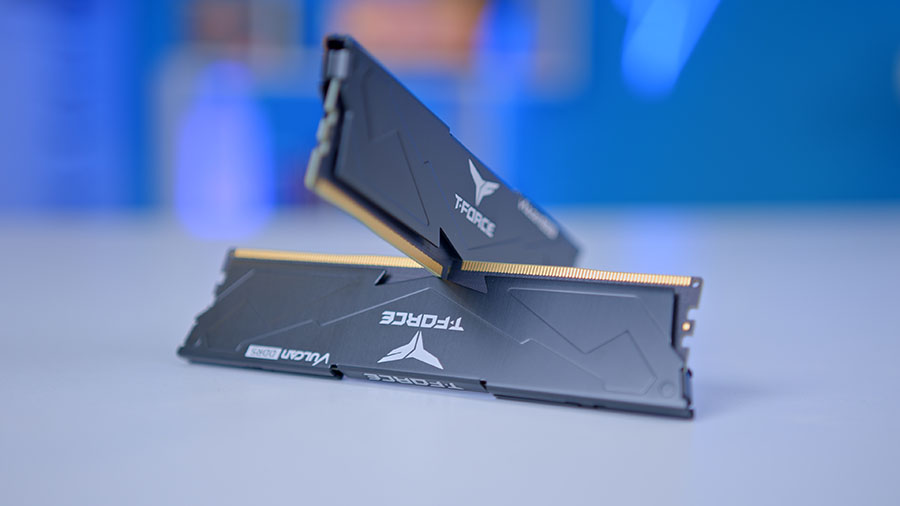
For this budget-focused build, a 16GB kit keeps pricing down while still offering solid gaming performance. You can upgrade to 32GB later if you need more multitasking headroom.
TeamGroup MP44L 2TB
Skip to Section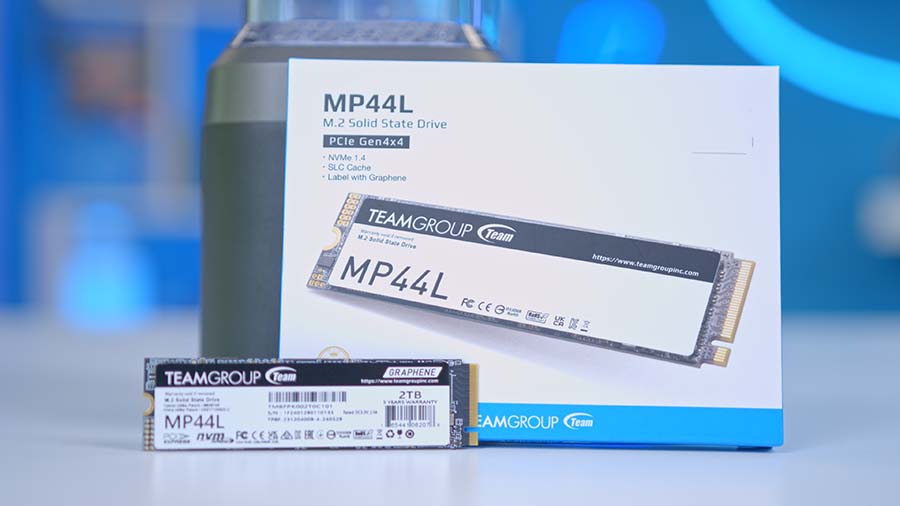
The TeamGroup MP44L is a cost-effective Gen4 SSD choice. The 2TB model gives plenty of space for modern game installs while still offering strong everyday responsiveness.
Sapphire Pulse RX 9060 XT 8GB
Skip to Section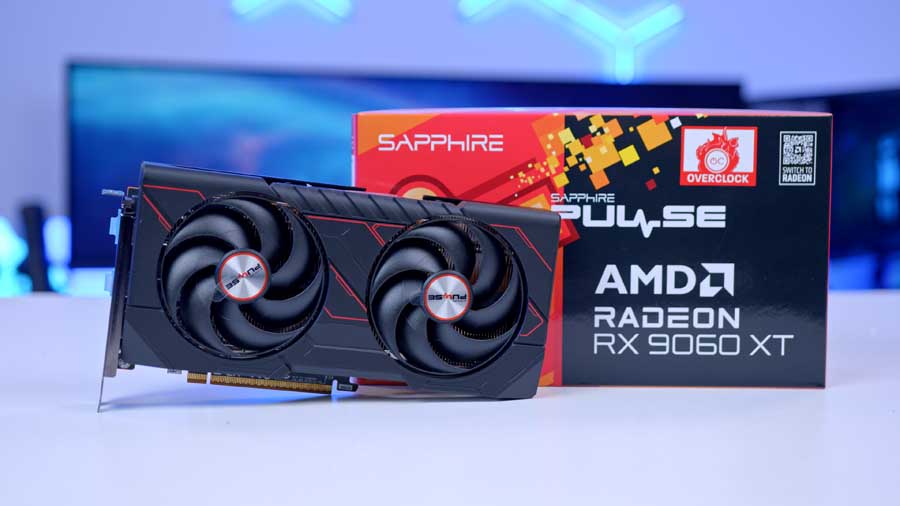
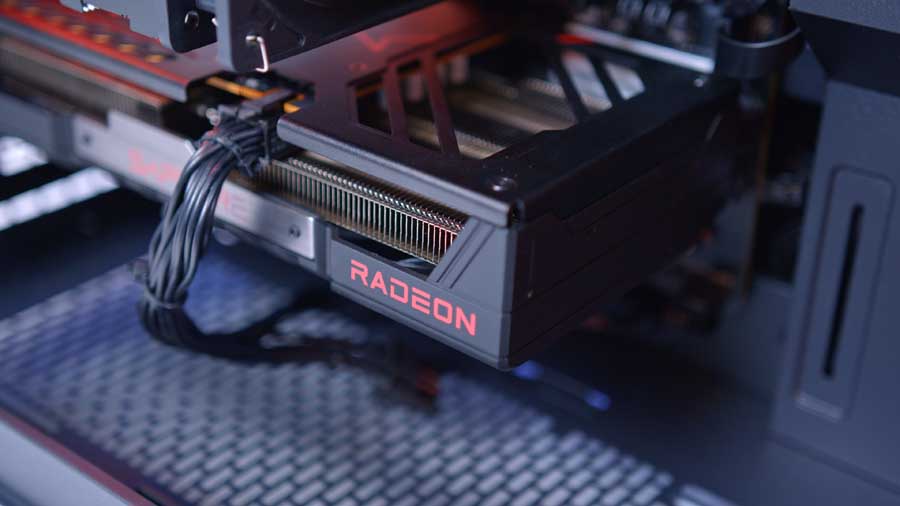
The Sapphire Pulse RX 9060 XT 8GB is the performance centerpiece of this build, offering strong 1080p and light 1440p results at a more accessible price point.
Phanteks XT M3
Skip to Section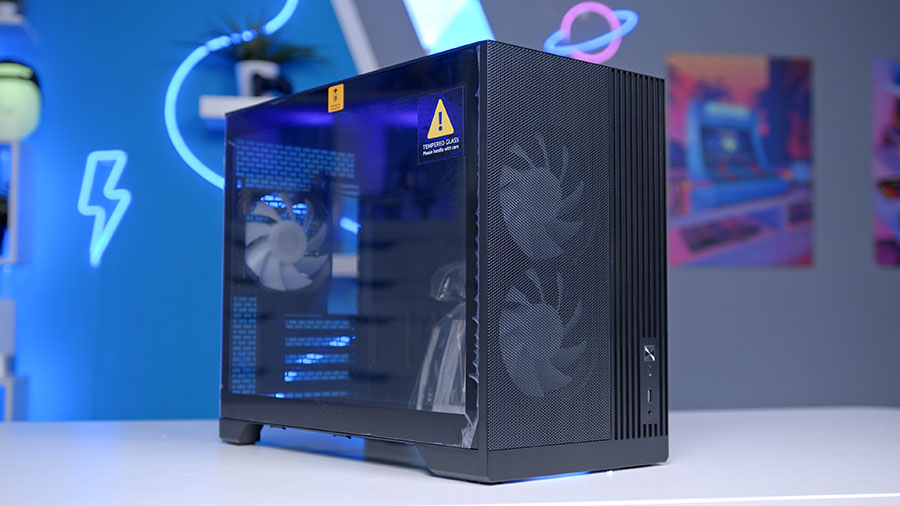
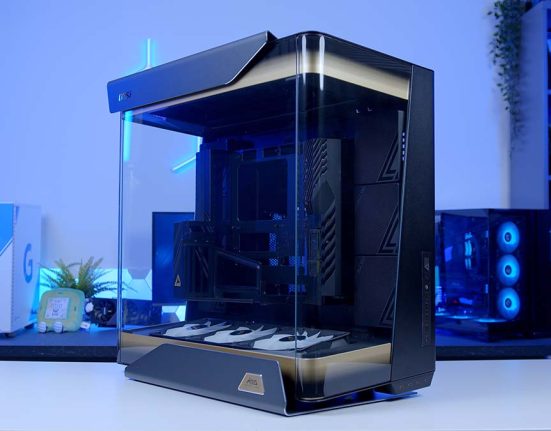
The Phanteks XT M3 is a compact Micro-ATX case with strong airflow focus. It supports this build well while keeping total footprint down for smaller setups.
MSI MAG A650BN V1
Skip to Section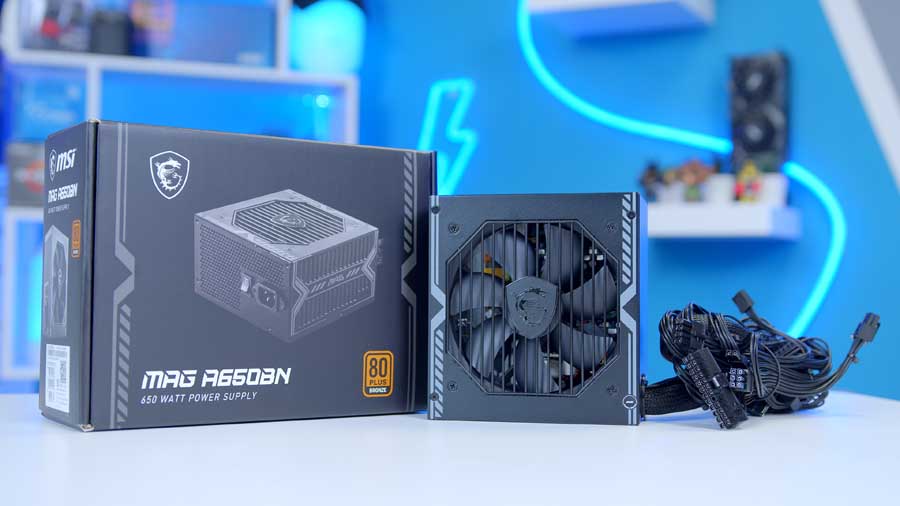
The MSI MAG A650BN is an affordable 650W PSU that comfortably powers this build and leaves practical upgrade headroom for future component changes.
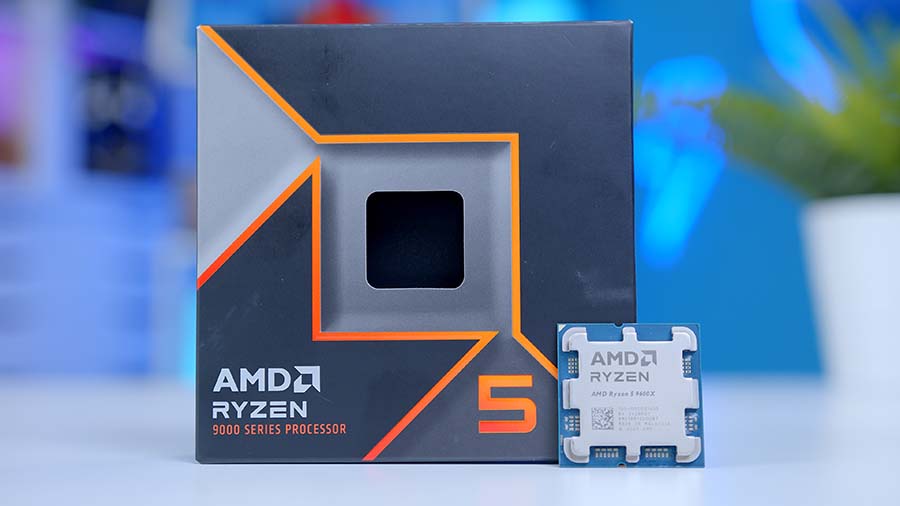
AMD Ryzen 5 7600X

The AMD Ryzen 5 7600X uses the previous-generation Zen4 architecture, which was integrated into the 7000 series. It’s positioned as a brilliant mid-range CPU that delivers robust performance at a lower cost. The 7600X utilises six CPU cores and twelve threads, making it great for gaming, but it might struggle a little with multitasking. The processor should also handle light-to-medium creative content workloads, such as video editing. Lastly, the 7600X equips a base clock speed of 4.7GHz and a boost clock of up to 5.3GHz – putting this CPU in the higher performance threshold, despite being a budget-level CPU.
Alternative CPU Choice
AMD Ryzen 5 9600X
If you want stronger CPU headroom while keeping this build in a sensible price bracket, the Ryzen 5 9600X is a great AM5 upgrade path.
Thermalright ASSASSIN X 120 REFINED SE

This is a cooler that receives a lot of love from the PC building community, and it’s due to its sheer brute performance as a single-tower air CPU cooler; what’s great is that because of its compact silhouette it leaves plenty of clearance for RAM DIMMS, allowing you to buy the flashy types and show them off to their fullest beauty without the worry of visual obstruction that some other air coolers cause. Thanks to the 105W power demand of the AMD Ryzen 5 7600X, we don’t need to take overly extensive measures to keep the processor cool, making this affordable cooler a great match.
The graph shows 240mm AIOs with air CPU coolers, and All-In-One coolers will almost always outperform air coolers. So whilst the cooler appears to perform badly in comparison, it’s important to bear in mind this context, but also consider the price-to-performance delivered by the Thermalright ASSASSIN X 120 REFINED SE.
Suggested Article: Best Air CPU Coolers to Buy in 2026!
ASRock B850M Pro RS Wifi

This stylish motherboard looks modern and futuristic and is equipped with attractive specifications. The Race Sport (RS) Edition is the evolution of the most popular PRO series motherboard. It supports the AM5 socket that our CPU uses and can accommodate up to the AMD Ryzen 9000 series processors. It can support up to 192GB of DDR5 RAM and has the potential to support RAM frequencies of up to 8000 MT/s with overclocking for dual-channel configurations like this build. The ASRock B850M PRO RS WIFI is a budget-friendly motherboard that offers some future-ready features, and we love that!
Motherboard Specifications
-
Model
ASRock B850M Pro RS WiFi
-
Chipset / Socket
AMD B850 / AM5
-
Form Factor
Micro-ATX
-
CPU Support
AMD Ryzen 9000 / 8000 / 7000 Series
-
Memory Support
4 x DDR5 DIMM, up to 256GB, up to 8000+ (OC)
-
VRM Design
8+2+1 phases
-
Graphics Card Compatibility
1 x PCIe 5.0 x16 slot (full-length GPU slot)
-
Expansion Card Compatibility
1 x PCIe 4.0 x4 (full-length, x4 electrical) + 2 x PCIe 3.0 x1 slots
-
M.2 Compatibility
3 x M.2 sockets: 1 x PCIe 5.0 x4, 2 x PCIe 4.0 x4
-
SATA Storage
4 x SATA 6Gb/s ports
-
Networking
2.5 Gigabit LAN + WiFi 6E
-
Rear I/O
DP, HDMI, 1 x USB-C 3.2 Gen1, 1 x USB 3.2 Gen2 Type-A, 2 x USB 3.2 Gen1 Type-A, 4 x USB 2.0 Type-A, PS/2, RJ-45, 3 x audio jacks
-
Front I/O Headers
1 x USB-C 3.2 Gen1 header, 1 x USB 3.2 Gen1 header, 2 x USB 2.0 headers
-
Audio
Realtek ALC897 Codec
It supports PCIe 5.0 across both M.2 slots and the graphics card slot, and offers a wide range of USB ports on the rear IO panel, including Type-C support for internal I/O. It’s genuinely an amazing value Micro-ATX motherboard at a brilliant price.
TeamGroup T-Force Vulcan 16GB

In this build, we are trying to keep pricing as affordable as possible, so for the time being, we recommend purchasing whichever RAM you can afford. Typically, we recommend a matching kit of 32GB of DDR5 RAM at 6000MT/s speed and a CAS Latency of at most CL36 to target the absolute sweet spot for gaming. However, we are aware that this is not always achievable at this current moment. We’ve chosen the TeamGroup T-Force Vulcan 16GB kit, which consists of two 8GB sticks. Whilst we typically recommend 32GB, we recently conducted a study showing that having 16GB doesn’t significantly impair performance.
Suggested Article: Is 32GB of DDR5 RAM Necessary?
TeamGroup MP44L

For this build, we recommend the TeamGroup MP44L in 2TB capacity, as it is the standard for modern gaming builds, given the sheer size of some video games these days. There’s nothing more frustrating than choosing which game to uninstall just to install another, so why not leave less room for that? Especially considering that the MP44L can deliver impressive performance with sequential read and write speeds of up to 5000 MB/s in sequential reads and 4000 MB/s, respectively. In our testing, the 1TB drive slightly exceeded the advertised metrics, leaving a good impression. It’s a budget‑friendly Gen4 SSD, making it a worthwhile consideration for a cost‑conscious build.
Sapphire Pulse RX 9060 XT 8GB
The graphics card we’ve chosen is really the star of the show. The Sapphire RX 9060 XT is powered by AMD’s latest RDNA 4 architecture. This GPU comes with 8GB of GDDR6 memory, which is more than enough to handle high settings at 1080p and even light 1440p gaming. In fact, reviews highlight that the RX 9060 XT delivers one of the most significant generational performance leaps in AMD’s lineup, offering smooth frame rates across modern titles while keeping pricing firmly in the mid‑range bracket.

This makes it a powerful yet accessible choice, especially when paired with a last‑generation CPU to keep overall system costs down. If your target resolution is 1080p gaming over the next couple of years, the RX 9060 XT with 8GB of VRAM offers solid future‑proofing without breaking the bank. And if you’ve got a little extra budget, opting for the 16GB Sapphire RX 9060 XT variant ensures even stronger performance at 1440p, extending your system’s lifespan. Notably, despite its power, the Sapphire Pulse RX 9060 XT’s dimensions remain case‑friendly, so you won’t need to worry about compatibility issues when installing it in the Phanteks XT M3.
Phanteks XT M3

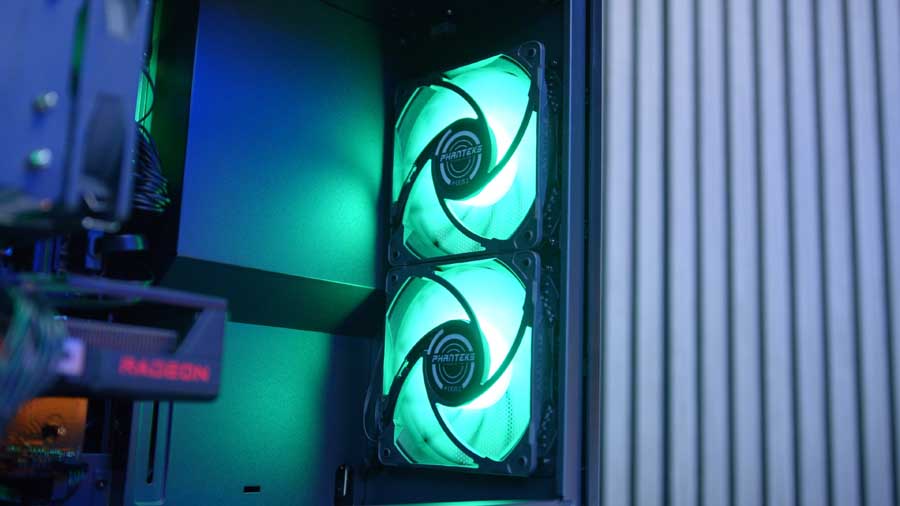
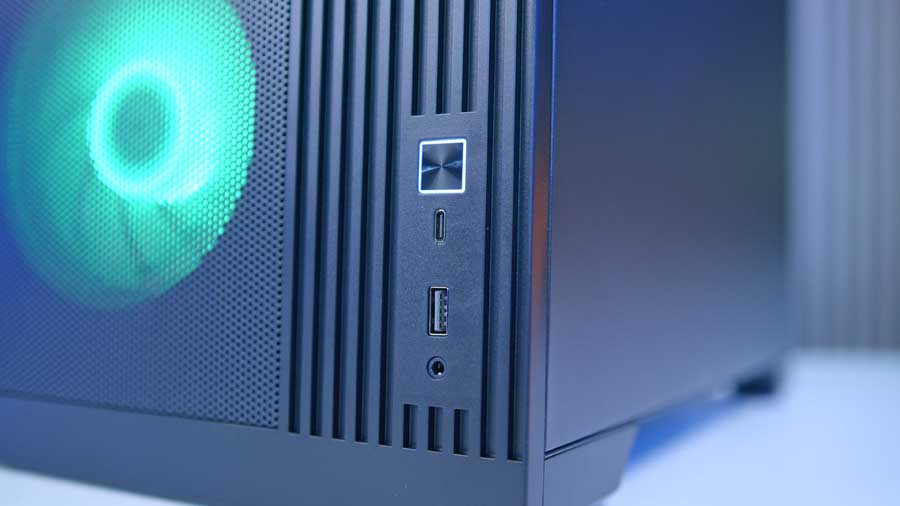
Phanteks’ XT M3 case is a compact Micro-ATX chassis with a minimalistic design that intends to maximise cooling. Interestingly, this case supports a 360mm radiator if our air cooler recommendation doesn’t cut it for you, which is quite rare for cases this small. It’s likely thanks to the 460mm length, 235mm width, and 370mm height that the M3 packs, though. The XT M3 features two high-speed USB ports on the right-hand side of the front panel. Whilst there aren’t many, the case is designed to be minimalist, so this spec aligns with the rest of the case.
Case Specifications
-
Model
Phanteks XT M3
-
Form Factor
Compact Micro-ATX Tower
-
Motherboard Support
Micro-ATX | Mini-ITX
-
Case Dimensions (L x W x H)
460 x 235 x 370 mm
-
Front IO
1 x USB 3.2 Gen2 Type-C1 x USB 3.0 Type-A1 x 3.5mm Combo Jack -
PCI-E Slots
4
-
Colour
Black | White
-
Max Clearance
175mm Cooler Height430mm GPU Length150mm PSU Length -
Drive Support
Up to 2 x 2.5 inchUp to 1 x 3.5 inch -
Fan Support
Front:2 x 120mmTop:3 x 120mmBottom:3 x 120mmSide:No supportRear:1 x 120mm -
Radiator Support
Front:No supportTop:Up to 360mmRear:No supportSide:No support -
Pre-Installed Fans
Linked model includes fans; fanless variant also available
It’s worth noting that the chassis doesn’t have enough room for GPUs at their typical size if you want to mount two fans on the front as intake (which you most likely will), which is why we chose the Sapphire Pulse RX 9060 XT in a smaller form factor; it’s best to ensure that fans are set up in a similar configuration so the that internal pressure is correct for cooling the PC appropriately. The PSU size limit is 150mm, and the maximum height of a cooler is 175mm. Available in black or white, this case is one worth picking up for its great airflow and customisations to your personal preferences.
MSI MAG A650BN V1

When choosing a power supply for this rig, we have two major factors to consider: the dimensions to fit the inside case and the power delivery to feed the GPU. The RX 9060 XT 8GB’s minimum total power requirement is 450W – choosing this MSI MAG A650BN leaves some 200W of headroom for future upgrades. For example, when RAM becomes more affordable, or if you’d like to increase your resolution, you could upgrade your GPU. It’s a “spend more to save more” scenario, and that’s always something we can get behind!
The MAG A650BN provides players with a safe, reliable, and efficient entry-level power supply option. It’s not modular, unfortunately, leaving you with a bit of extra cable management to deal with after the fact, but it is a bargain power supply with 80 PLUS Bronze certification and 100% Japanese capacitors for solid stability and performance.
Gallery
Performance
As this system is built to deliver strong performance at both 1080p and 1440p, we tested it across a range of modern, popular titles to see how well it holds up. Starting with Cyberpunk 2077, the game delivers a surprisingly fluid experience at 1080p, averaging 116.6 FPS. General gameplay feels smooth, though dips to 12.2 FPS at 0.1% reveal that occasional heavy stutters can occur during dense city scenes or fast traversal. At 1440p, the average framerate settles at 84.7 FPS, and overall consistency improves. The 1% and 0.1% lows rise noticeably compared to 1080p, making the game feel steadier, even if the peak framerate is lower. For players who prefer visual fidelity, 1440p is a very comfortable middle ground. Arc Raiders also performs impressively at 1080p, averaging 119.2 FPS. The lows remain strong enough to keep the action feeling fluid even during chaotic combat sequences, making it a great showcase of what this system can do in fast‑paced environments.
Marvel Rivals is a lighter title overall, and the system handles it with ease. At 1080p, it maintains an average of 109.3 FPS with excellent stability during ability‑heavy team fights. Even at 1440p, the game remains very playable, averaging 85 FPS, with only 0.1% lows dipping enough to be noticeable during the most intense moments. Fortnite was tested in competitive settings at 1080p; it absolutely flies on this hardware. With an average of 191.8 FPS, players can take full advantage of high‑refresh‑rate monitors. Even the lows remain comfortably high, ensuring smooth building, editing, and rapid engagements throughout every match.